I’m having a hard time understanding how yield works inside coroutines.
I’m using a coroutine to start a series of animators in a certain sequence.
When I use waitForSeconds in between animator.play commands, this works as I would expect… however, when I want to wait when an animator has finished, and then execute the next command, it does not work.
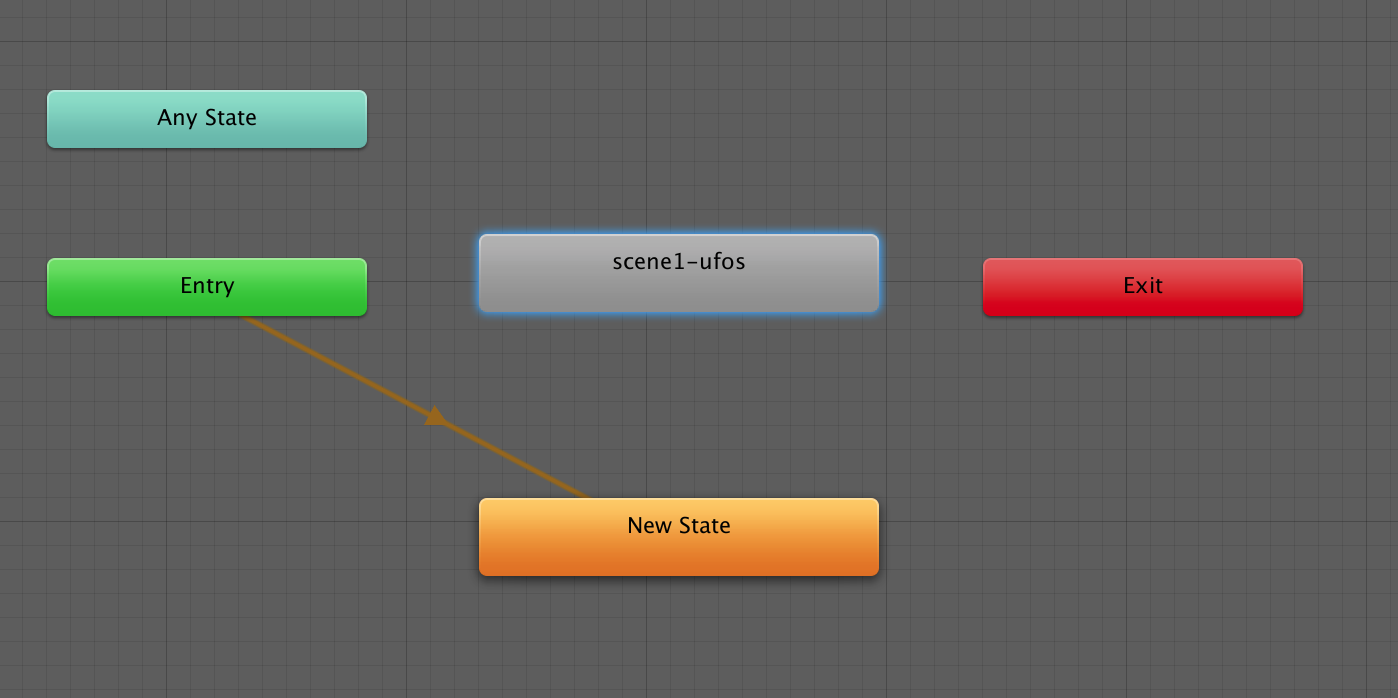
In my example below, the last command (loadScene2) should only be fired after the animator (scene1-ufos) has finished, but instead it is fired at the same time as my last animator.play command.
What am I doing wrong here ?
    IEnumerator startMikeAnimation()
    {
        animatorMikeDigging.Play("scene1-mikefadein");
        animatorMikeDirt.Play("scene1-mikedirt");
        yield return new WaitForSeconds(5);
        animatorVondsten.Play("scene1-vondsten");
        yield return new WaitForSeconds(5);
        animatorUfos.Play("scene1-ufos");


        while (animatorUfos.GetCurrentAnimatorStateInfo(0).normalizedTime < 1.0f)
        {
            yield return null;
        }

        StartCoroutine(loadScene2());
    }
Hi Swanne, in the end it was a really noob error on my end. I was keeping in using the "EventSystem.current.SetSelectedGameObject(button);" inside the for loop that was adding the answer to the canvas, instead of outside the loop -_-. Now it works properly. The issue with accessing the Color Tint transitions still remains, but in the end it was an error by me. Thanks!
– Serotonina