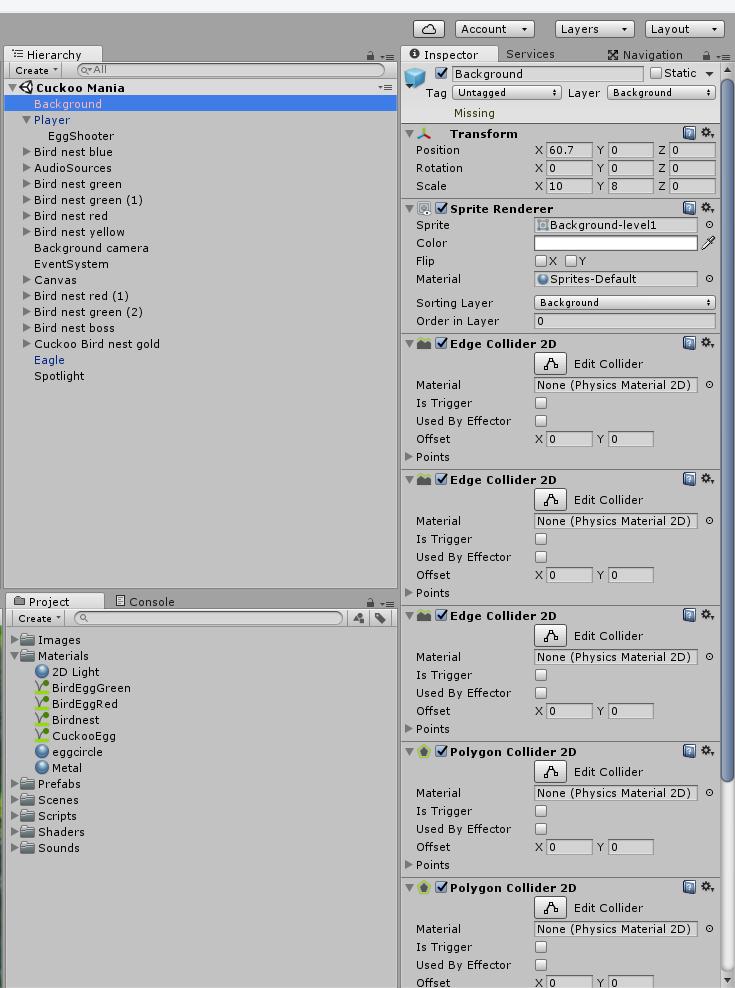
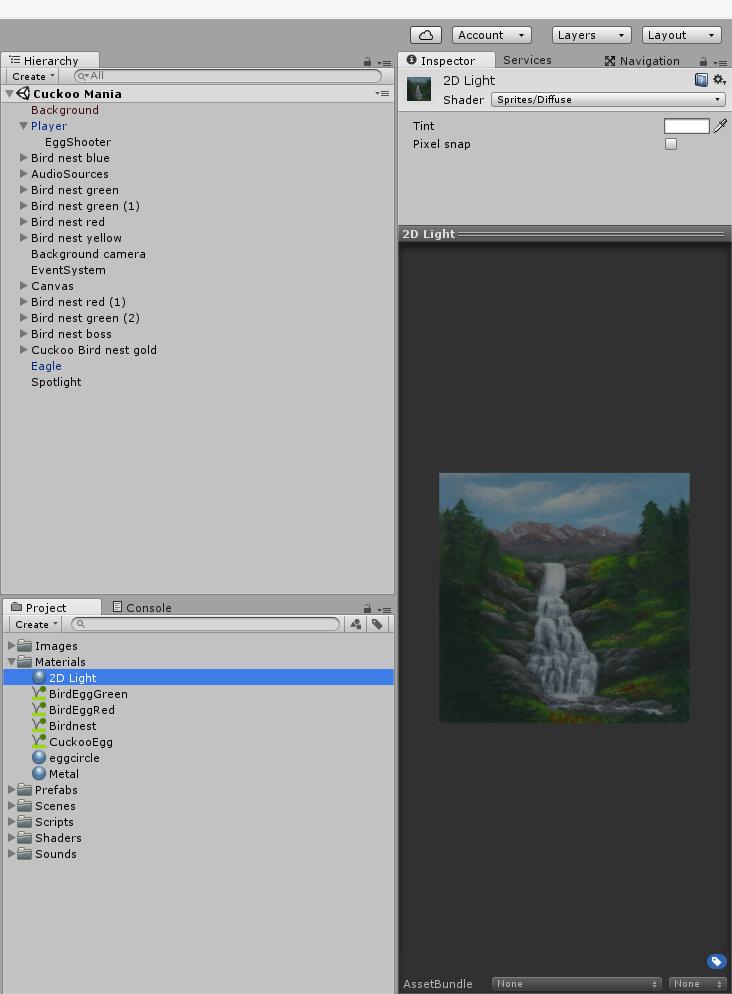
I’m making a 2D platform game that has a sprite as a background image.
Now I want to make this background image respond to Unity Lightning but I have some trouble with this.
I heard I make it respond to lightning by making a new material and then use the following shader for this material: sprites/diffuse. Then I apply this material to the background image sprite and change the material from ‘sprites-default’ to the new material.
But what happens then is that the whole image turns black. The sprite texture is not visible. I also tried to add the texture to the new material by using the legacy shader - bumped diffuse and then add the background image to this shader , but this doesn’t work either.
Does anybody know how I can have lighting effects on my 2D background image?
What am I doing wrong?
Sprites/Diffuse is correct. You could also use the Standard shader set to Cutout or Transparent. The sprite turns black because it is now working with the lighting system, and not being lit.
Make sure you have a light source between the camera and the sprite, and that the light field is overlapping the sprite. Keep in mind that lights in Unity are currently all 3D, so use the 3D scene view to set them up properly.
Ok thank you. I have tried this but somehow this doesn’t work. I use the correct shader and I have placed a spotlight between my camera and the background image sprite. The light field of the spotlight is overlapping the background sprite ( I can see this in the 3d view) and the intensity of the light is on the maximum value.
So everything should be fine but I still see a black sprite. By the way I use a new material for my sprite with the shader you named. Maybe this material is overlapping the texture of the background image? Should I attach my background image to this material?
Does anybody have another solution?
If you use Sprites/Diffuse, the texture used is from the SpriteRenderer’s Sprite field. So setup the sprite as you normally would, only with your new material assigned. Make sure the material and SpriteRenderer’s Tint is not black or alpha 0.
To give you a better understanding of materials, it is not something that can ‘overlap’ your sprite’s texture. Rather the material is the ‘filter’ so to speak of how the object will be displayed. So a black image means something is wrong with the material (built-in and proven to work, so that’s not the problem), or something is wrong with the inputs that the material is working with.
Would you show a screenshot of your object’s SpriteRenderer and Material setup?
Ok thanks. I have set the ‘background sprite’ z scale (in the transform menu) to 1 and now I can see the image when I apply the 2D light material!
So I think I can figure it out now. I don’t see the light of the spotlight that I use but I think I need to tweak that spotlight a bit.
Oh wait a minute changing the range seems to have an effect. The light is brighter now. It works!
But do you also know how I can make the light respond to my colliders? The lights now shine ‘trough’ the colliders.
I don’t believe you can use colliders to cast shadows automatically. Only mesh objects will cast shadows. One thing you can do to create shadows is create a 3D primitive in the shape of your collider, and using the settings on the MeshRenderer component, set “Cast Shadows” to “Shadows Only”.
Ok that is disappointing because I wanted to use light to let the player know where he can maneuver. Well I need to find another solution for that. But I’m very happy that the lightning is working now. I hope this topic will be useful for other people with the same problem.
No. A physics material defines how a physical object will react to collisions. You can create invisible shadow-casting objects using the method from my last reply.
The 3D primitives I described could be flat, like a Quad or a Plane, but it won’t matter as you will use them only for shadow casting, not visible shape. You could also create a mesh dynamically using the vertices from a collider, but that is much more complex.