Hello guys,
I’m currently working on my game’s UI, more specifically on the fonts (TextMeshPro UI) 
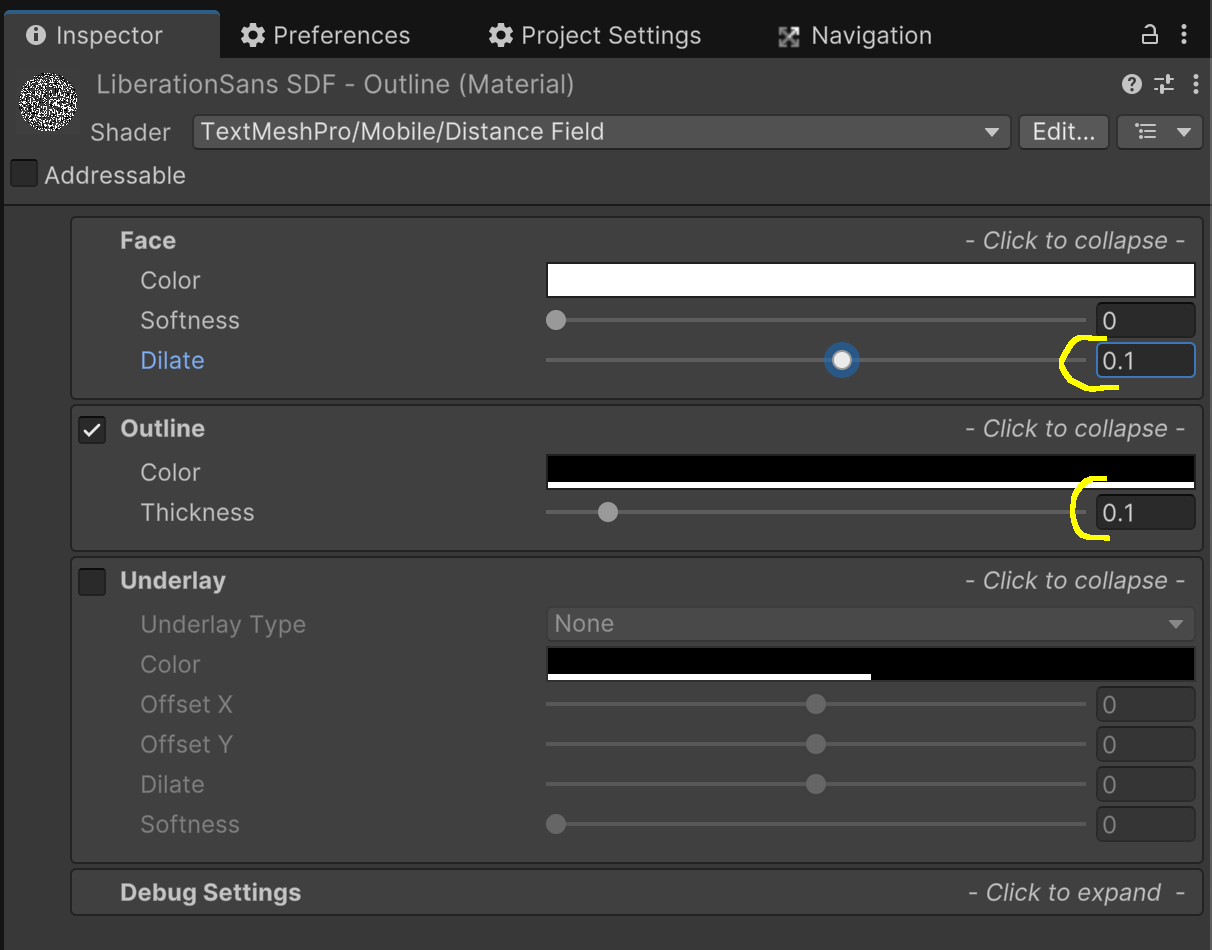
For my game, I need to add a black outline around the characters (example: white text with a black outline). To achieve this, I’ve explored several options.
There’s a “Outline” parameter in the Shader section of the Inspector, which can be adjusted, but the result is far from satisfying. In fact, when you increase the outline value, you’ll notice that the outline thickness grows inward into the character rather than outward. As a result, the main character shape becomes less visible, which negatively affects the overall look.
There’s also the option of creating a “custom shader”. From my research, I’ve understood that it’s possible to get a good result using this approach.
Problem: I have absolutely no skills when it comes to creating shaders… 
Since I feel stuck on this topic, I’m reaching out to ask for your insights and suggestions 
Thank you in advance for your replies!