leegod
1
My game’s size is 1280 * 768, so I set at player setting, this works well in standalone build, but does not work at WebPlayer build.
I don’t know why.
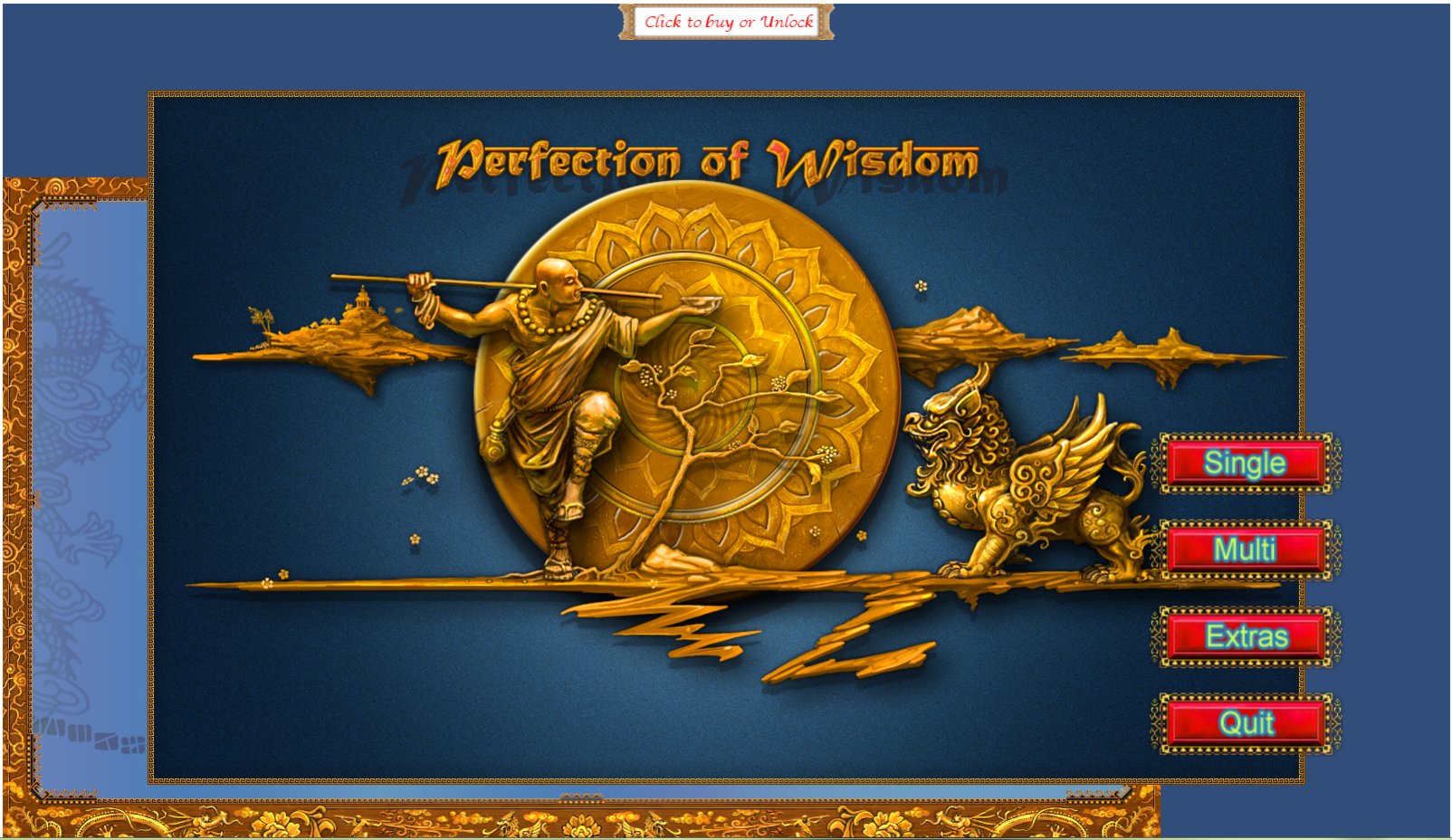
Its look like
Is this because of I using EZGUI for main menu sliding?
Or how to solve this?
I investigated WebPlayer.html , but can’t find why.
I am using unity 3.5.6f4
<Reply’s 900 * 600 example (actual size is 1130 * 755)>
leegod
2
for test, I installed newest unity(4.1.2), and make just 1 scene and attach one script(
function OnGUI(){
if(GUI.Button(Rect(Screen.width/2 - 100, 100, 200, 100), “Hello Test”)){
}
}
) to main camera, and set resolution of webplayer to 900 * 600, build, run, result is 1130 * 755 screen size. Why?
dkozar
3
WebPlayer applet size is determined by the settings “baked” into the HTML page.
You are in control of these settings by editing (or making your own) web player template.
If using Windows, you can find available web player templates in the following folder:
C:\Program Files (x86)\Unity\Editor\Data\Resources\WebPlayerTemplates
For instance, I made a 100x100% web player template having no margins and that is resizing the Unity applet when browser window is being resized.
leegod
4
Hi.
Thanks,
After seeing your phrase, ‘when browser window is being resized.’
I found why, I expanded browser’s size to 125%. That is reason. After I reset it to 100%, all become normal.