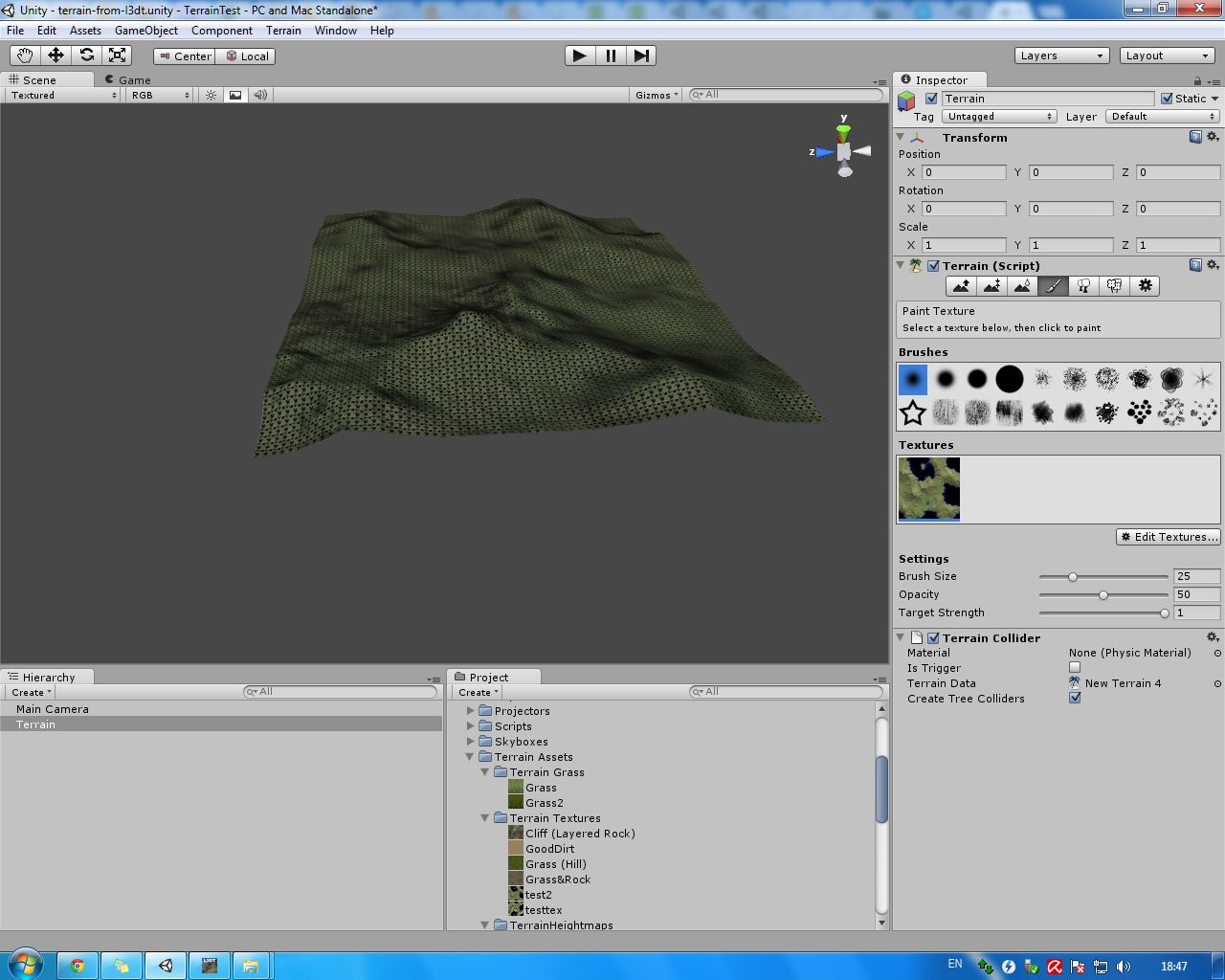
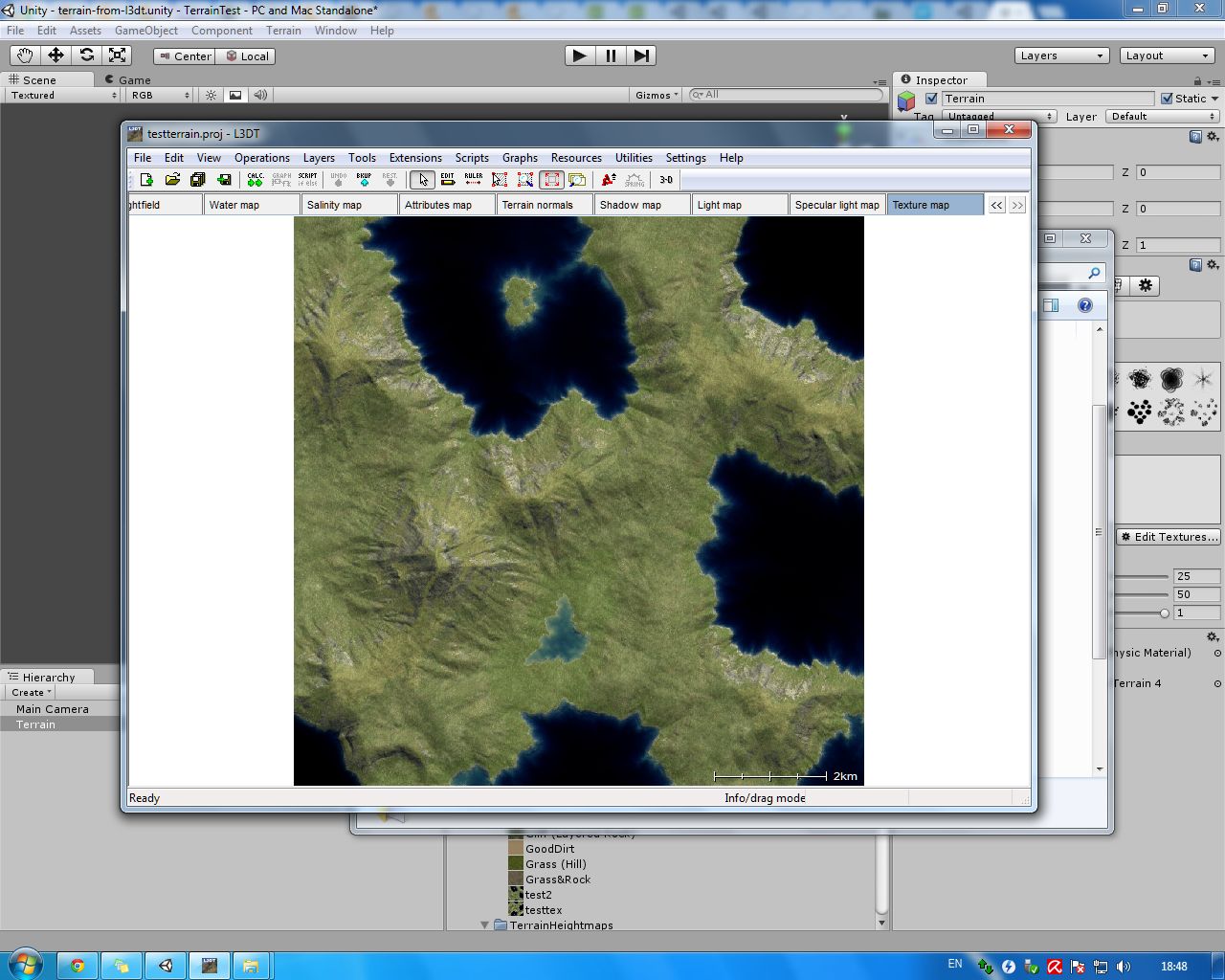
I’ve created a heightmap for terrain in L3DT, and successfully import it in Unity3D, but only a part of terrain is shown. It seems Unity somehow reads only one piece of my heightmap. I can’t understand how i can solve this. Can somebody help me, please?
I attach two files:
- How it looks in unity
- How it looks in L3DT
How big is the actual heightmap? Unity can only work with heightmaps that are a max of 4096x4096. Note that you can have multiple ones in the scene, though.
Also, you might try opening the heightmap from L3DT in an image editor, and make sure you are really getting the whole thing from L3DT.
It looks like the same heightmap in both images, so I’d say it’s importing correctly. If Unity did import only part of a raw file for any reason, the result would be an incoherent mess anyway, not a clean subsection.
–Eric
I think original heightmap is 2048x2048 px (Photoshop says so). May be it is in 8-bit format?
How can i have multiple heightmaps in one scene? It would really help me.
Just create more than one terrain, and import a different heightmap for each one.
But, looking at the Unity screenshot…I think Eric5h5 is right…is IS the same heightmap. Heightmaps don’t store color info, you have to handle that yourself. Also, the L3 heightmap shows a water level, you have to add a water plan in Unity.
So maybe you imported the heightmap successfully, you just need to add a water plane for starters.
It should be 2049x2049 if you want it to work properly.
Add more terrains.
–Eric
Thanks to all for your help!