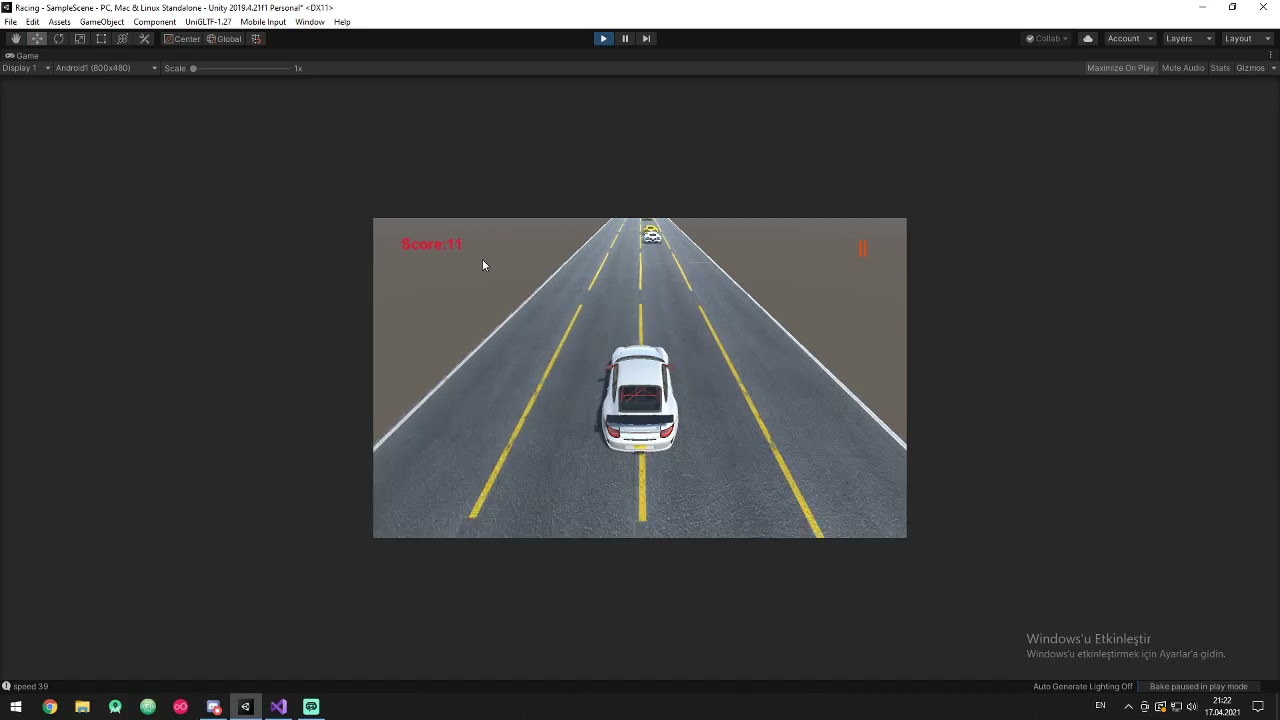
I have a straight road and I instantiate a random cars on it.Every car has different speed, I attached a raycast front of them and I want if that ray touch any car in front car will brake(take speed of the car in front).But my code makes every car`s speed equal.How can I do this?
Here is my code
public class EnemyCarMove : MonoBehaviour{
    public float speed;
    public void Start()
    {
        speed = Random.Range(25, 45);
    }

    // Update is called once per frame
    public void Update()
    {
        RaycastHit hit;
        int layerMask = 1 << 8;

        if (Physics.Raycast(transform.position + new Vector3(0f, 0.5f, 0f), transform.forward, out hit, 5, layerMask))
        {

            Debug.DrawRay(transform.position + new Vector3(0f, 0.5f, 0f), transform.TransformDirection(Vector3.forward) * hit.distance, Color.red);
            Debug.Log("speed " + hit.transform.GetComponent<EnemyCarMove>().speed);
            hit.transform.GetComponent<EnemyCarMove>().speed = speed;
            Debug.Log("Target");

        }
        else
        {
            Debug.DrawRay(transform.position + new Vector3(0f, 0.5f, 0f), transform.TransformDirection(Vector3.forward) * 5f, Color.white);
            Debug.Log("miss");
        }

        transform.Translate(0, 0, 1 * speed * Time.deltaTime, Space.World);
    }

}
Look for inappropriate use of static values elsewhere that might control this.
Also, strip your scene down the bare minimum number of cars to show off the problem, name every single object differently in scene, then instrument the code with copious amounts of Debug.Log() statements to find out what’s happening.
To help gain more insight into your problem, I recommend liberally sprinkling Debug.Log() statements through your code to display information in realtime.
Doing this should help you answer these types of questions:
is this code even running? which parts are running? how often does it run?
what are the values of the variables involved? Are they initialized?
Knowing this information will help you reason about the behavior you are seeing.
If you are running a mobile device you can also see the console output. Google for how.
Thank you so much for advice.I tried but I cant see the mistake because Im a rookie yet. I add a video of the bug maybe this way will be more clear. https://www.youtube.com/watch?v=fMXAq1csMq8
It doesn’t look to me like your cars are slowing down when they’re coming up on a car in front of them. It looks like they’re just ramming into it at full speed and perhaps pushing that one along, which makes it seem like they’re all moving at the same speed.
Some of the best advice I can give you is to read and consider carefully every word of advice from @Kurt-Dekker . He’s helped me with quite a few issues. In this case, you’re trying to solve a problem that’s difficult to understand when there’s that much going on in your scene.
I would literally reduce the number of cars in the scene to 2. Make sure they’re in the same lane, and car up front is moving slower than the one behind it. Either add UI elements or Debug.Log statements to show each vehicle’s speed, and another one that indicates when a car detects another vehicle in front of it. It’ll be much easier to debug if you can watch what’s happening and focus in on it.
If that’s too much for you to figure out, it’s possible you’re trying to do too much too quickly. You might need to back up a bit and go through some more tutorials or read the API documentation a bit more. I know you’re excited to make your game idea, but you’ll have a much better chance at succeeding with that if you’re comfortable figuring out issues with the code yourself.
Thank you so much for all advices.I will try but I give up for now.Like you said , I need more tutorials and reading.Maybe If try another time I can do it better.