First, i’m so sorry for my bad english, i’m italian.
I’m new in the unity world, i’m pretty sure that my issue have a very easy solution, so sorry.
I’m trying to make a little 1st person 3D game in unity. I made camera rotation controls, 3rd person and movements. Everything looks like perfect. I usually export my game after any big change and i try the build. Every build look like working fine as the game, in the editor but yesterday, after i exported my game the sensivity of the mouse became very low, if i press any wasd key for a very small amount of time, the player doesn’t move and it move only if i hold the key down for at least 1-2 seconds. When i press Z (the key to switch to the 3rd person) the camera movement should be smooth (i used Vector3.Lerp()) as in the editor, but in the build the camera just teleport in the 3rd person position and more other issues.
If i try to run the game in the editor, it works perfectly, but the exported version have many problems.
I also figured out that EVERY other previous version that i exported, now have the same issues.
I sent the exported game to my friend and in his pc, everything run perfectly.
I started thinking my pc is the problem.
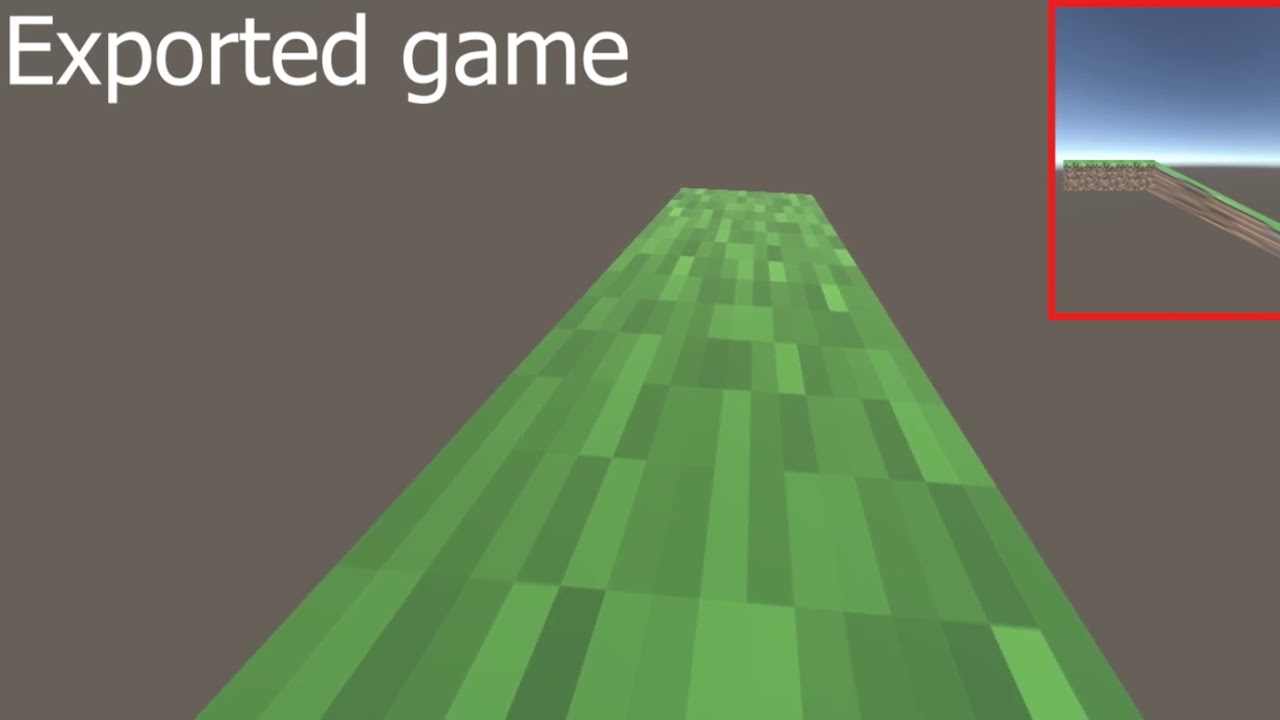
The video in which i show the problem:
i really don’t know what to do… can someone help me please???
When i run the game in the editor the deltaTime value is between around 0.003xxx and 0.008xxx.
When i run the exported game, the deltaTime value is between around 0.0005xxx and 0.0009xxx.
Isn’t it strange? In the exported game, according to your idea, the deltaTime should be more than the deltaTime in the editor game.
You need to design your game to be frame rate independent. As it is you have designed it so it will only work correctly at the specific frame rate your specific computer produces while in the editor. That won’t do obviously.
Typically you do so by multiplying anything which should occur over time with Time.deltaTime, since as you noticed Time.deltaTime changes with the current frame rate.
Looking at your Mathf.Lerp calls in SetMovementSpeed, it looks like you’re doing it wrong. The 3rd float parameter you pass to it needs to be a value between 0f and 1f. Do the math on what you are putting in there. It is supposed to be “what percentage between the two other floats do I want to return?” If you want that to be smoothed over time you instead do something like this:
The above code will create a smooth transition between 0f and 1f entirely frame rate independent in the variable “percent”, and take about 100 seconds to complete. That is the kind of thing you would feed into a Lerp call’s 3rd parameter to create a smooth frame rate independent transition between the two other values you give it.
edit:
On top of that, each frame you’re using your previous frame’s movementSpeed as the first parameter in the Lerp. That is rarely what you want to do. You want to save the starting speed and the target end speed and Lerp between them. Don’t use the returned value from the last time you called Lerp as any of the parameters you feed into the next Lerp. This is a common mistake. This is another thing you can see clearly if you just do the math on it to see why. Say you start at 5f and want to get to 10f, so you call Lerp and pass in 0.2f as the 3rd parameter. That will result in a returned value of about 6f. If on the next call you want to move another 20% closer to 10f, you then pass in 0.4f as the 3rd parameter. That will get you a returned value of 7f as expected only so long as you pass in 5f and 10f as the first two parameters again. But, if you pass in the current value of 6f (like you’re doing with movementSpeed) and 10f, the Lerp will instead return about 7.6f, which is more than 50% of the way to 10f, not 40%. The speed of whatever you are Lerping will feel off, not at all smooth.
Your other Lerp calls don’t make much sense to me either, but I am not sure what you are trying to do with them.
Really thanks man, i’m gonna try it. But what for the really slow sensivity when i look around?
edit: the other lerp are for a smooth camera movement as when you press Z like in the video (but it works only in the editor, not in my pc :().
second edit: Thanks to you, now my camera movement is perfectly smooth but i can’t fix the wasd issue. In the exported game f i press it for a very little amount of time, the player doen’t move, but in the editor it does. I also can’t solve the sensitivity problem :(.