first of all hearing that you are adding isometric tilemaps was great news.
When I use different Tiles, they seem to be sorted in a strange way by Tile ID and not by their y-value on-screen(or in the tilemap for that matter). For instance the dirt always appears behind the grass tiles, no matter where they get placed. I have tried all things I could imagine and have not moved closer to solving this, so my assumption is that I am either missing some setting, did the setup wrong by not knowing some internal mechanisms or the sorting is somewhat broken.
What I expect to happen is basically this:
(taken from your blogpost)
but what I am actually getting looks like this:
Maybe one of you can point me to the proper settings or can back up my experience, so we can figure out whats going on and find ways to fix it.
So the issues you are having are due to two things that aren’t necessarily clear even if you’ve worked with normal Tilemaps before - Isometric Tilemaps are still quite new so not all specifics of working with them have necessarily been explained or covered (we’re working on it!).
First of all, in order to ensure the tiles get sorted by the Y-value, you need to go into Edit > Settings > Graphics, and change the Transparency Sort Mode to be Custom Axis, and change it from Z-sorted to Y-sorted by setting the values to 0,1,0 for XYZ respectively:
The second thing you might need to take a look at is the rendering mode on your Tilemap Game Object. Within the Tilemap Renderer component, you will find that the default mode is set to Chunk. Chunk mode basically batch-renders the tiles, however for them to be sorted properly, the individual textures need to be packed into the same Sprite Atlas (Assets > Create > Sprite Atlas, then in the Inspector add the tile textures you wish to pack to the list). After you do that, when you go into the Game View the tiles will be layered correctly. It is important to note however that this is not currently supported in the Scene view, so what I would recommend is - change your rendering mode to be Individual while you are editing; then once you have your level’s structure finalized, you can change it back to Chunk for when you build your project.
If you are using Chunk mode, then no. For Individual rendering mode, whether they are in an atlas is irrelevant, so they will get sorted correctly. The reason Chunk mode does not sort individual assets correctly is that they come from different textures and therefore cannot be batch-rendered. As such, I would recommend packing your textures into a Sprite Atlas (in other words, a single texture) and rendering in Chunk mode, because it gives you better performance.
I had some more time to dive into this wonderful new feature, so far I love it, it has great potential to be something really amazing, the groundwork done so far seems solid.
After I made a script that converts sprites and spritesheets into tiles, the workflow is now quite nice (if anybody is interested, its downloadable in the pins of the unity channel in my discord [Link])
Okay, I have done some more testing and for some reason the “Z Position” feature doesn’t do what I’d expect, no matter with which setup I use it and whether the z-Position is negative or positive, the result is the same with this setup
Here is an example picture of this image. What I am trying to do is to make “Walls” by changing the z-position without the need to always make a new tilemap for each and every new “layer” I need, I kinda expected the z-position to take care of that. I tried it with Isometric and Isometric Z to Y, the result is the same, there is no way to put a tile “higher” (on screen and in the isometric world) and have it appear in front of the lower tile.
Am I again missing any setting/feature? Or is this intentional? Is this something you plan on having it working?
As soon as I am through with my evaluation for environment building, I will try to play around with Character setup.
Hope you all had a wonderful weekend.
Much love <3
@Sebille or anybody else…Is there any Info on how to get the “Z-Sorting” to work with this setup?
For instance to make Wall tiles in the same Tilemap that are “higher” on-screen (Y axis) but should be rendered in front of the object with lower z. (See example image I posted earlier)
Because by setting the Y-Sorting in the graphics, it automatically sorts everything with a higher Y value behind all other tiles in the tilemap. While this is great for ground-layers, it completely hinders the placement of any walls or anything. Is this intentional? Should every height-layer be on its own tilemap or will you add additional implementation of the Z-Sorting?
Hey guys! Sorry for the delayed response - I’ve been looking into the stuff y’all asked about and wanted to make sure I didn’t misinform you. It’s nice to see so many of you trying out Isometric Tilemaps already!
Firstly, regarding the character sorting with Tilemap ( @Sylmerria and @zulfajuniadi ) - it’s actually pretty easy. So long as your detail level/higher ground level tiles and your character are on the same sorting layer, if you make sure that your detail layer has the same sort order as your character (e.g. if your ground is 0 and your detail is 1, then your character would also be 1), the character goes behind and in front of objects on said detail layer as expected (provided you are sorting by Y as described before):
ImpracticalWarpedDrever
As to the issue you are having @GoldenSkullArt - I don’t know whether whether the kind of same-layer Z-axis sorting you are looking for is possible at the moment - the feature is still in preview however so everything is subject to change. Let me ask the 2D team and find this out for you. I can definitely see why this sort of workflow would be wanted for levels that wouldn’t specifically have even heights, so this is good feedback!
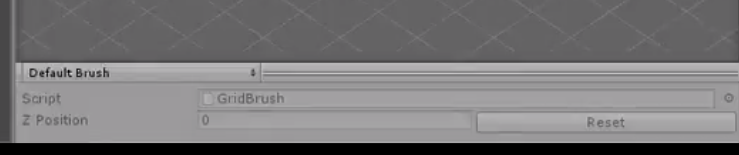
For now, the alternative solution that I would propose for this is that you create a new Tilemap layer on the same grid for each of your height levels. You can then change the layer sort order to be higher, and increase the Z value on your brush to paint tiles that appear to be higher than those on the level below. To my knowledge, changing the Z value on the brush only works for Z as Y Tilemaps, but you can also simulate different height levels with normal Tilemaps by changing the tile anchor position (personally I find Z as Y Tilemaps to have a more intuitive workflow but both solutions are viable). Sorry I can’t help you with the exact thing you’re looking for right now, but I’ll definitely investigate this further. Let me know if this helps for now and if you need any more info on the topic.
@Corvwyn_1 - I will also ping the 2D team with your question and get back to you ASAP!
@Sebille Thanks for the thorough reply. As well as for the example and explanation of the character.
Yea, I assumed it might not be possible at the current moment. It would be great if you could find out more. Because having played with it for some time, it became apparent that creating a new tilemap on a different sorting layer takes quite a bunch of steps to make, clutters the hierarchy a bit. I personally would love to make use of the z-positioning that seems to be already there, to have an additional way to sort the tiles inside one tilemap.
EDIT: Just saw the gif you posted on twitter [Link] - how do you switch between different heights so quickly? Did you setup different grids for different heights before or am I missing some shortcuts?
I am thinking for use-cases where I would want to build a house or a high structure like a church with tiles for instance (as the ones from my 2D isometric village pack)…imagining that I need to have each layer in its own tilemap and switch through them as I work sounds a bit counter-intuitive for me at the moment.
I would really love to have some sort of option (possibly in the non z-to-y mode) to use the z-value to also sort tiles in a way. This could also be done by giving the tiles actual z-offset (I saw in the editor, they are all flat on one layer), and then add the Z-Axis in the custom sorting settings so have both work at the same time?
So far I have achieved walls by having two tilemaps and giving the second one a higher sorting order and then change the anchor position.
In the Z as Y Tilemaps, I was a bit surprised to see that if I stay at the same grid position and change the Z, it jumps behind the tiles but as they are sorted by their Y value, it does make sense…if somehow the Z could also be taken into account (then the tiles would need to have an offset or somehow tell the render engine that they have an internal z value that they can be sorted with? no idea how deep the rabbit hole goes what could be achieved by writing depth or idk…). I understand its a rather complex issue since those 2D tilemaps are probably supposed to be as flat as a pancake.
If somehow possible, they could be non-flat, then that would be an easy fix to allow for any z-offset.
If otherwise possible the tilemaps could also support a 3D coordinate system setup, where the tiles are placed according to their x-y-z position in the 3d coordinate system, each tile would need to be rotated (x:30,y:45) but this setup would also allow for the tilemap feature to be intertwined with setting up tile-based 2.5D/3D maps
As in this example:
In this example, the 2D tiles are setup in the 3D coordinate system and rotated towards the camera. With this setup, even navmeshes could be used and the tiles could easily be replaced with 3D prefabs as well.
I am not sure how flexible the tilemap system is but it would surely be cool if it could support this setup.
If not, thats also fine its a great too so far.
Setting the Grid to Isometric Z as Y did the trick for me. Not sure why you it’s not working for you. Though I suspect our implementation might be a bit different.
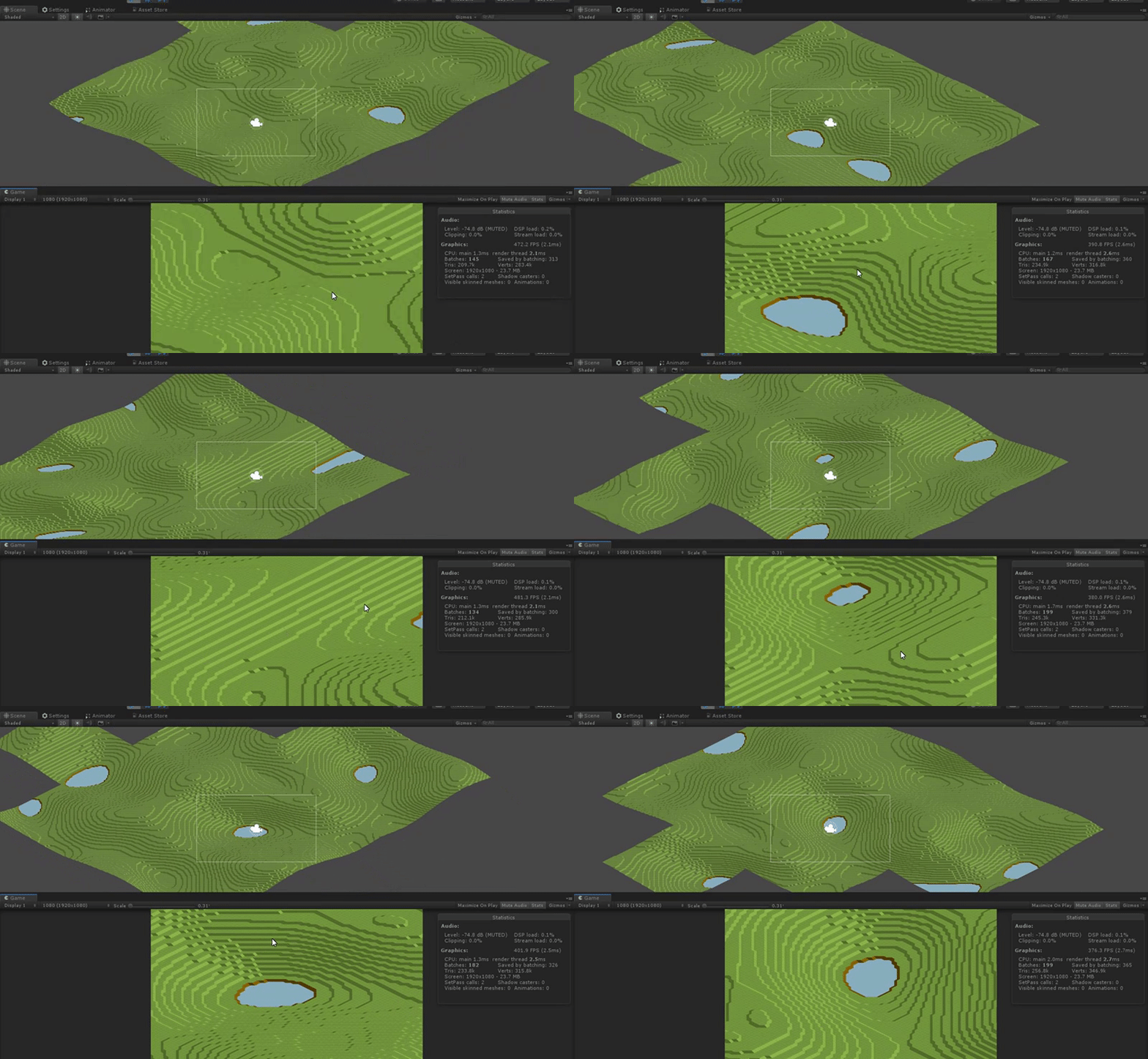
This is an infinite terrain I built with the new isometric tilemap:
Nope, just plain old single threaded monobehaviours. The terrain chunks are rather small (64x64) and the heights are direct sampled from a simple perlin noise function. I don’t think it would matter much if I were to switch to ECS as the bulk of the time (2ms out of the 3ms) is spent on rendering.


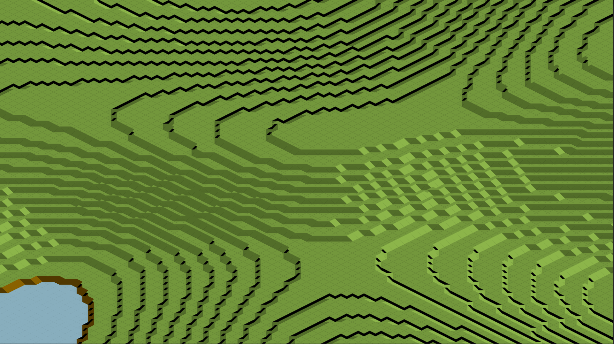

 I think this is what is being missed. What we have in 2018.3 is this
