Hello,
I already know that people can easily load resources from the resource folder, and also create asset bundles of files in folders, but what if during the game, I want to make a way to easily have a dialog box show up where I can open all the files in a folder that is on my hard drive, and access resources THAT way? Wouldn’t that be a good idea (to where the user can open up a local folder)? Do they have this feature?
Thank you. Since the examples use ‘var’ for their examples, is the ‘paths’ variable a string or an object? It would seem like if I wanted to open an entire folder, the return value of the function would need to be in the form of an array or a list. How would I access all the data I open from a folder? My goal is to take all the files in a folder, and store it into an array, instead of using Resource.LoadAll() from the Resource folder.
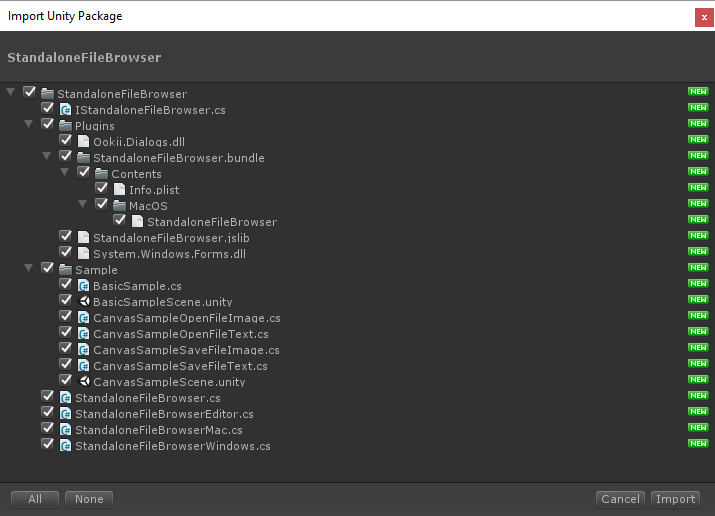
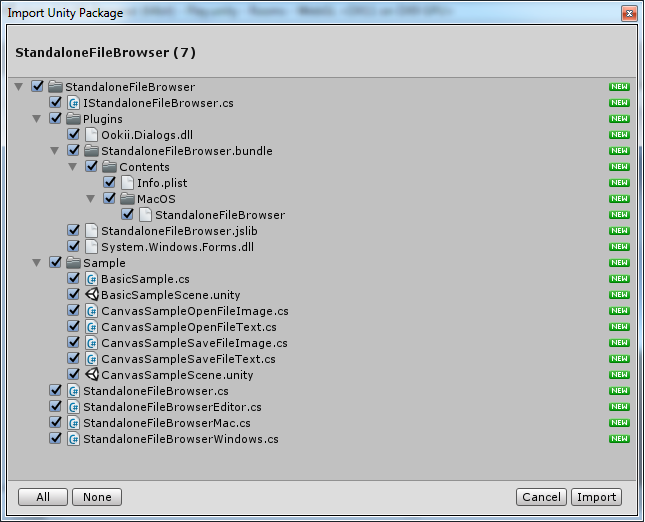
Also, would I copy everything from the unzipped folder of my zip file (from UnityStandaloneFileBrowser) into the “Standard Assets” folder of my project?
Thank you, but 3 errors developed out of the package…
Assets/StandaloneFileBrowser/StandaloneFileBrowserWindows.cs(5,14): error CS0234: The type or namespace name Windows' does not exist in the namespace System’. Are you missing an assembly reference?
Assets/StandaloneFileBrowser/StandaloneFileBrowserWindows.cs(7,7): error CS0246: The type or namespace name `Ookii’ could not be found. Are you missing an assembly reference?
Assets/StandaloneFileBrowser/StandaloneFileBrowserWindows.cs(15,34): error CS0246: The type or namespace name `IWin32Window’ could not be found. Are you missing an assembly reference?
is there a way to download packages, have Unity ‘detect’ what files got added to where, what changes have been made to a project, and have that same package ‘undo’ and clean up everything?
I downloaded it a third time, but am still receiving these same errors. I assume that the ‘using Ookii.Dialogs’ line is in reference to the Ookii.Dialogs.dll file, and the other ‘using’ lines that are giving me the other 2 errors are in reference to the .dll files, but maybe these .dll files were placed in the wrong directory somehow, and I don’t know where to put them IF that is the case.