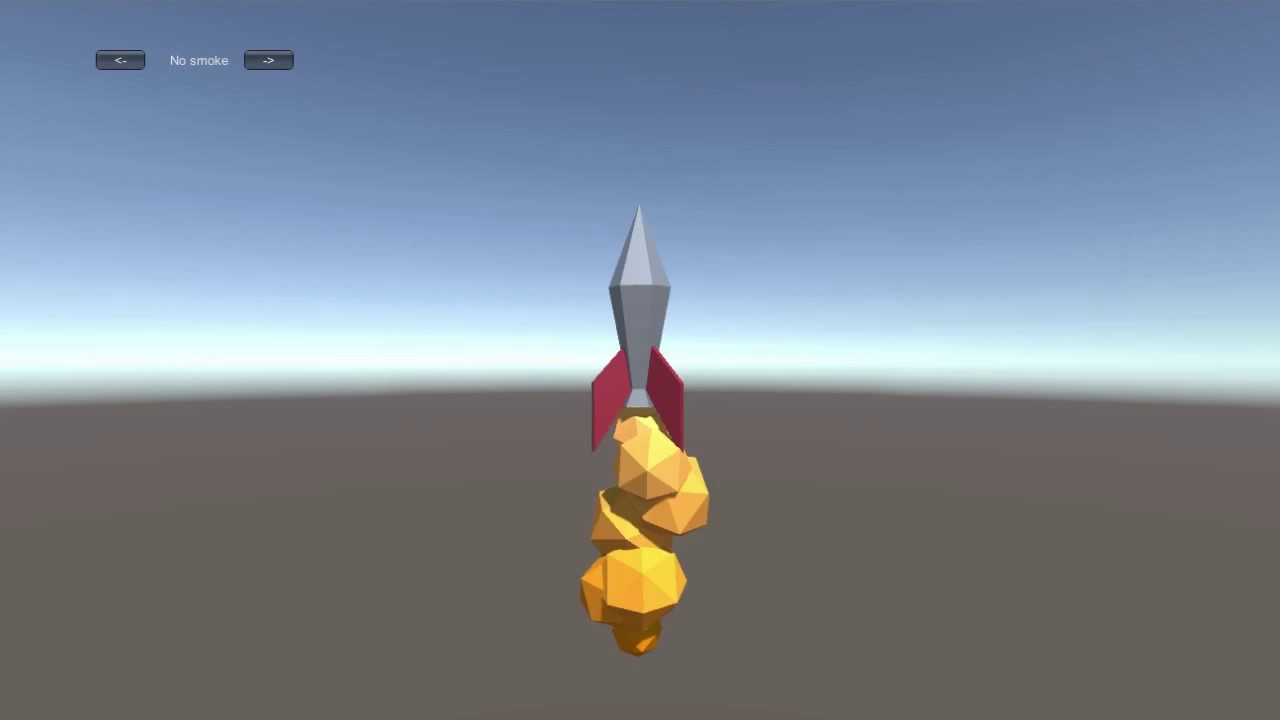
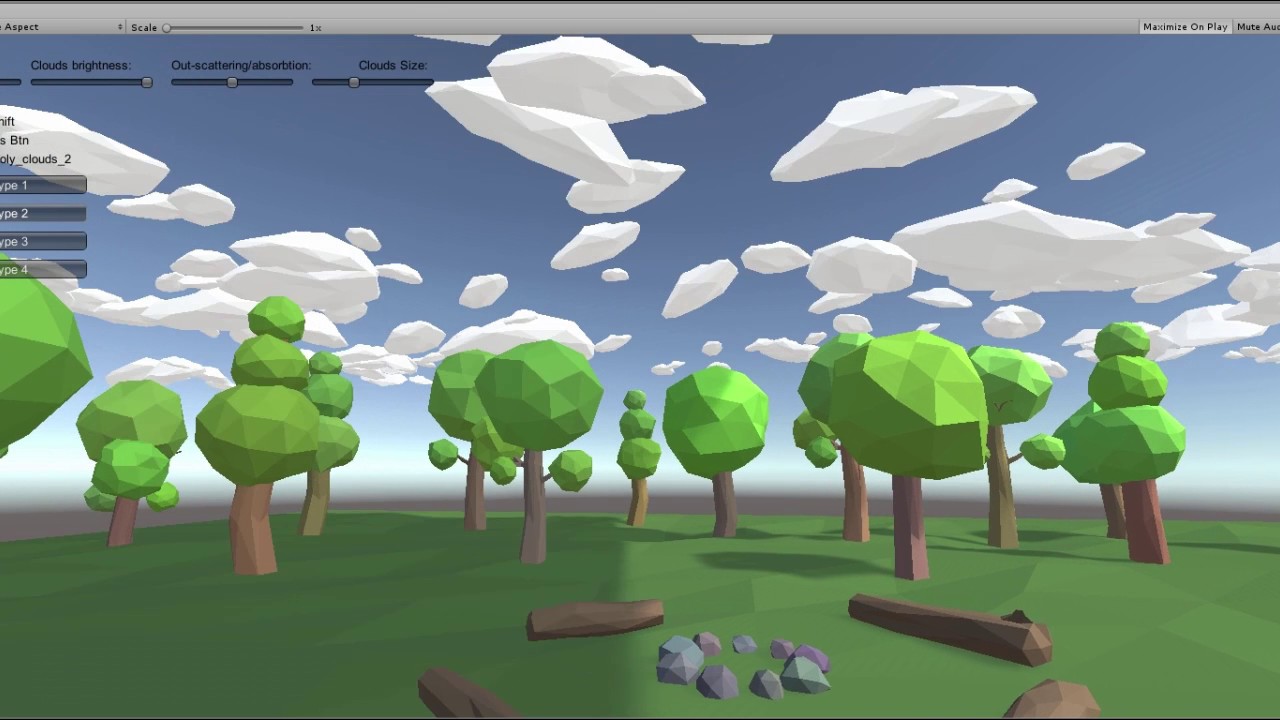
Hey, folks. Recently I noticed that low poly style becomes more and more popular but usually developers use regular effects that look kinda out of place there. So I decided to make stylized effects for low poly flat shaded games.
Fire (everything you see in the demo is included):
As this is my first low poly asset, I created a small poll to see if the current price (10$) is considered a fair price for such packs (I was planning on releasing other packs(explosions, magic…) for the same price and then offer full low poly FX bundles with a discount).
Please let me know what do you think?
@stanislavdol Hi! Just picked this up, amazing asset Looks great in my game.
One question and one suggestion: the question is, is this mobile optimized? I’m using it for my iOS / Android app, and while I suspect it’ll work fine, the store page doesn’t actually say specifically if it’s mobile-ready. Normally this wouldn’t be an issue, but since you’re using custom shaders, I just want to confirm that it’s been tested on mobile without issue.
The suggestion is, for the store page, it’d be great to add “lowpoly”, all one word, as a search tag. Took me a moment to realize you’d spelled it “low poly”, two words. And if it’s mobile ready, you should definitely specify that on the store page too.
Hi, nyonge.
Yes, it’s mobile friendly.(As long as you are not setting up the whole forest on fire)
And if you have any troubles feel free to contact me by email(I’ve been playing around with simplified versions of the shaders).
Not sure if it’s related, but I imported LPRT after LPF&S which seemed to overwrite the LPF&S demo scene with a blank scene. I then reimported LPF&S and resolved that issue.
Running 2017.2.0f3 on Windows 10 x64.
UPDATE:
OK, I found the readme which explains the distance based particles. However, I want to have a static rocket on screen emitting particles as if it was flying. How would I go about accomplishing that?
I can confirm the LPRT/LPF&S demo scene and democontroller scripts gets overwritten if both packages are imported.
UPDATE 2:
I animated the rocket and no particles.
UPDATE 3:
Ok, managed to figure out what I needed. Thanks for the awesome looking albeit disorganized package
Great asset @stanislavdol . Trying to clean my console at the moment so just giving you a head’s up that I’m picking up warnings with your asset on 2018.1.3f. Here are 2 of them for example:
Assets/LP_Fire/ScriptsAndShaders/Scaler.cs(28,26): warning CS0618: UnityEngine.ParticleSystem.startSpeed' is obsolete: startSpeed property is deprecated.Use main.startSpeed or main.startSpeedMultiplier instead.’ Assets/LP_Fire/ScriptsAndShaders/Scaler.cs(27,26): warning CS0618: UnityEngine.ParticleSystem.startSize' is obsolete: startSize property is deprecated.Use main.startSize or main.startSizeMultiplier instead.’