In the previous Unity XR Interaction tools the push button example had a Script called XR Simple Interactable which had the “Select Entered” option in which I could place GameObjects and I could choose GameObjective.Set.Active.
Now in the new Meta Building blocks I am not able to find how to do it.
Does anyone have a clue of where is this option now or how do I work around?
The Meta Building blocks use a different interaction system than the one we provide from Unity. If you install the latest XR Interaction Toolkit (3.0.6), you should also be able to install the Starter Assets sample from Package Manager. This includes similar prefabs to the Meta Building Blocks, but the systems are currently not cross-compatible.
I have the same question as @paulmunning , which was not yet answered.
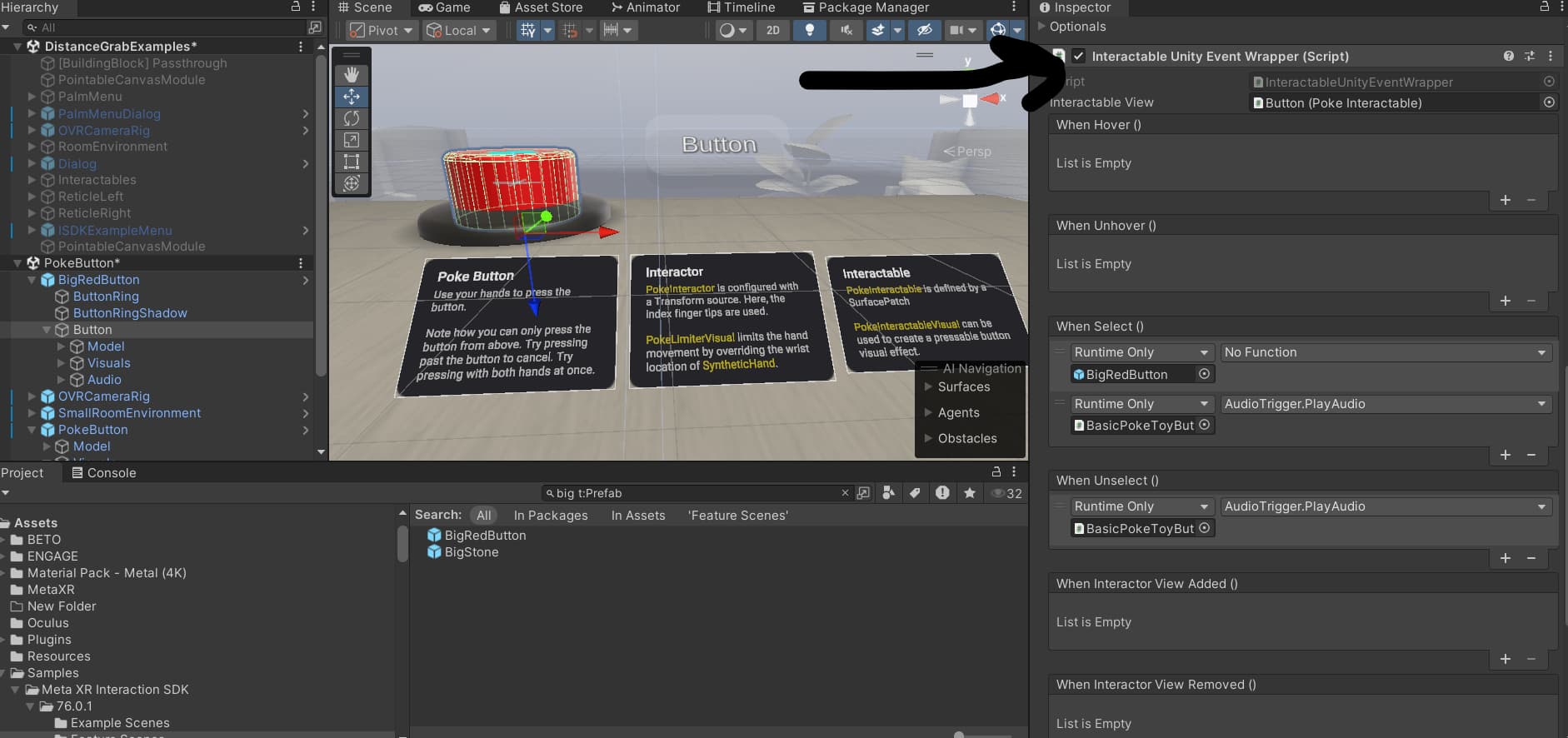

Thanks, man! I wonder why they didn’t write about this in the documentation…