Hello, people. I have a cube, for which I made a simple animation that just raises this cube 3 units up Y (gif below).

Next, I wrote a simple script that I can use to spawn objects at the mouse click location (gif demonstration below).
if (Input.GetMouseButtonDown(0))
{
       RaycastHit hit;
       Ray ray = Camera.main.ScreenPointToRay(Input.mousePosition);
       if (Physics.Raycast(ray, out hit))
       {
            Instantiate(prefab, hit.point, prefab.transform.rotation);
       }
}

The general concept is that I want to play the animation I showed above (raising the cube up 3 units), after spawning the cube using the above script.
But right after spawning the cube, the animation starts playing in 0 coordinates (where it was recorded). Gif below.

One solution to this problem is to put this cube in an empty object and make a generic prefab. But I wondered if this result could be achieved without using an empty object. I went googling and after a while I found a questionable solution - enable “root motion” in Animator.
I immediately went to test it. I enabled “root motion” in the Animator of the cube.

And that miraculously solved the problem (gif below).

I went further and decided to see if this would work for rotated objects. I created a new cube prefab and rotated it 45 degrees in X and Y.

Next, I created the exact same animation for this cube and enabled “root motion”. And after testing this I got confused (gif below).

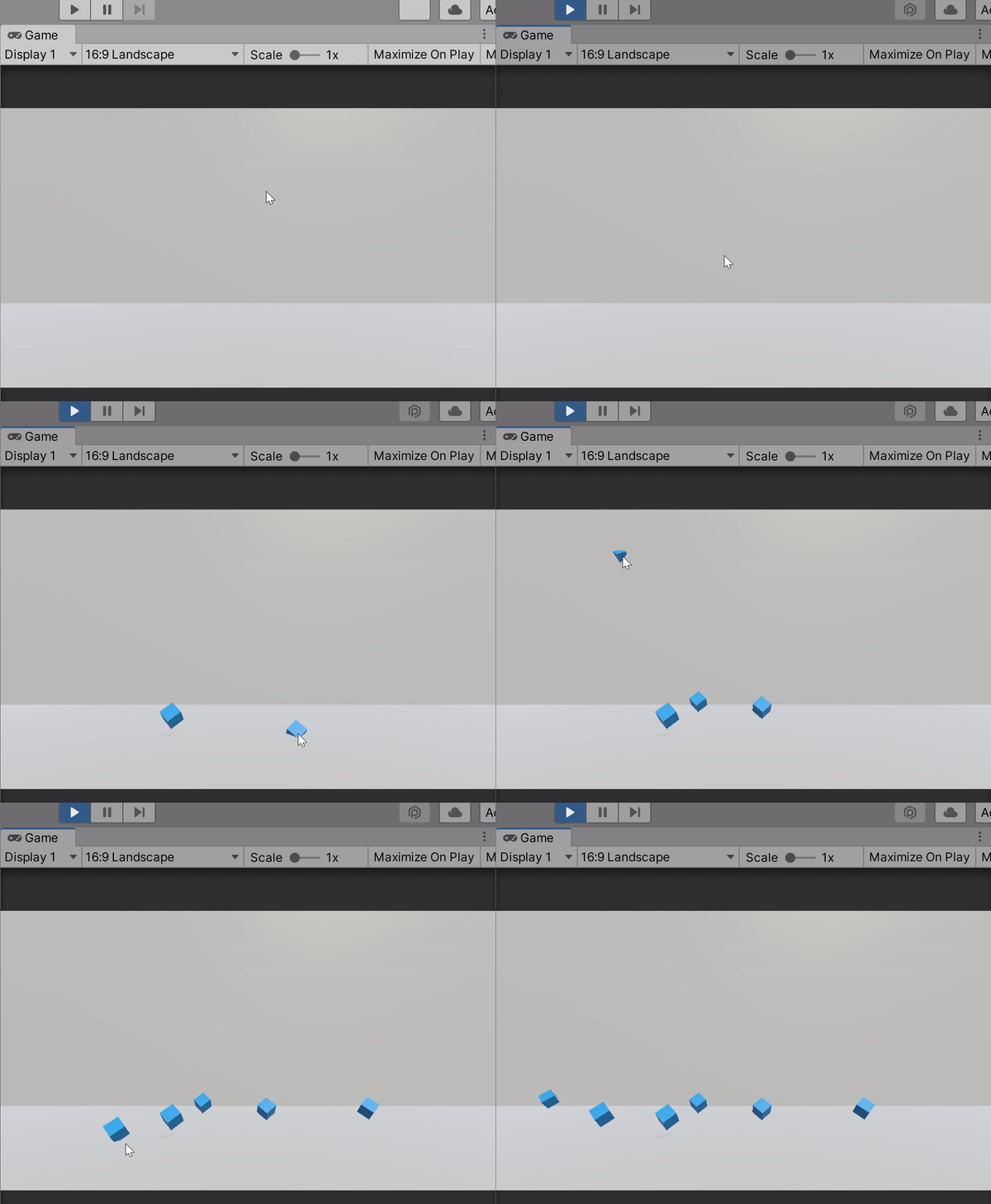
The animation doesn’t work correctly, the cube starts going up diagonally instead of just up. Why is this happening?
Below, I just created an empty object and put a rotated cube in it with an animation for which I disabled “root motion”. Next I made a single prefab out of it. And tested it (gif below).


With the empty object it works. Is it possible to achieve the same result without using an empty object? And why when I turned on “root motion” for a non-rotated object, it fixed the problem with returning the object to the initial coordinates, but for rotated objects “root motion” behaved strangely?