I am using Quaternion.LookRotation to change the rotation of a gameobject to a new rotation determined by a ray trace. Here is the script:
using UnityEngine;
public class Example : MonoBehaviour
{
    public float speed = 0.5f;
    private Vector3 targetPos;
    private Vector3 startPos;
    private Vector3 mousePos;


    public void Start()
    {
        startPos = transform.position;
    }
    public void Update()
    {

            mousePos = Input.mousePosition;
            Ray mouseCast = Camera.main.ScreenPointToRay(mousePos);
            Plane groundPlane = new Plane(Vector3.up, Vector3.zero);
            RaycastHit hit;
            float rayLength;
            if (Physics.Raycast(mouseCast, out hit, 9999))
            {
                Debug.DrawLine(mousePos, targetPos, Color.blue);
                targetPos = new Vector3(hit.point.x, 0f, hit.point.z);


                if (Vector3.Distance(targetPos, transform.position) >= 0.5f)
                {

                Quaternion rot = Quaternion.LookRotation(targetPos);
                transform.rotation = Quaternion.Slerp(transform.rotation, rot, speed * Time.deltaTime);

                Debug.Log(targetPos);
            }
        }

    }
}
I’m currently getting this result in my scene:

This is the desired result however I want the X axis to also change. For example when I use something simple like transform.LookAt(targetPos) I get the desired result however I can’t do this function overtime like I can with RotateTowards. This is the result I get using LookAt instead of RotateTowards:
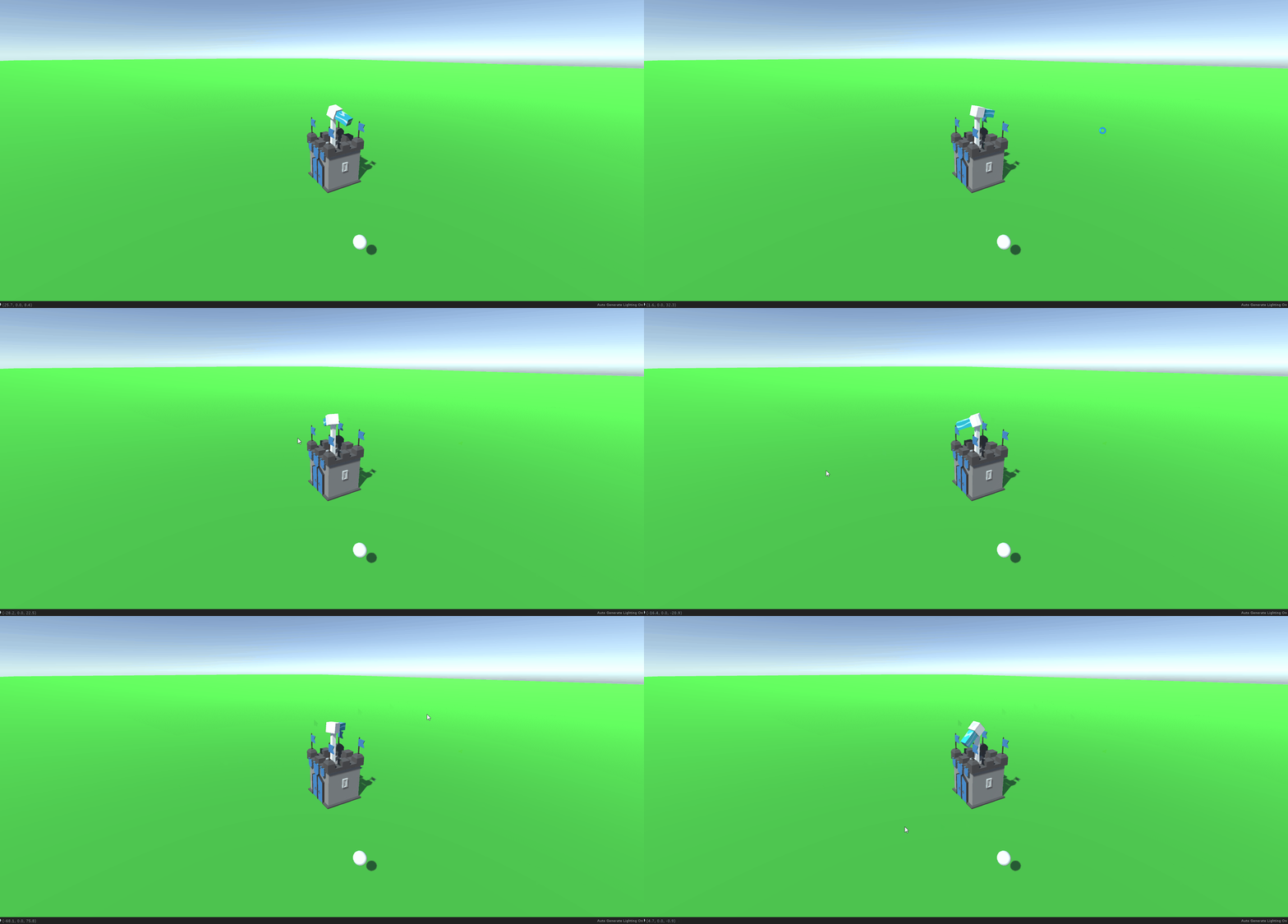
The latter method is what I ideally want to achieve however I don’t want the rotation to happen in just one frame I want the turret to slowly pan over to the new rotation just like the first method. How can I pull both these methods together to fit my needs?