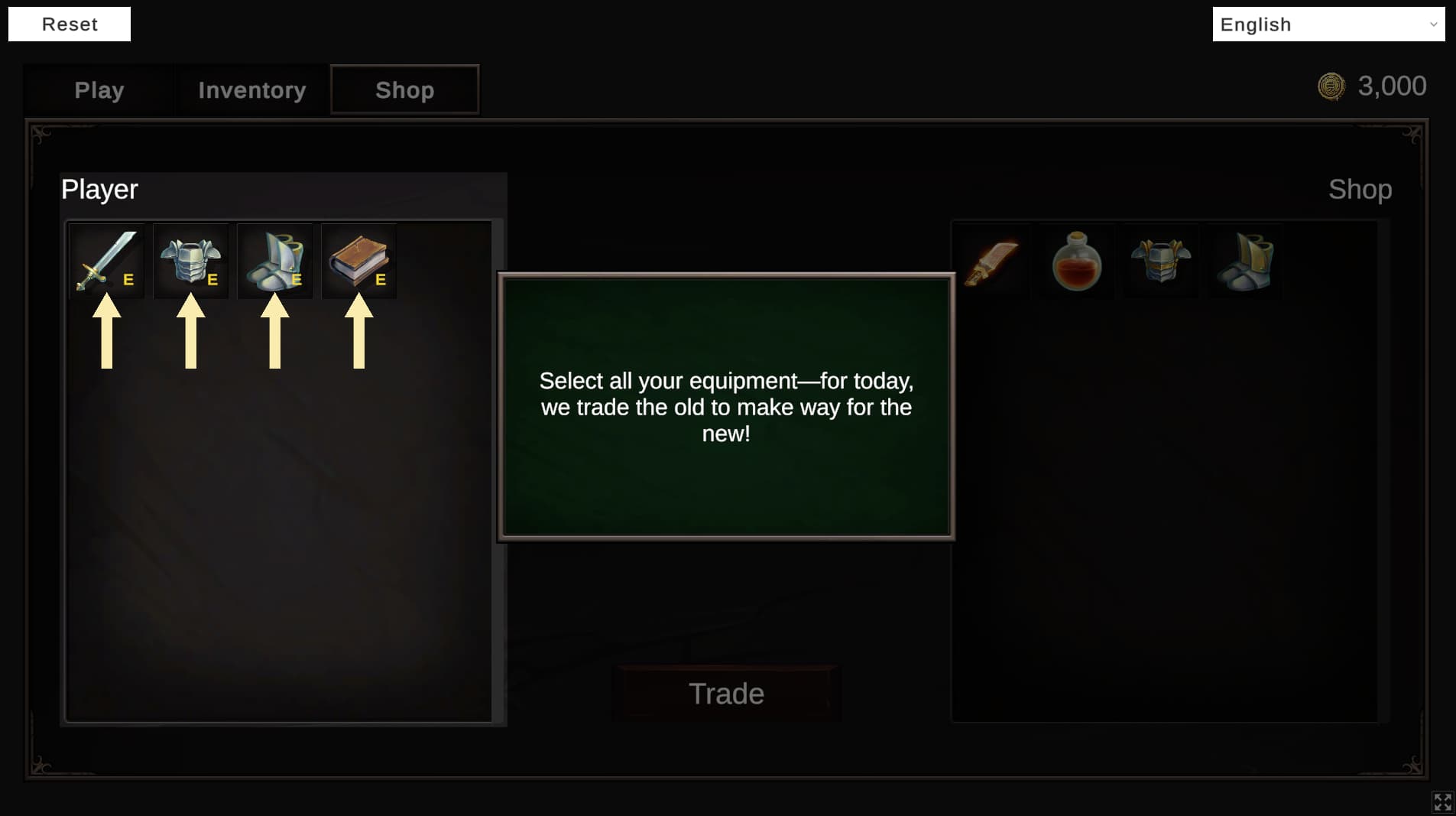
For over 8 years, Tutorial Master has been a number one game toolkit for creating interactive tutorials! It supports pretty much any platform that Unity supports (including VR) and is designed to be as non-invasive as possible for to your existing UI, meaning that you can introduce it at any stage of development.
Why do I need this?
Why bother programming an interactive tutorial when there’s a game to make and deadlines to meet?
Developers (like you) are busy creating awesome games. A lot of time is spent on polishing code and ensuring the game is fun, and yet no time is invested in teaching players how to play a game. Instead, a basic “How to Play” image is added in hope that players would read and play it. In reality, nobody would bother to read all that and would abandon the game shortly after just because they couldn’t understand mechanics. All this effort of making a game gone for nothing!
Alternatively, you can view the video version here.
Feature Highlights
✓ NEW Node-based editor for non-linear, advanced tutorials
✓ NEW Customisable dim overlay to block user input
✓ NEW Built-in support for Unity Localization
✓ NEW Support for targeting dynamically instantiated GameObjects
✓ NEW C# builder API for fully programmatic tutorial creation
✓ NEW Variable system to influence tutorials
✓ NEW Robust framework for creating your own reusable tutorial-UI, sky’s the limit!
✓ Easy integration with existing UI
✓ Trigger custom actions via the event system
✓ Supports multi-Canvas setup
✓ Intelligent UI pooling system
✓ Target both UI and non-UI elements
✓ Example scenes included
✓ Compatible with all Unity platforms
✓ Full C# source code included
✓ Support via Email and Discord
Quick video to show how easy it is to create a tutorial
Seems like a great way to handle UI tuts. I gave the video a quick watch, but being at work, didn’t catch all the details. Is it built to handle situations where the player actually has to go do stuff between messages? Or would that basically just be breaking down a single tutorial into multiple smaller tutorials that get triggered when needed?
Yes! The Tutorial Master is designed to handle such situations. The next part of the tutorial can be triggered with a single line of code - frame.Next().
For example, if you want to make a tutorial to teach the player how to jump. A tutorial message is displayed once the player stands in front of the pit, teaching him how to jump. Once the player jumps over, he triggers a collider to pause/stop the tutorial.
Nice! I’ve been doing an awful lot of rolling my own solutions for things this time, which is great, but it also means I’m a good bit behind where I wanted to be. When I get to the tutorial-making stage, I’ll be heavily considering picking this up to get back on schedule.
The videos and documents look great! Just a very important question: Is this support NGUI, or will it support in the future? Since we using NGUI in all our games and still may not to adapt to UGUI in soon future…
Nice, we also developed our own simple tutorial system for NGUI in our games but it’s sort of buggy and thats why looking for a complete solution, sure will wait for yours…
Showing off a new feature in Tutorial Master v1.02:
Add frames faster! Simply drag your desired GameObject into Frames list to create a new Frame! You can even drag multiple GameObjects to create multiple Frames at once!
Also added smarter frame/tutorial deletion system
A small update has been submitted to the Asset Store for a review. Will let you know when it goes live