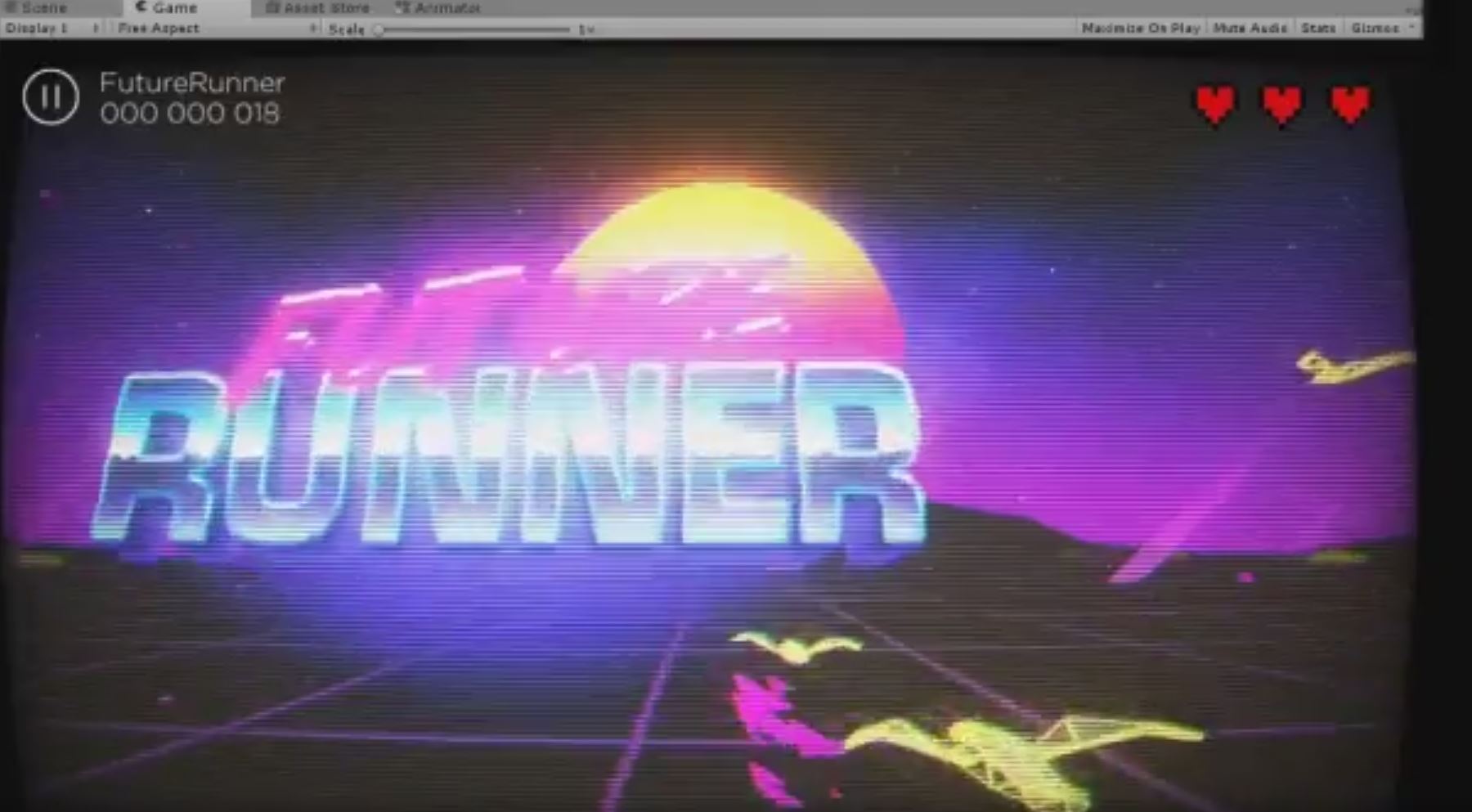
Retro Aesthetics asset provides all resources to turn a game of any genre into a stylish 80’s movies inspired title. It covers object materials, a full-screen camera effect, textures and UI, sound effects and music, as well as color presets and demos of the asset in action. We made it easily extensible to give you a possibility to tune to the unique needs of your game.

Oh man! Super sweet, radical 80s goodness!
I was making an endless runner game recently that has an almost identical style to this, complete with the sun skybox, palm trees and VHS distortion. I need the car to top it off and will get this just for the car and buildings I think.
As a child of the 80s I gotta say this is really nice work!
Very cool! Bought it!
Do you have an android demo to test performance? I assume all of the image effects are unusable?
2 Likes
Just purchased the asset, and I’m excited to use it! However it is throwing a good amount of errors on import that relate to some Standard Asset script references that have gone missing. Unfortunately, I am unable to use the asset in its current state.
I am using Unity 2017.1
Is there anything you can do to help me?

Please look through the PDF that comes with the asset. It can be also found here.
The first sentence in the doc:
“Before doing anything, please import the listed below Standard Assets and Cinematic Image Effects asset into your Retro Aesthetics project.”
Have you tried this?
Derp. It auto imported the Standard Assets files when I brought in your package, but I had to reimport the camera scripts. I guess I assumed it brought in everything the first time!
Love the asset! However, I am having some trouble. I’m sure it’s an easy fix and I’m just overlooking something. I have the pack working perfectly in the game preview window, but when I build it and run as an .exe the camera effects don’t show up. I still get the movement from the glitch, but no color bleed and no static noise.
Oh, nevermind. You had a fix for it further down in the documentation that I somehow missed. Again, awesome asset! And A+ Documentation. 
I’m wondering if the Camera Post-Effect works on an Android phone.
A reviewer said that this asset doesn’t work with Android. Is this true?
On the demo scene when clickin play it doesnt load the next scene. audio plays though for clicking.
Can you please share a screenshot of the problem? That way we can resolve this more efficiently. We will also need to know your development and target OS and the Unity version.
The package does work for Anrdoid. We’re working with the reviewer to on this.
Assets/PostProcessing/Editor/PropertyDrawers/MinDrawer.cs(6,34): error CS0104: ‘MinAttribute’ is an ambiguous reference between ‘UnityEngine.PostProcessing.MinAttribute’ and ‘UnityEngine.MinAttribute’
Hi getting this error when trying to open up one of the demos in Unity 2018.3. I have imported standard processing and post processing stack prior to retro aesthetics. Thanks

Hi! This error is due to Unity’s Post-processing Stack V1 being not supported anymore. We’re releasing an update that switches Retro Aesthetics to the new post-processing stack V2. Stay tuned!
Meanwhile, you can already switch to V2 by going to Window → Package Manager → Post-processing, but you’ll need to reconfigure the camera effects.
1 Like
Hi! Does it support LWRP?
Hi, no in general RA doesn’t support LWRP, except of Camera image effect.
1 Like
Hello there! Any idea when we might get this update? The effects are AWESOME … I just wish they’d work with the V2 stack. Ta!
The update has just been released. Thank you!
1 Like