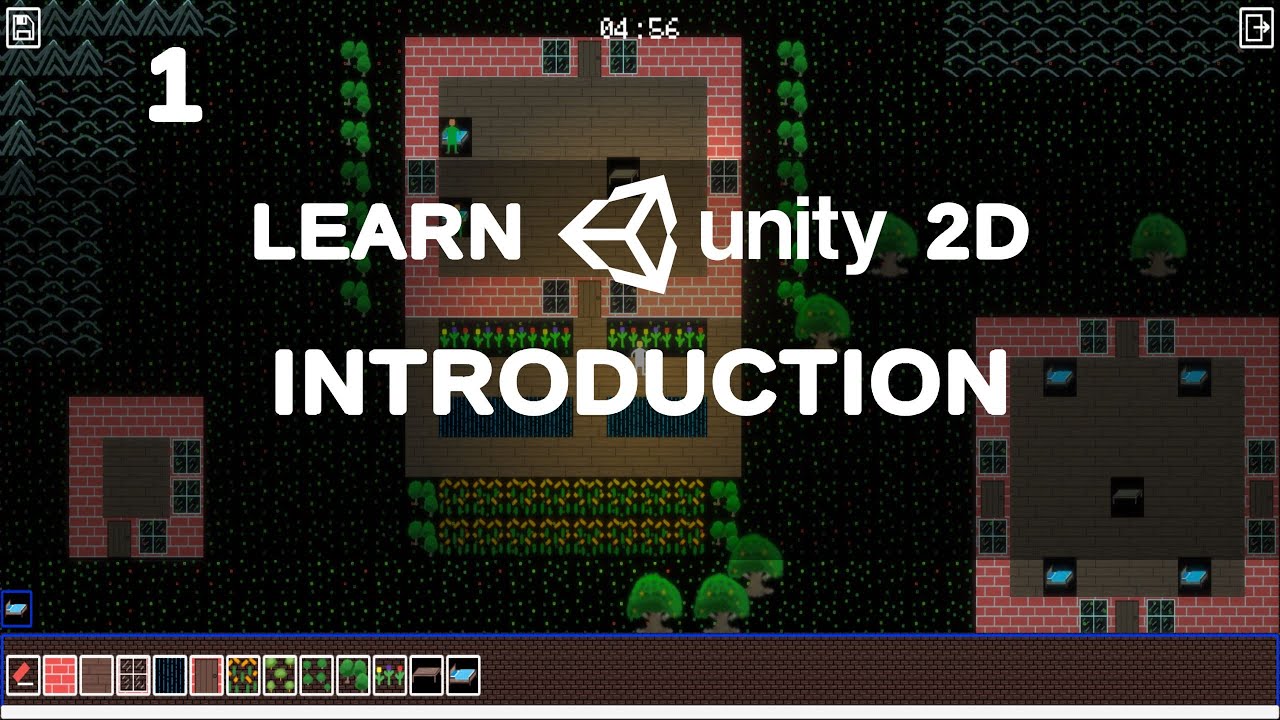
Welcome to GTGD S2 LEARN UNITY 2D, a brand new tutorial series relaunched for Unity 2021! In this series I’ll be showing my approach to using the Unity 2D tilemap dynamically so that in game the player can place and remove tiles, and for the navmesh to update dynamically, and of course saving and loading that data to file and managing multiple save files. You will develop a day and night system and write AI that will respond to the time of day! What you learn in this series will be beneficial in many different projects especially for understanding how to save and load data to file and manage multiple save files.
You can watch this series on YouTube and I’ve also published it on Steam for everyone who wants to support my efforts!
Topics covered:
- How to code in C#
- Setting up a new 2D project, understanding the interface and switching to Universal rendering.
- Setting up tilemaps and bringing in tilemap extras. Drawing simple pixel art.
- Develop a construction system so you can place tiles and delete tiles in game.
- Scene management, having a main menu scene and a game scene.
- Save and load all your game world information. You’ll use PlayerPrefs for simple data, and Json for writing and reading more complex data to file. You’ll be able to see all save files and select which one to load.
- Understand how to use the tilemap tools and create animated tilemap tiles.
- Integrate Navmesh Plus and setup the player to use a navmesh.
- Integrate Cinemachine so the camera follows the player without having to write any code.
- Understand sorting orders and how to effectively set it up without code. This will allow objects to appear in front of others based on their Y axis position.
- Create a day night system and change the light colour of the world as time progresses.
- Implement shadow casting for tilemaps!
- Write AI that responds to the time of day.
- Universal render pipeline post processing.