Today I am getting this continuously, I have installed Visual Studio multiple times but the same problem is coming again and again.
At present, I have installed Visual Studio Version 8.9.5.4
One more thing, I am using iMac with Mac OS as the operating system.
Keep in mind errors reported by Visual Studio are utterly irrelevant. What Unity says is what counts. You can use notepad to edit source files in a pinch.
But if you’re having issues, this might help:
This may help you with intellisense and possibly other Visual Studio integration problems:
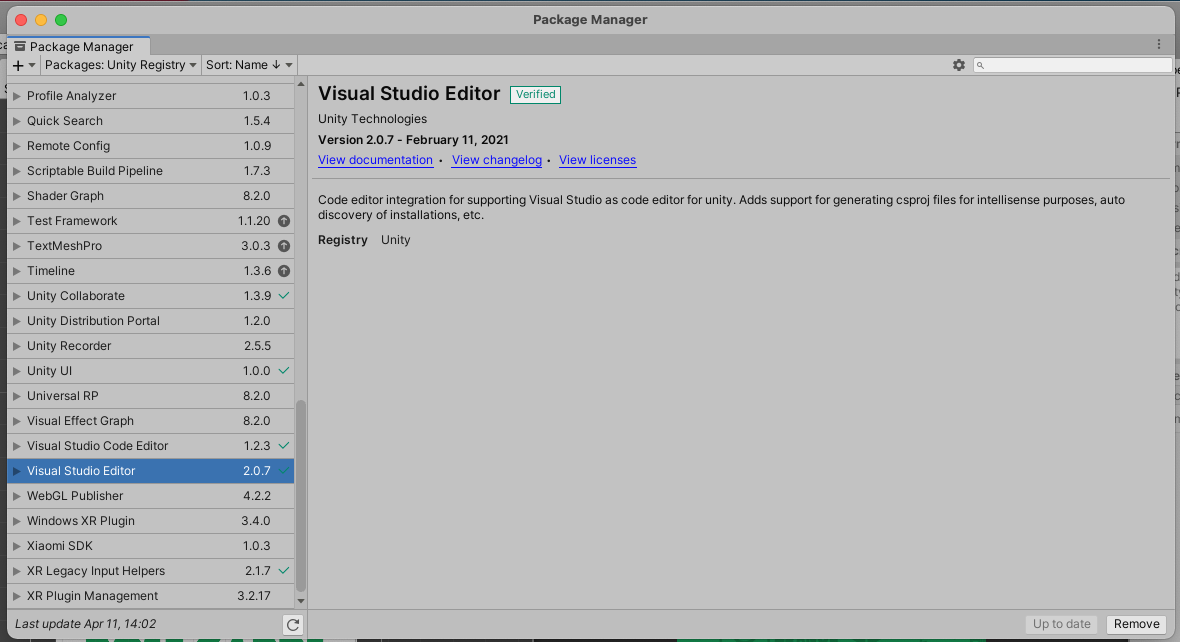
After updating Visual Studio Editor within Package Manager Visual Studio Editor-related problem solved out.
This package I required to upgrade. @Kurt-Dekker Thank you, Sir, for your useful suggestion because all scripts started showing problems like my previous screenshot so it becomes difficult for me to work.