What is the best input command to get keybord-keys or gamepad-moves for UI

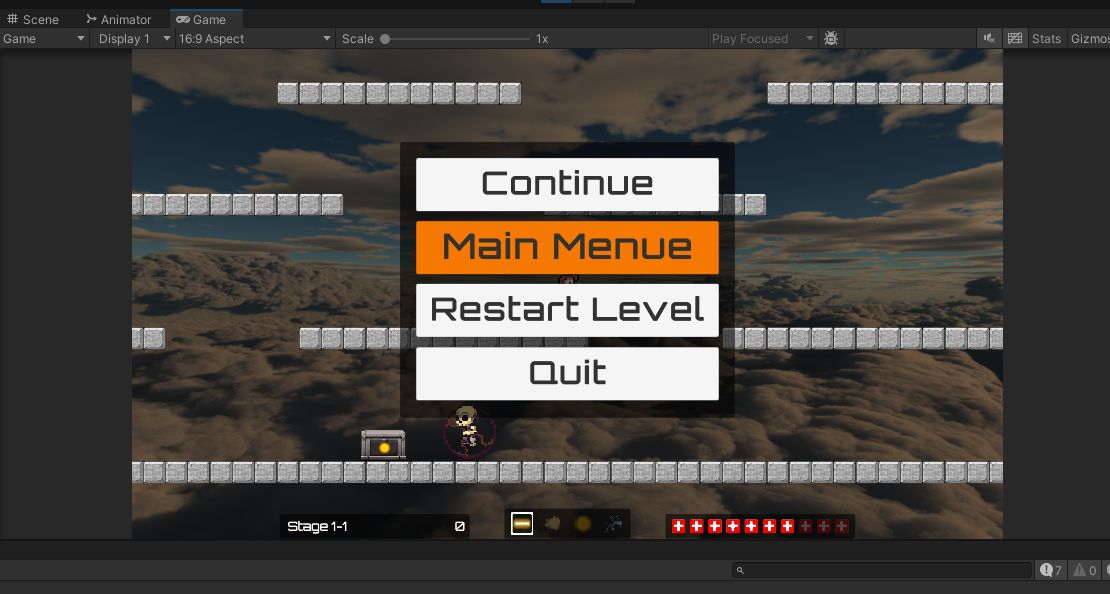
I have multiple UI-buttons which I want to switch through and select with the standart keyboard keys and gamepad for “Up” and “Down”. I use this code:

private float moveInputY;
moveInputY = Input.GetAxisRaw("Vertical");

            if (moveInputY < -0.01f)
            {
                buttonIndex++;
                if (buttonIndex > 3)
                    buttonIndex = 3;
            }
            else if (moveInputY > 0.01f)
            {
                buttonIndex--;
                if (buttonIndex < 0)
                    buttonIndex = 0;
            }

My problem is the buttons are switching to fast, it is immediaty on the first button by pressing “UP” and on the last button by pressing “DOWN” (on keyboard, with gamepad I didn’t tested it). I’m sure there is a better way.
You don’t really need to do anything.

If you use the built in uGIU navigation, the Event System automatically handles input repeat delay and has parameters to adjust that.

Effectively there isn’t any code needed to do this. The engine can handle this out of the box.

Do you have a link to uGUI navigation? I don’t know this and google search wasn’t successful.

Btw I have coded a timer which works but I’m still curious if there is a better way.

It’s built into certain uGUI UI elements like buttons: Navigation Options | Unity UI | 2.0.0

And then it’s handled by your event system and accompanying input module with fields to tune the repeat interval:

This is assuming you’re using uGUI though the event system is used by UI Toolkit as well.

Thank you.