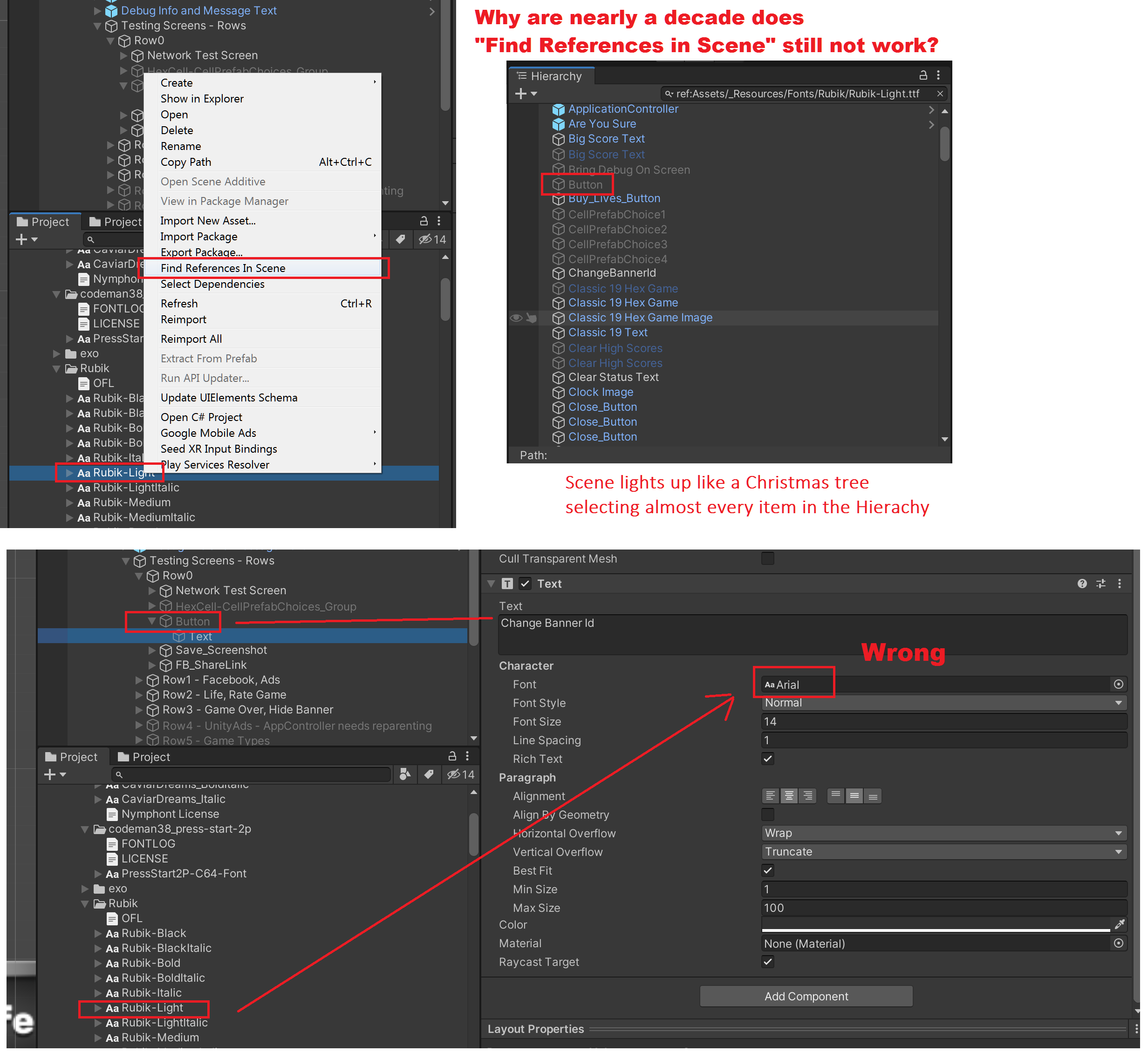
When I first started using Unity (around v3.5) “Find References In Scene” didn’t work.
It’s now 8 years later and it still doesn’t work.
I see a Font in the Build report, I highlight it, click “Find” and the whole scene lights up like a Christmas tree, selecting hierarchy items that don’t have the font attached at all. It’s not a complex scene, it’s a little puzzle game, it picks prefabs and non-prefabs, but every one of them has a different font. (I have yet to find a single item it picked with this font attached to it)
This frustrates me to no end. I would not have used UnityEvents in my project in favor of C# events had I know that Find references in scene doesn’t work.
I always thought it was just slow, so never used it until I had an issue with an individual script that seemed like it may have been attached to an object in a very large scene. The best way to find out if this was the case was to try to use this.
After it crashing unity twice, it froze the editor at runtime for almost 30 minutes straight and I decided to try waiting.
It actually finished and found tons of references completely unrelated…when I attempted to click on a single filtered reference, Unity crashed a third time.
Unity in a nutshell. This is hilariously sad and par for the course.
You guys keep doing these surveys and sending invites to people to get opinions on things like multiplayer service…well I say this with constructive intent…perhaps stay away from trying to add and doing more (That you’ll likely botch like Collab Service) because you can’t even seem to get your core in a good spot these days and it is quite frustrating for most of us to work with.
Unity 2023.1.0f1 - I’m dropping a prefab into my scene script component. It does not find it. So dangerous because i nearly deleted my prefab from my project. Come on unity thats basic core feature. Please remove it from your menu’s if you don’t intend to fix after 3 years !
Sadly this didn’t help in my case. I have a prefab with a component that has a “public ScriptableObject MyScriptableObject” and uh … even with adding Prefab indexing, doing a "Right Click → ‘Find References in Project’ I got nothing