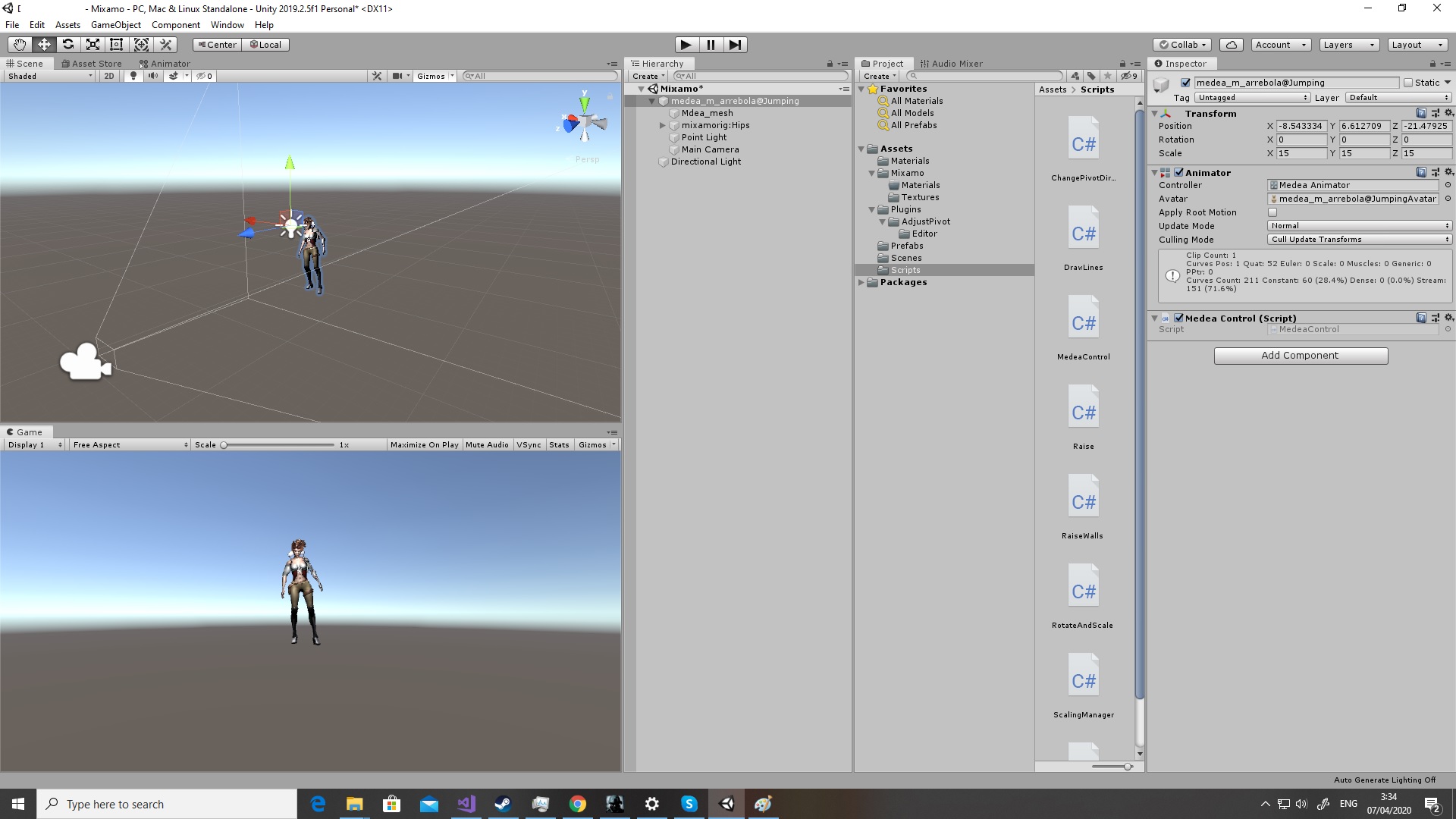
This is the position of the character before running the game :
And this is when running the game and the animation start playing. The character is falling a bit down then the animation start. But I see that the position on Y is not changing. So maybe it’s just the animation that play like that ? Or there is something I can change and set so the character will not fall a bit down before the animation start ?
The only things I changed was checking setting to true both Loop Time and Loop Pose on the animation.
Hi,
I feel the pain…
It’s actually your animator which moves your character at runtime.
I don’t remember exactly what I did to fix that but I think if you assign an animation within the controller then it’s gonna use the position specified in the animation.
You could also get the world position before the Animator is applied and then after to get the delta and then offset your character by the negative of the delta to make sure your character stays at the same position in space.
The things is that usually, you either set the root position in the script or the root is specified in the animation file (see apply root motion in the Animator component)
if you play the game, the object continues to fall down?
or just a minor glitch?