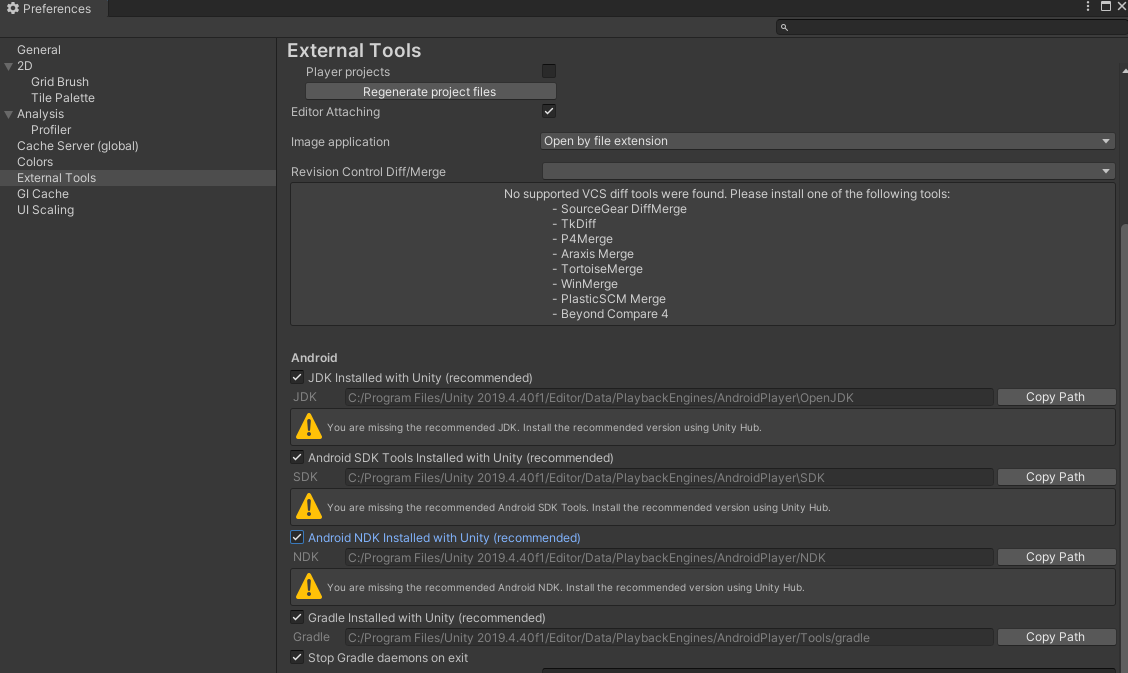
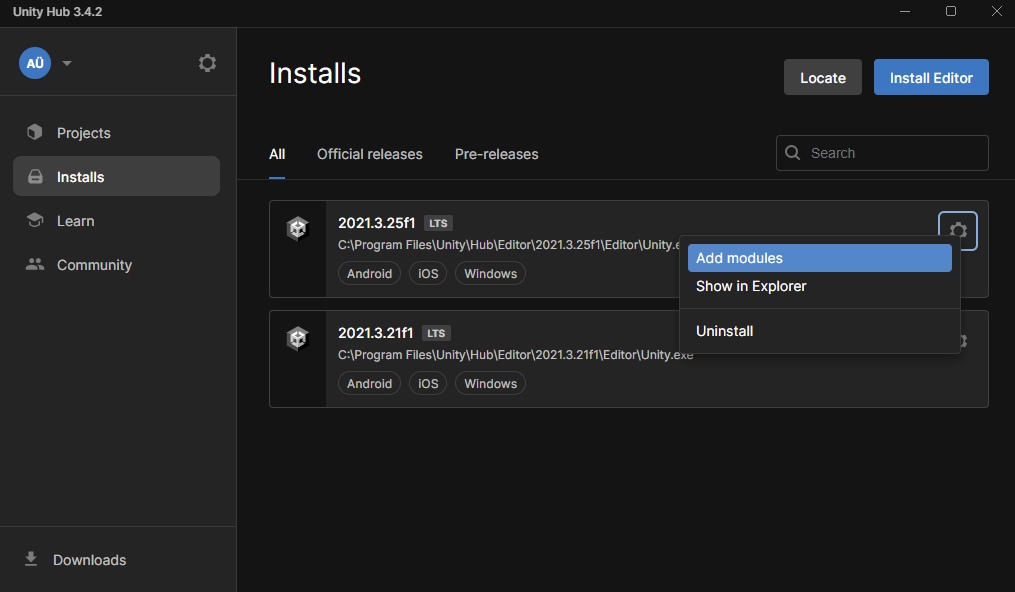
Unity2019 is not any more supported than Unity2017 is.
As Hex said above, select a version that is still supported or you’ll be inhibited from doing meaningful game dev while you attempt to fix what might be unfixable.
In any case, Unity2020.3.40f1 is the oldest version of Unity that has the Android 12+ audio crash bug fixed.
ISSUES RELATED TO UPGRADING PROJECTS (eg, changing to a higher Unity version)
Upgrading to a later version of Unity is a one-way process. Any project that has been updated should NEVER be reverted to an earlier version of Unity because this is expressly not supported by Unity. Doing so exposes your project to internal inconsistencies and breakage that may actually be impossible to repair.
If you want to upgrade to a newer version of Unity, do not even consider it until you have placed your project fully under proper source control. This goes double or triple for non-LTS (Tech Stream) versions of Unity3D, which can be extremely unstable compared with LTS.
Once you have source-controlled your project then you may attempt a Unity upgrade. Immediately after any attempted upgrade you should try to view as much of your project as possible, with a mind to looking for broken animations or materials or any other scripting errors or runtime issues.
After an upgrade you should ALWAYS build to all targets you contemplate supporting: iOS and Android can be particularly finicky, and of course any third party libraries you use must also “play nice” with the new version of Unity. Since you didn’t write the third party library, it is up to you to vet it against the new version to make sure it still works.
If there are issues in your testing after upgrading Unity, ABANDON the upgrade, revert your project in source control and be back where you were pre-upgrade with the earlier version of Unity.
Obviously the less you test after the upgrade the more chance you will have of an undiscovered critical issue.
This risk of upgrading is entirely on you and must be considered whenever you contemplate a Unity version upgrade.
Do not upgrade “just for fun” or you may become very unhappy.
PROPERLY CONFIGURING AND USING ENTERPRISE SOURCE CONTROL
I’m sorry you’ve had this issue. Please consider using proper industrial-grade enterprise-qualified source control in order to guard and protect your hard-earned work.
Personally I use git (completely outside of Unity) because it is free and there are tons of tutorials out there to help you set it up as well as free places to host your repo (BitBucket, Github, Gitlab, etc.).
You can also push git repositories to other drives: thumb drives, USB drives, network drives, etc., effectively putting a complete copy of the repository there.
As far as configuring Unity to play nice with git, keep this in mind:
https://discussions.unity.com/t/736093/3
I usually make a separate repository for each game, but I have some repositories with a bunch of smaller test games.
Here is how I use git in one of my games, Jetpack Kurt:
https://discussions.unity.com/t/807568/3
Using fine-grained source control as you work to refine your engineering:
https://discussions.unity.com/t/826718/2
Share/Sharing source code between projects:
https://discussions.unity.com/t/719810/2
Setting up an appropriate .gitignore file for Unity3D:
https://discussions.unity.com/t/834885/5
Generally the ONLY folders you should ever source control are:
Assets/
ProjectSettings/
Packages/
NEVER source control Library/ or Temp/ or Logs/
NEVER source control anything from Visual Studio (.vs, .csproj, none of that noise)
Setting git up with Unity (includes above .gitignore concepts):
It is only simple economics that you must expend as much effort into backing it up as you feel the work is worth in the first place. Digital storage is so unbelievably cheap today that you can buy gigabytes of flash drive storage for about the price of a cup of coffee. It’s simply ridiculous not to back up.
If you plan on joining the software industry, you will be required and expected to know how to use source control.
“Use source control or you will be really sad sooner or later.” - StarManta on the Unity3D forum boards