When I launch a new game in unity 2d the white border doesn’t line up with the grid in the background so it makes placing tiles quite strange, I would like to know how to fix this
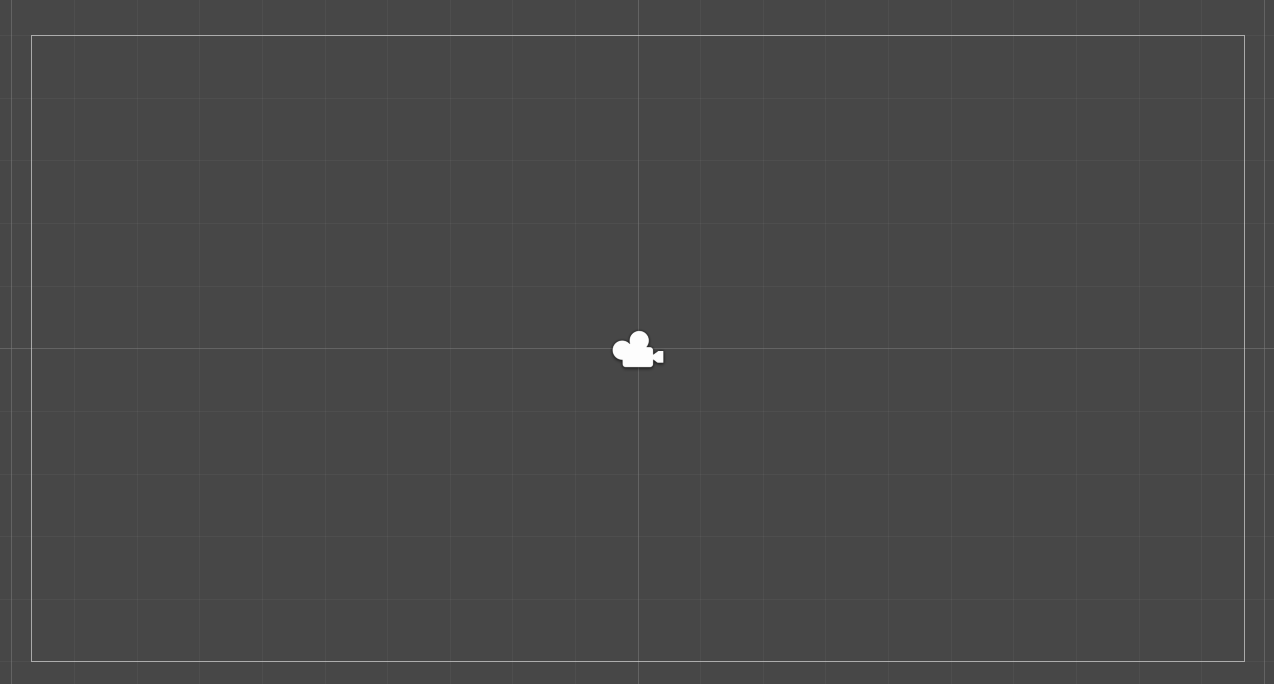
It’s the Camera component gizmo, it has nothing to do with tiles or 2D though. You can also see the Camera icon shown in the middle too. Change it in the gizmos to not show or edit the camera.
thanks, how exactly do i change it in the gizmos to not show or to edit the camera?
Click the “Gizmos” button on the toolbar to turn them on/off and select the drop-down next to it for detailed control.
Also, look at the available manual/docs: Unity - Manual: Gizmos menu
For the future, note that Editor related stuff like this can be asked here: Unity Engine - Unity Discussions
cool, is there a way to edit what the camera sees, like to make it bigger to match up with the grid in the background? sorry to keep asking you things
Did you look at the Camera component manual I linked?
Change the size property of the Camera component (assuming you’re in Orthographic mode).