Hi,
I must admit I’m starting to feel really frustrated by this tech. Since almost two years I can’t make it work in even the simplest test scenes. Not mentioning the awkward UI still in its infancy, no single solitary preview version worked at all, or “barely”. Out of many hours of trial and error and reading countless forum threads, I’ve managed to get Sky occlusion to work in a simple scene, obtaining some kind of base for a day/night cycle, but now I’m back to square one. I have two questions, maybe someone can help me.
What’s the CORRECT WAY to setup terrains with Trees for using them in conjunction with APV? I want my terrain and trees to contribute to APV occlusion and at the same time be illuminated by APV.
I’ve got terrain marked as “contribute GI” and “receive GI” on “light probes”.
In my trees prefabs, I’ve marked LOD0 as “contribute GI” with “receive GI” on “light probes”.
BUT, once I bake the APV set (if it doesn’t stop for one of the countless errors) I see no terrain contribution nor occlusion from trees. Are those settings correct?
In this simple test scene (Using Unity 6000.0.7 preview and the Unity terrain demo assets) I get the following errors:
Basically If I activate one of the APV options like “Sky occlusion”, “Dilation” and “Virtual offset” bake fails. If I uncheck all three options, the bake doesn’t fail (but I have no sky occlusion nor occlusion from the trees.
EDIT: I also tried to remove the trees instances on the terrain, and handplacing a large group by hand using normal prefabs, and the bake does work indeed giving the expected result (well, there are artefacts anyways on both the terrain and the simple geometry, but…
Another question: when baking various terrains I get an “out of memory” error. What’s the workflow to obtain such bakes? My current test world it’s huge (32x32 km)
I can answer the 1st question.
you have to mark the lodgroup’s root gameobject as static as well to bake the trees from terrain.
also in case you don’t know - LOD0 has to be always set as “contribute GI” even if you want to bake LOD1-LODx.
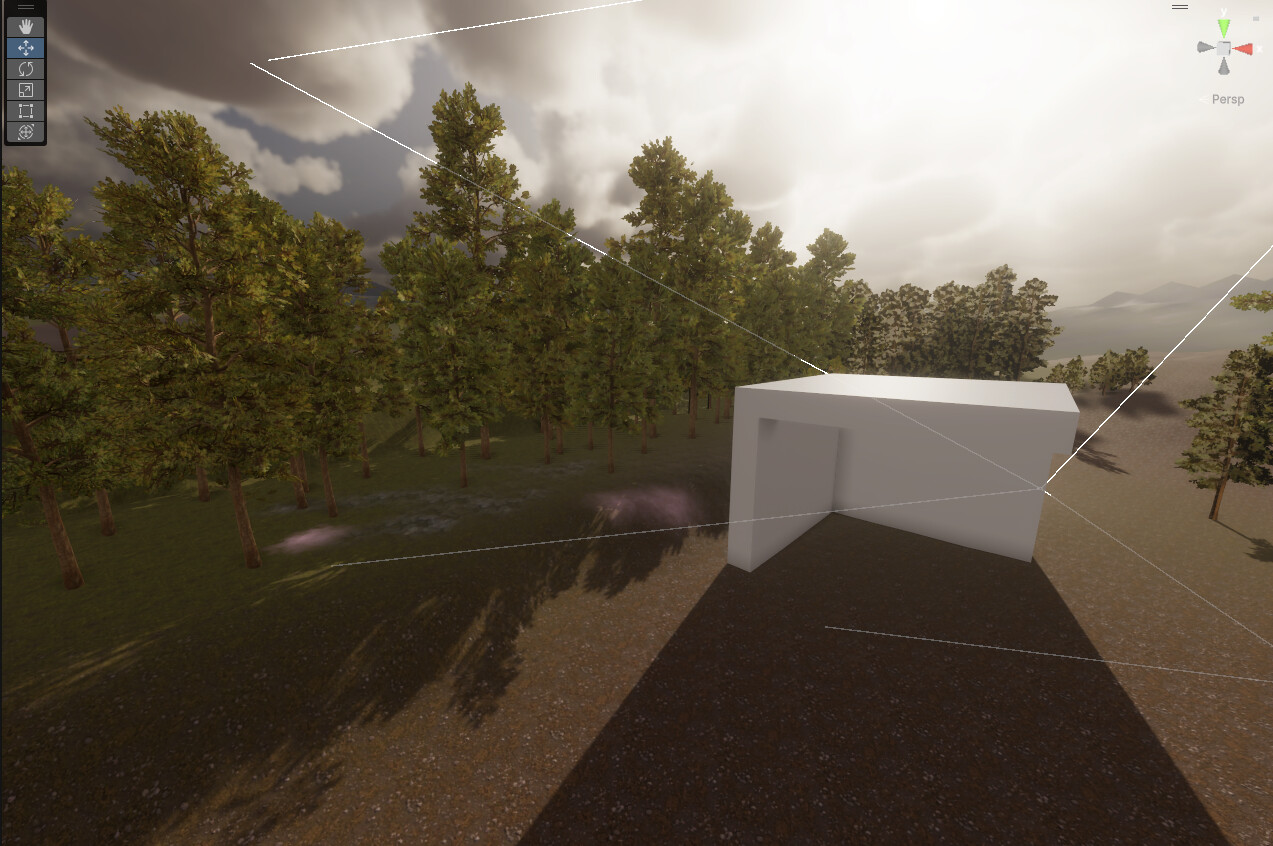
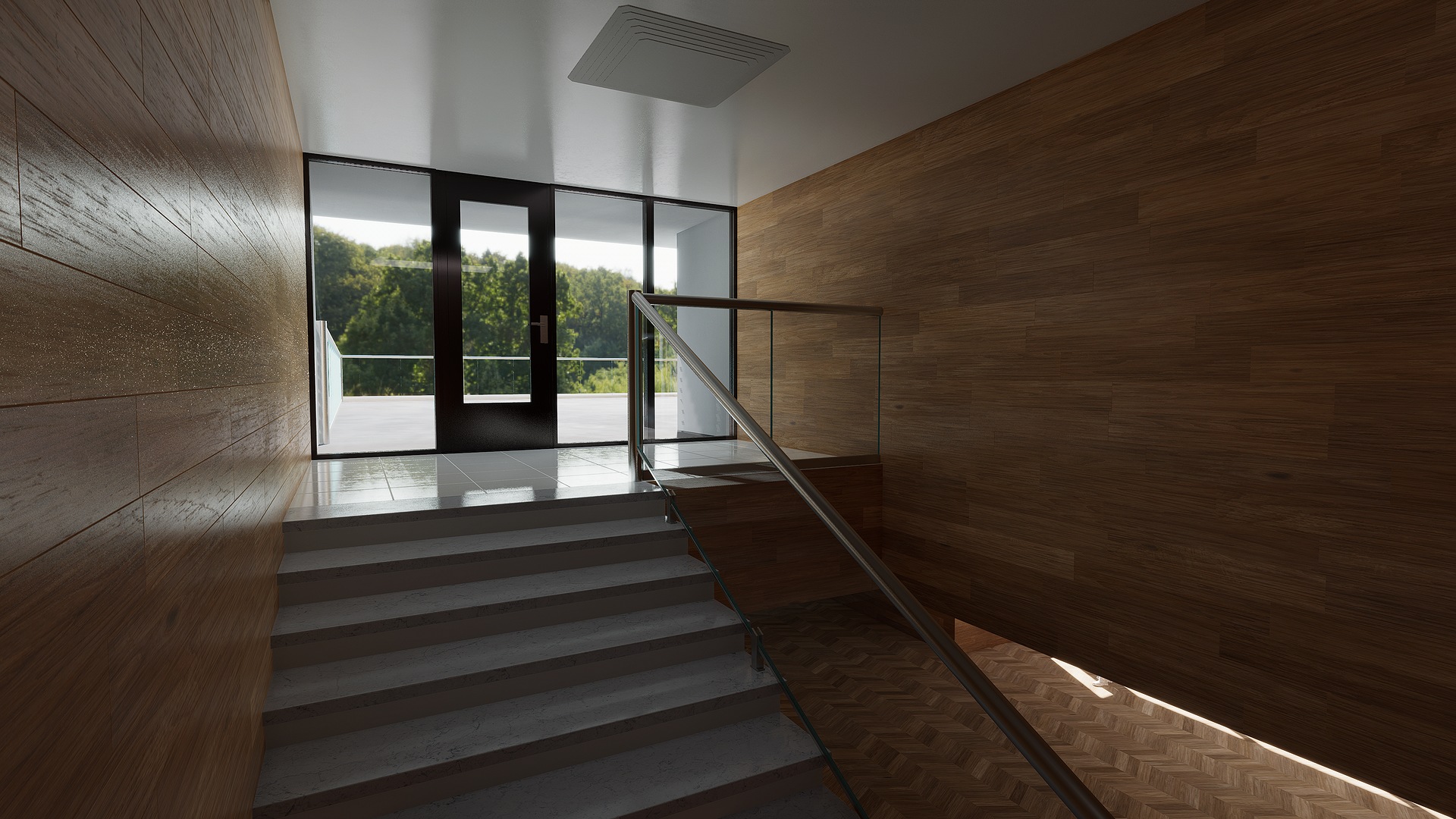
Recently I’ve released Uniblocks (modular buildings constructor, inspired by Minecraft) - and all GI lighting there was done via APVs + Screen Space GI & Reflections + baked reflection probes (setting them to capture APV lighting is tricky, at least in HDRP). Rendering performance is fast enough and looks good for my use case (thanks to 0.5m wall thickness and only straight angles for walls and roof - light leaking/reflection probes rectangular area of effect - all that works very well in rectangular buildings). Some screenshots with all that:
For decent smoothness of APV lighting there is a need to set “Probes samples” value to be like from 25000 to 200000 (in scene baking options) and it is about hours to bake it for just one, not so huge, mansion But anyway better than lightmaps :).
No plan to make it work on CPU but there was a type on the thread group size, it’s fixed in 6000.0.10f1
I reduced the size of the dispatches to improve the situation, but i guess this is a driver timeout, so the best fix is actually to increase the windows TDR on your side
what’s the version ? i think this was fixed some time ago on unity6
Not sure what’s happening here, i’ve changed the code so that it doesn’t fail the build if the file can’t be deleted, but there’s something weird. The folder is probably marked a readonly on windows side for some reason
Due to the high amount of request for that it’s now possible on 6000.0.10f1, the parameter is in the APV component of the volume system
that issue for sky occlusion is being fixed, sorry about that
lod on trees were not supported, thanks for the feedback, fixed also on 6000.0.10f1
Now regarding large terrains unfortunately the only the baking backend that apv uses has a limit on the max number of vertex per object, which is usually a problem on terrains. The only thing i can suggest is to report a bug to make it higher priority
About baking scenes individually:
6000.0.7f1, but didn’t work on many others before too. gonna try in 6000.0.8f1.
Nope still happens in 6000.0.8f1. Only bakes first scene, unloads the bake, with scene restart it loads back up, but next scene is unbaked.
System.NullReferenceException: Object reference not set to an instance of an object
  at Unity.Collections.NativeArray`1[T].CopySafe (Unity.Collections.NativeArray`1[T] src, System.Int32 srcIndex, T[] dst, System.Int32 dstIndex, System.Int32 length) [0x00001] in <005406611b744f4ca7c47f8cbfd20a60>:0
  at Unity.Collections.NativeArray`1[T].Copy (Unity.Collections.NativeArray`1[T] src, T[] dst, System.Int32 length) [0x00001] in <005406611b744f4ca7c47f8cbfd20a60>:0
  at Unity.Collections.NativeArray`1[T].ToArray () [0x0001a] in <005406611b744f4ca7c47f8cbfd20a60>:0
  at UnityEngine.Rendering.AdaptiveProbeVolumes.ConvertCellToBakingCell (UnityEngine.Rendering.ProbeReferenceVolume+CellDesc cellDesc, UnityEngine.Rendering.ProbeReferenceVolume+CellData cellData) [0x00000] in .\Library\PackageCache\com.unity.render-pipelines.core\Editor\Lighting\ProbeVolume\ProbeGIBaking.Serialization.cs:443
  at UnityEngine.Rendering.AdaptiveProbeVolumes.ExtractBakingCells () [0x000af] in .\Library\PackageCache\com.unity.render-pipelines.core\Editor\Lighting\ProbeVolume\ProbeGIBaking.Serialization.cs:660
  at UnityEngine.Rendering.AdaptiveProbeVolumes.PrepareCellsForWriting (System.Boolean isBakingSubset) [0x0008b] in .\Library\PackageCache\com.unity.render-pipelines.core\Editor\Lighting\ProbeVolume\ProbeGIBaking.Serialization.cs:223
  at UnityEngine.Rendering.AdaptiveProbeVolumes.ApplyPostBakeOperations () [0x00074] in .\Library\PackageCache\com.unity.render-pipelines.core\Editor\Lighting\ProbeVolume\ProbeGIBaking.cs:1345
  at UnityEngine.Rendering.AdaptiveProbeVolumes.FinalizeBake (System.Boolean cleanup) [0x00013] in .\Library\PackageCache\com.unity.render-pipelines.core\Editor\Lighting\ProbeVolume\ProbeGIBaking.cs:1104
UnityEditor.EditorApplication:Internal_CallUpdateFunctions ()
p.s. the sky occlusion feature working would be very nice, because lighting override mask is broken too when using cloud layers on atleast one of the volumes ^^. had to modify the package for it not to crash.
My setup is like this: Two basic scenes in my application. No lighting there.
Then I create AssetBundles not related to the project at all containing lightmapping, reflection probes and APVs (specific for each targeting platforms which is very combersome…).
These AssetBundles scenes are then loaded in runtime on demand from a server.
In Editor (currently 6000.0.7f) this works fine. On Android/Quest builds the APVs are either not loaded or just don’t do anything. Trying back&forth and every checkbox related to the topic since 1-2 weeks. No solution yet.
Oh and by the way:
I noticed a bug when “Scene” or “Game” view is not active, APVs inspector thinks that the project has not been enabled correctly for APV system. Once scene or game is active it is being detected correctly again. This confused me quite a lot.
Hello,
First I’d like to say my appreciation of APVs, I find it very convenient to use compared to lightmaps+light probes, and the various quality/perf balance settings and streaming make it even more enjoyable production-wise.
Now I’m in a specific situation where I’d like to have a finer control of things, but from what I’ve read it doesn’t look like it’s possible.
Basically we have kind-of procedural scenes where some rooms are either on or off randomly, leading to a certain amount of variations at runtime:
(4 variants here, but in the final project it would be way more)
I’d like to know if there’s a way to have multiple Adaptive Probe Volume objects in the scene, bake them all separately, and then at runtime toggle each of them on/off depending on the procedural outcome:
It would be like Lighting Scenarios, but in a more granular way I think.
Side questions: how much of a low-level access can we have on the whole system?
I saw that scripts related to APVs exist in the SRP packages, but I wonder if they are the whole system or just an interface to the C++ side.
you can use separate scenes for separate bakes and load/unload them would achieve this effect. can have scenes purely for apv bake without any geometry only with probe volume component. but they have to be in the same baking set otherwise this won’t work.
I see, good to know. But that’d mean that, for the example above, I’d need to bake 4 different sets (in 4 different “proxy” scenes for example) to account for all possible scenarios, each with redundant data (e.g. the main room exist in all 4 scenarios and its data would be repeated in each set), right?
Or do you mean we can have multiple baking sets active at the same time?
Thanks, here are some lighting situations - soft one (direct lighting + large enough windows):
1 screenshot: 500 samples no SSGI/SSR
2 screenshot: 5000 samples no SSGI/SSR
3 screenshot: 50000 samples no SSGI/SSR
4 screenshot: 500 samples with SSGI/SSR on top
5 screenshot: 5000 samples with SSGI/SSR on top, almost good enough.
1 screenshot: 500 samples no SSGI/SSR
2 screenshot: 5000 samples no SSGI/SSR
3 screenshot: 50000 samples no SSGI/SSR
4 screenshot: 500 samples with SSGI/SSR on top
5 screenshot: 5000 samples with SSGI/SSR on top - not enough, still spotty.
Only 25-50K samples + SSGI/SSR can make it look nice.
And 200K samples is needed when windows are the same but room surface is larger (like this one), so it’s closer to pinhole camera in a way, nasty lighting case.
I’ve run into something similar, so maybe this can help: for quite a while I baked lighting for one scene and when return to second one - lighting was broken there. Re-baking lighting in this second scene - ok, but lighting will broke in the first one. In the end I’ve noticed a pattern: If i use “Ctrl + D” to duplicate existing scene in “Project” window and this scene has APVs baked - this duplicated scene will be permanently attached to some kind of hidden APV stuff and thus will share it with the source scene and damage it. Only “Save scene as” with a new name and deletion of source scenes helped me decouple them and have separate APV lighting there. Since than APVs works quite well, dozen of scenes was baked in one project without issues. Can’t guarantee this is it - I tried a lot of settings and it was month or two ago, but this is my best advice on this issue.
Sounds like a very complex way to handle this. I have approx 70 scenes to work with and all have to be in the same baking set. How does it work when you duplicate a scene, since it won’t be in the baking set anymore. Do you just add it after baking? Not sure if I should start trying to automate this, or keep on waiting for a fix.
I don’t really understand how APV baking sets working, so when I’m adding APV volume to a scene I set its “Mode” parameter to “Scene” (e.g. not “Global” or “Local”), this way it should be independent from any other APV-enabled scene (but duplication of scene in Project window makes an issue it seems so source and copy are using same APV-data-something somehow). Just if nothing else helps - maybe this can solve the issue, maybe not…
I think this is related to duplicate or corrupt PerSceneProbeVolume thing. it’s a hidden gameobject with a component and deleting it fixes the problem.
can use this to show the hidden objects in scene:
#if UNITY_EDITOR

using UnityEngine;
using UnityEditor;

public static class HideFlagsUtility
{
    [MenuItem("Help/Hide Flags/Show All Objects")]
    private static void ShowAll()
    {
        var allGameObjects = Object.FindObjectsByType<GameObject>(FindObjectsInactive.Include, FindObjectsSortMode.None);
        foreach (var go in allGameObjects)
        {
            switch (go.hideFlags)
            {
                case HideFlags.HideAndDontSave:
                    go.hideFlags = HideFlags.DontSave;
                    break;
                case HideFlags.HideInHierarchy:
                case HideFlags.HideInInspector:
                    go.hideFlags = HideFlags.None;
                    break;
            }
        }
    }
}

#endif



 But anyway better than lightmaps :).