So as promised here is how i implemented my Synced Layers & Animator Override Controllers Hybride :
The Animator Structure :
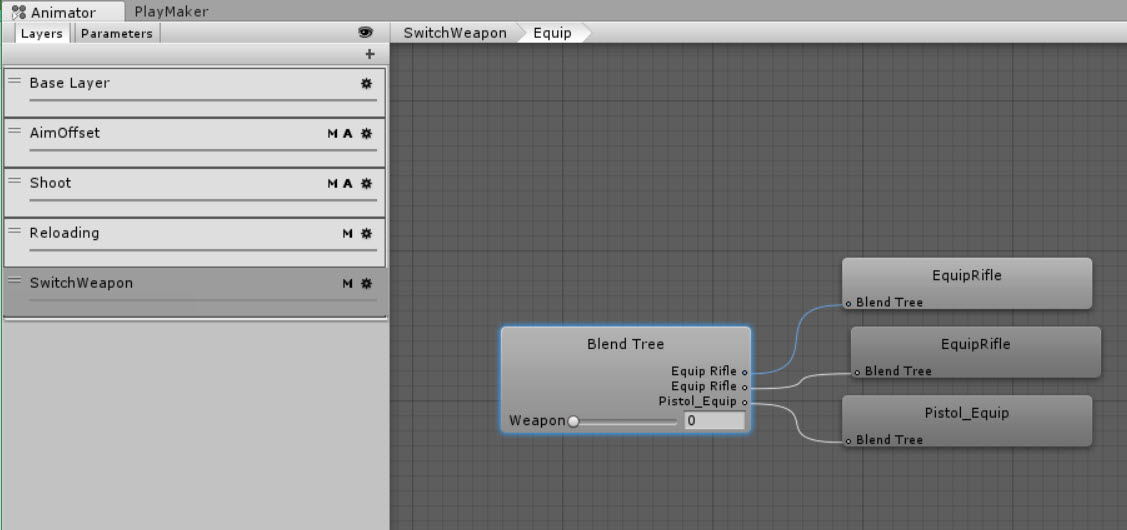
First let me start with a screenshot of the Animator :
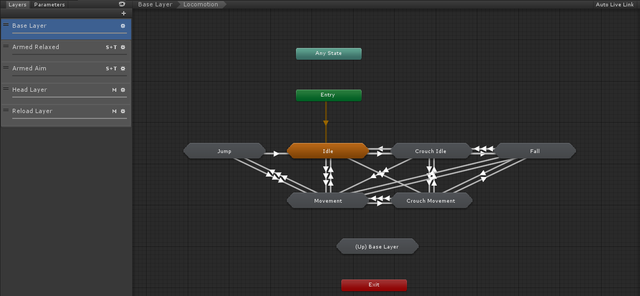
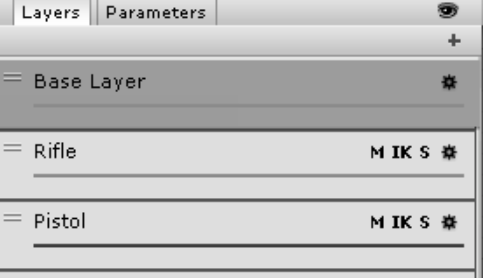
For the purpose of this thread we will focus on these 3 Layers :

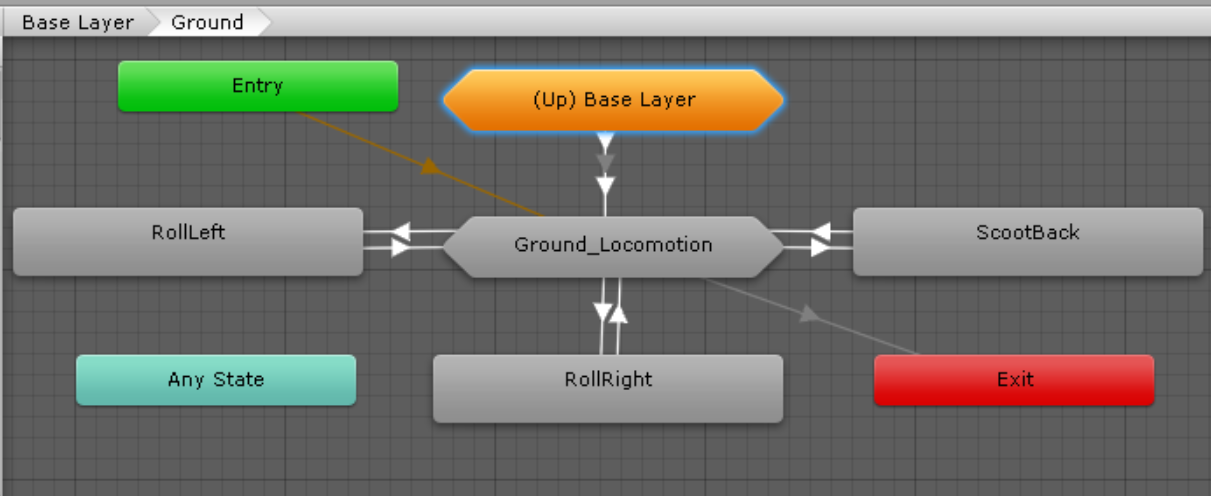
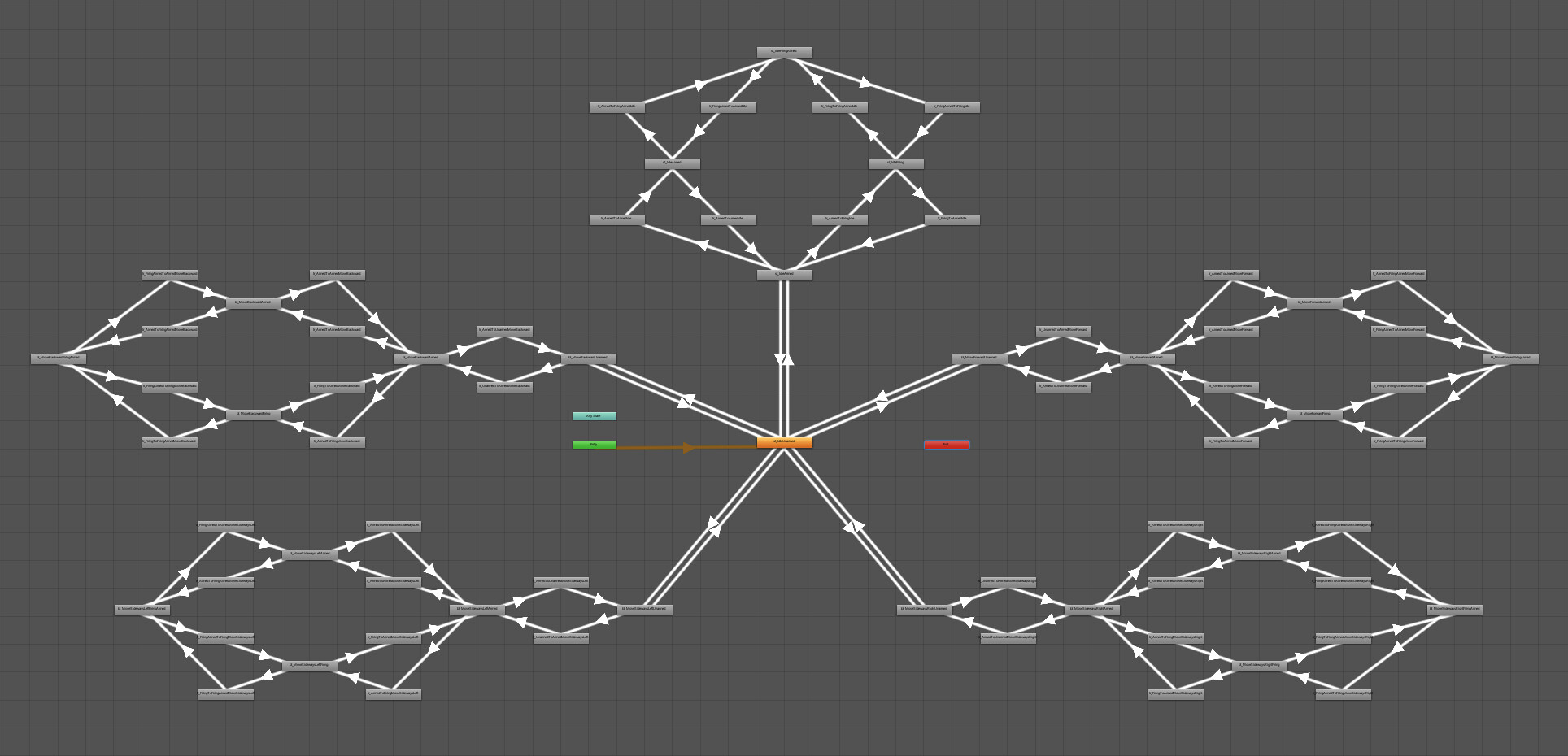
As you can see in the first picture the Base Layer contains the Locomotion SM. It’s for the Unarmed Movements.
The other two layers “Armed Relaxed” & “Armed Aim” are Synced with the Base Layer (explained shorty they are exactly a copy of the Base Layer expect the animations clips can change. You can find more details about Animation Layer syncing here.)
- the “Armed Relaxed” layer contains animations where the player has a weapon in his hand but he’s not shooting
- the “Armed Aim” Layer contains animations where the player is actually shooting/aiming.
Here are picture of the player when each one of those layer in applied :
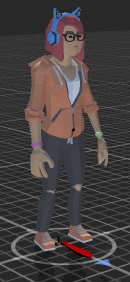


Base Layer / Armed Relaxed Layer / Armed Aim Layer
Animator Override Controller :
So far, all this works perfectly if we have only one weapon. If we want to have different animations for different weapons that’s when the Animator Override controller comes into play.
We will create one for every weapon and replace the animations that are used in both the “Armed Relaxed” & “Armed Aim” Layers with the new weapon’s animations.
You can learn more about the Animator Override Controller and how to create and setup one Here.
Changing the Animator on Runtime:
Now to change the animator on runtime you need this code :
    [SerializeField] private RuntimeAnimatorController[] overrideAnimators;

    private void UpdatePlayerAnimator()
    {
        if (!EquippedWeapon) return; // Check first if we have a weapon equipped
        // Getting the EquippedWeapon's ID
        var _WeaponId = EquippedWeapon.GetComponent<FireWeapon>().itemId;
        //Set the WeaponType in the Animator
        _playerAnimator.SetInteger("WeaponType", _WeaponId);
        //Overriding the Animator
        _playerAnimator.runtimeAnimatorController = overrideAnimators[_WeaponId-1];
    }
Now of course the code will vary depending on how you setup your weapons system and the names ofyour variables but you get the idea.
In the inspector we will get this :
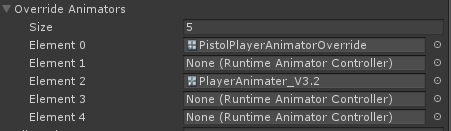
- The Size will be the number of weapons your player has.
- Each element will contain the Animator Override controller specific to each weapon.
Of course you need an ID for each weapon to know which Animator Override to apply.
This is it. Now you cant switch between different weapons and have their specific animations plays
This example shows only Locomotion, you can apply this approach to all different SMs (Shooting/Vaulting/Cover…etc)