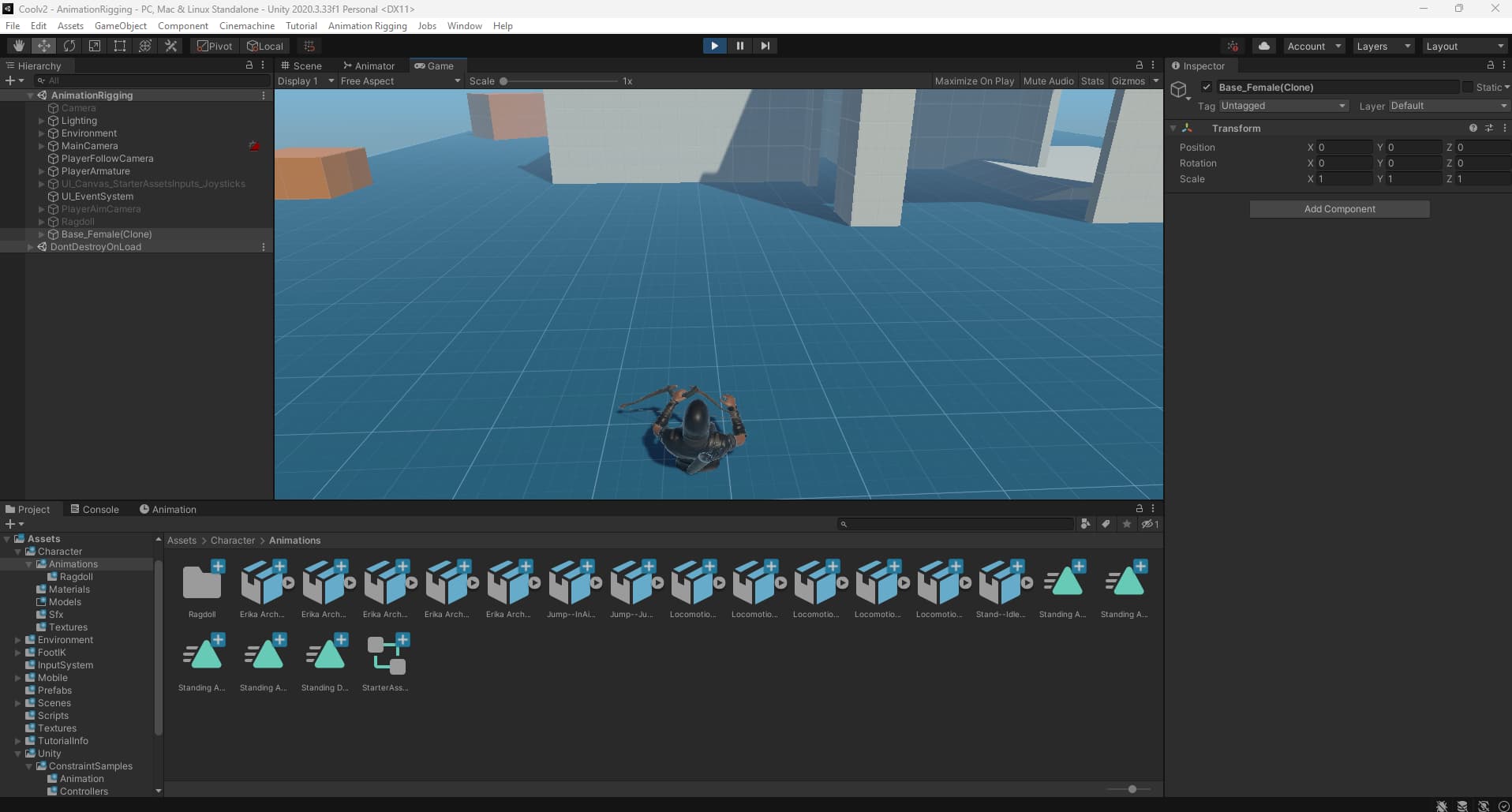
I am making an archery game with the unity standard 3rd person controller. When i add animation rigging, the character sinks into the ground. Does anyone know how this happens and how to fix it?
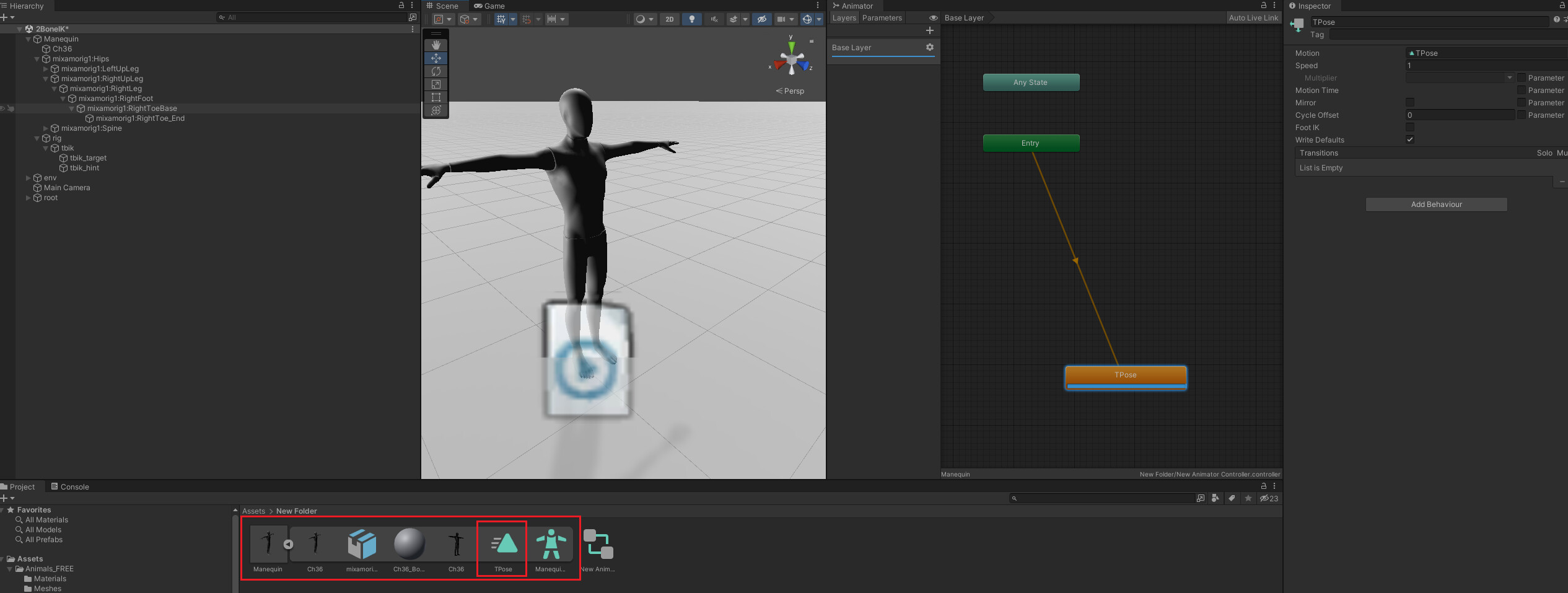
Animation Rigging adds a Playable to your character, which effects the posture of your character. At the same time, you haven’t played any animations, so it will be a standard posture (yes, this weird posture is the default posture of the Humanoid type in Unity). The reason why the original posture was maintained when Animation Rigging was not enabled is because you didn’t place a Controller. if you place an empty Controller, you will get the same result
Was there any misunderstanding?
The default output pose of a playable of a humanoid is indeed this pose. The pose gets enabled when animation rigging is ON (equivalent to creating a playable).
The pose gets disabled when animation rigging is OFF (equivalent to there being no playable output for the model in your example).
This does’n t work. I have added an idle animation, and it stayed the same, i have made an test animator with only an idle animation, and it stayed the same
My student had the same issue. However, my case occurred because I was trying to replace a parent character that already had a mesh, rig, and animator (so I only replaced the mesh).
My experiment showed that when the previous character was created from Mixamo, I had to insert a mesh with the same rig from Mixamo. Alternatively, I could use “create from this model.” Some students still had trouble using this method.