sure i will share the “How”
enjoy!

sure i will share the “How”
enjoy!
I second this, I was doing something similar, I was trying to reuse a texture into two different samplers and like you I had to put the texture twice.
Hey aziz90.
Are you using the latest ASE version and with which Unity version?
I’m asking this because of the canvas background. We had an issue of showing a brighter than expected background and had to remove ‘Bypass sRGB sampling’ on its texture over the latest Unity stable version to solve it.
The background should be much darker.
Bought - love the philosophy & intro price.
I’m not willing to shell out $90 on SF as a hobbyist, but can afford $24 ($4 tax). I hope you’ll make a growing library of node configurations and community contributions available for free. I saw SF’s UI describes all the different nodes nicely - I don’t think ASE does that yet? Maybe that’s something the community can help with if you provide the framework, even link to a wiki with examples of node application (future)…
that was the first version (from the assets store) just updated it does this look more right?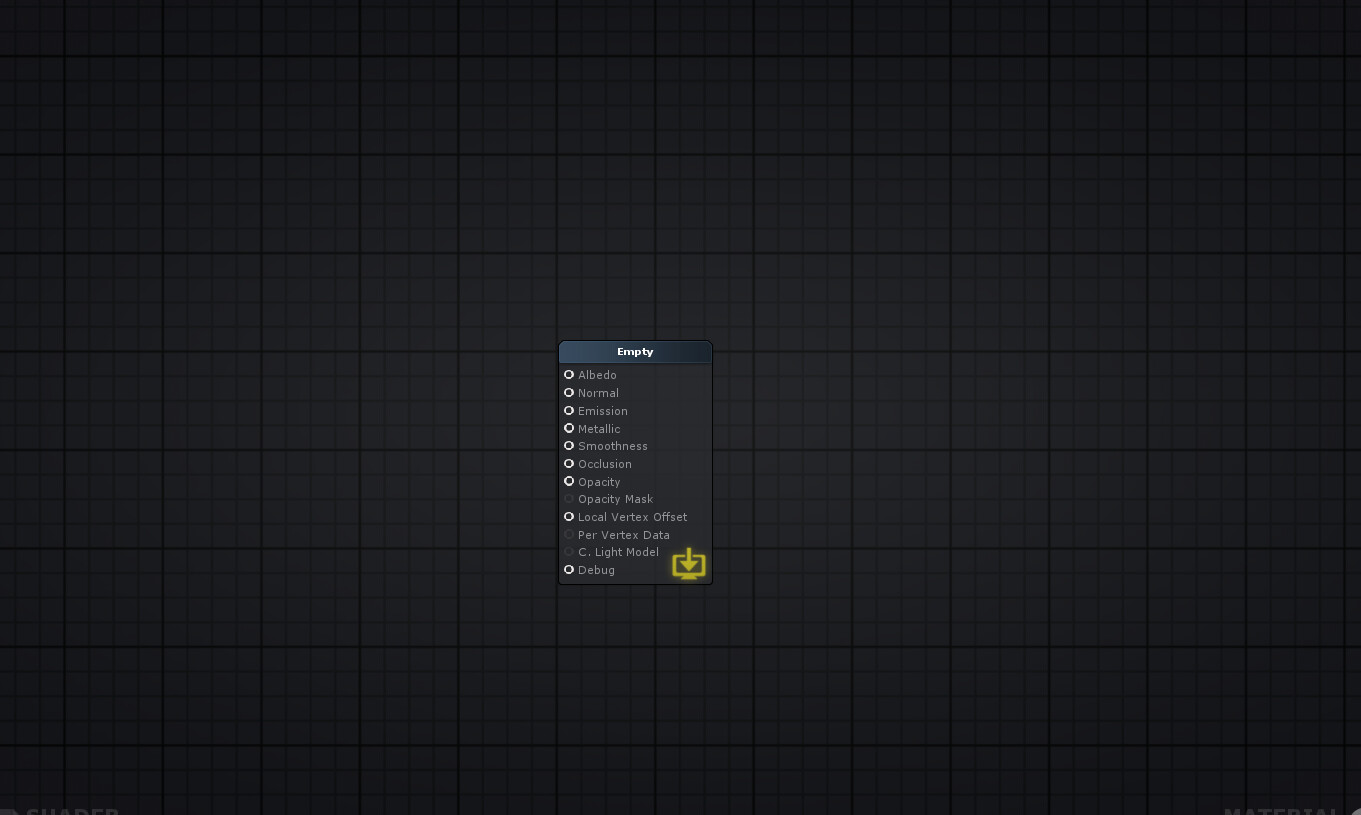
Two things I would really like to see is support for transmission and some nice substance integration. Are transmissive shaders something we can expect sometime soon?
Forgive my ignorance, but how might I go about flipping a vector? I thought it would be to multiply it by -1 but that causes the shader to render black and throws a divide by zero error, and I can’t find an invert vector node or something of the sort.
(for context, I’m trying to flip the normals on back faces, so they are shaded as though they were front faces- I thought I’d do that by multiplying the normals by the sign of the dot of the view dir on the normals, although I get the same error if I just multiply the normals by -1 with a node and plug that into the Normals)
alternate question that would void the above one:
is there a node or checkbox to give backfaces flipped normals so they render as though they were front faces?
Thank you so much for putting your trust in us.
Documentation is something that will also grow better during the beta lifetime. Having the community helping with that is a really nice idea and we definitely will consider that.
Oh yeah! Now it looks the way it should!
Thank you for updating to the latest version.
Yes we are planning to do substance integration.
Transmission wasn’t on our initial roadmap, but now it is! Unfortunately won’t be something we can implement soon.
Your absolutely right, to flip a vector you only need to multiply it by -1.
Is it possible you could share your shader with me via PM so I could take a look at what might be happening?
Unfortunately there is nothing to do that at the moment.
Guys please don’t hesitate on posting in here or sending me a PM if your shaders seem to be well built but are outputting strange results so we can help you out.
Knowing that transmission is on the roadmap is great to hear, You have definitely made a sale, I’m looking forward to getting your badass shader editor probably tonight
Hi guys,
Just updated the build on the beta page,
Here are the release notes:
Release Notes v0.1.2 dev 002
To enable GPU Instancing just select ‘Instanced Property’ on the Parameter Type of a property node ( Vector, Color, etc). Please note that there are certain requirements for it to work property. Please take a look into the official documentation for more details.
Happy shader creations and please let us know if you find any issues or have any suggestions.
So no comment on a texture asset node?
Hi ZackLeodrano,
I’m terribly sorry for not answering your post! Dunno how I missed it!
Your suggestion is really quite nice and it will be very useful, optimization wise. I already registered it on our roadmap.
So I only got the time to test it now, the screen color node is producing some weird stuff in my test. I believe the problem is that I’m doing three of those at the same time while the editor only generates the necessary code for one of them because each and everyone one of them generates their separate variable to hold the texture but the grabpass is only generate once. This wouldn’t be a problem if I could re-sample the same texture but even then it would destroy the idea of using the screen color node more than once. The solution would be to generate the default variable name for the grabpass texture or to generate more than one grabtexture. The second solution might not be ideal because if I’m not mistaken you would need to run the grabpass “pass” more than once.
I think I solved my normals problem- Unity just doesn’t like selectively inverting some normals in one shader, but by creating two shaders (one with back culling and one with front and inverted normals) and adding them both to a material at the same time, the object is shaded as expected. Unity recommends using two passes instead of two surface shaders, but for the time being this will do just fine!
I did have to use a texture sampler with no assigned texture, rather than the Pixel Normal World node, though.
Hi,
I work with Substance and other tools and like many 3D artists i use the popular metallic/Roughness workflow.
Your editor only supports Metallic/Smoothness shader workflow, could you add some option to choose the metallic/Roughness shader instead ?
Are there any plans to support the Specular/Smooth workflow? Haven’t bought it yet and as far as I can tell it currently doesn’t.
Hi,
I am gonna to buy ASE. I am ad developer and not a 3D artist and not really expert, so I hope it will help me.
hi i have a question about the reason that i can’t lerp two normal maps using the “pixel normal world” node. there is any solution?
Thanks in advance.
Bought your product mostly because of its introductory price versus SF’s $90 - I just can not afford that. Also because I have notice how active you are on the forums with your other products and the ample positive reviews.
After reading everything here on this forum thread to make sure I have not missed anything, I have to ask/state that I tried to load the example scene and none of the shaders/textures are linked together. Is this normal behavior for unity when it imports or something else? This is my first shader/texture/plugin that I have bought so I do not know if I did anything wrong either.
Check out the snow/rock example, they use the pixel normal world to get the Y (up direction) to then blend two normal maps, the saturate node is there to clamp the value.
I’m using their latest beta and for some reason I had to completely delete the ASE folder and re-import everything again. Probably my fault because I was messing with their source code. Still, I would recommend you to do the same if it’s not working properly. Everything should be correctly linked together in their examples.