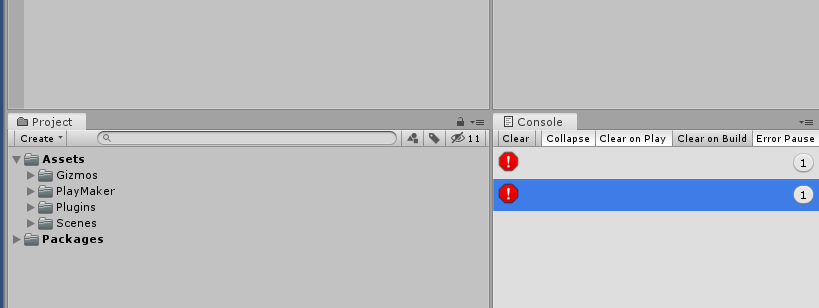
I’m having some issues importing Playmaker plugin into Unity since i updated my Unity Hub to 2.2.0 and today to 2.2.1.
Well, at first i tried to download a project from last class using collab (my own project from my own collab, nothing shared), and then appeared 2 blank errors that prevented me to use play mode.
After that i made several things: Reinstall Unity, the hub, re-download with collab (resulting always in an empty assets folder), importing Playmaker in a new project and ultimately importing a package with the exercise… Obviously, nothing worked.
Maybe that the errors appearing when importing Playmaker on a new project (althought it isn’t installing it, the wizard and the custom menu never showed up since then), make a guess that it’s Playmaker fault (and maybe it is), but we are using in class an older version of the hub (idk right now, but i’ll try to tell when i see it) and with the same version of Unity (2019.2.8f1), and there it’s working perfectly… So i’m thinking that maybe it’s something wrong with Unity hub…
Tomorrow i’ll upload some screenshots, i hope someone can help me out since i can’t do any exercises from my Game Design course
There you have 2 screenshots with fresh projects, one after importing Playmaker (cannot install it) and the other after create a blank script (i haven’t tried this before)…
I tried with Playmaker 1.9.0 (the version we’re using in class) and the last version from my assets store account, same results. I’m with Fabian but, ¿it is known what is the problem with the hub? ¿is there any way of fix it o get an older versión?