Blendshape Driver gives you powers to manipulate SkinnedMeshRenderer blendshapes extremely easy and intuitive. Need a complex face rig with several emotions? No problem. Need a simple rig that changes blendshape simply by rotating bone? No problem.
It’s great that you made these changes. Thank you!
I have different question - is it possible to make the value stay at 100 when the bone passes the end point of rotation, and for the value to stay at 0 when the rotation drops below the starting point?
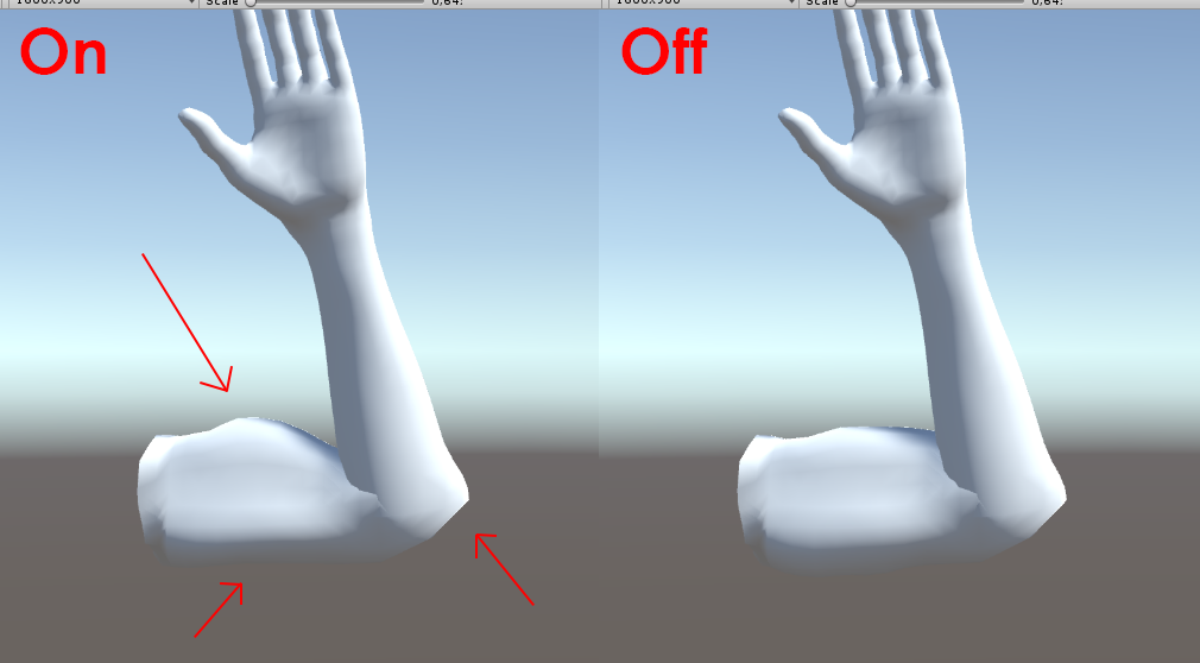
hi i recently purchasedv your tool but having some issues with it working properly . the blendshape works at the rotation angle i set up but also comes on again as i rotate the leg back to its titital state .
i tried this with another model and got the same problem.
i attached ascreengrab to further expalin .
looking forward to your feedback thanks