Hi there,
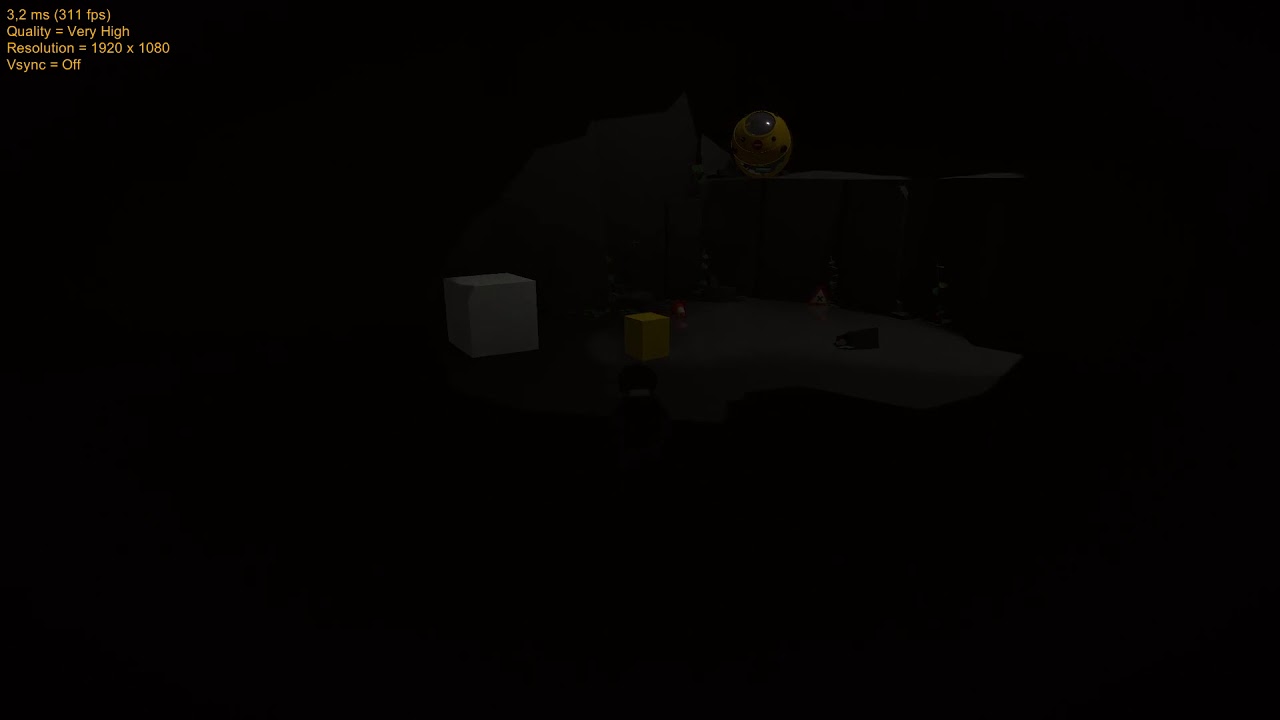
I have reworked my player controller to be rigibody based and eversince I am experiencing jitter on either the player or the environment. This is especially noticeable when playing in build. I have made a menu to be able to toggle v-sync on and off and when running my build with v-sync off I have approximately 350fps. With the current settings you will notice there will be quite some background jitter. I have tried changing the damping settings, which fixes the background jitter mostly, but causes the player to jitter. I have also changed the update method to FixedUpdate, but this makes the jitter visable with both v-sync turned on and off. I’m running out of options and have no clue where to tackle this problem. I hope someone can help me out!
For convenience I have added my PlayerController Script and screenshots of the settings on my CinemachineBrain, CinemachineFreeLook and Cinemachine Collider. I’m using Unity 2019.3.0f6 and updated to the most recent version of Cinemachine.

5443434–555135–PlayerControllerRigidbody.cs (14 KB)
Ususally “either the player or the background jitters” is a symptom of uneven animation. Your character is not moving smoothly, and if that’s the case then it’s impossible to have a camera show both a smooth background and a smooth player at the same time.
The solution is to fix your player animation. If it’s a rigidBody, make sure all animation is happening in FixedUpdate, never in Update. Maybe try moving the logic in your script from Update() to FixedUpdate().
3 Likes
Hi I understand the problem I think. The movement and it’s animations however are already done in FixedUpdate. It’s only the jumping that is done via Update as far as I can tell. And is everything is done in FixedUpdate does the CinemachineBrain need to be set to Fixed Update aswel?
If everything is done in FixedUpdate, then CM Brain should be set to that also. If you set it to SmartUpdate, it will auto-detect how the target moves and report its findings in the vcam inspector when the game is playing. It’s helpful for debugging.

2 Likes
Thanks for the headsup regarding the debugging. It is indeed saying FixedUpdate. I have now set the CinemachineBrain Update method to FixedUpdate. Unfortunately I still have the jittering occuring, now even with v-sync turned on. I have tried playing all code of my PlayerController within fixed update, which causes some minor bugs (Jump input unresponsive, which is expected) but the camera still jitters. I will try to make a recording for a more visual representation of the problem.
With everything on FixedUpdate, does the jitter happen in the build? Does it happen in the Editor when the inspector is not visible?
With everything in FixedUpdate it happens in both the Editor with only gameview visible and in build on with both v-sync on and off. I have tried creating a video of the issue, but it’s hardly noticeable because of compression. None the less here is a link:
Edit: it is especially noticeable at the yellow ship and it’s light aswel as the trafficsign on the ground when the player/camera gets closer.
You’re right - I can’t really see it in the video.
Maybe it has something to do with the aliasing between physics framerate and render framerate. Have you tried adding Interpolation to your player RigidBody? It’s designed to smooth such jitter.
If you do, then you’ll need to put the brain in Smart or Late update. Fixed will jitter, as Interpolate will modify the player’s transform in Update.
I had already tried that unfortunately without any luck. It’s one of the solutions I came across when first googling that issue. I’d happily share a build or the project if you want.
Small little update, the problem seems to occur in older builds to 2018.3 and something else I noticed, is that the problem seems to become worse over time and won’t be there initially.
Can you use 2018.4? That’s our LTS version and we don’t really support any of the other 2018 variations
I could download 2018.4 and give it a check, but the issue was present in both 2018.3 and 2019.3,
oh, I understood from this that the problem was only in builds older than 2018.3
Do you get the accumulating jitter if you remove Cinemachine and parent the Camera directly to the player?
I will give it a shot, if the problem persists than I should see the same background jitter right?
I have disabled the CinemachineManager and parented a new Camera tagged MainCamera with the Post Processing Stack V2 to my player and while I don’t have the option to freely look around there is no jitter even after playing for about 5 minutes. With Cinemachine it would start jittering more and more after about 1 minute.
If you could share a minimal project that reproduces this effect and send it to me I could take a look
I’m currently at work, will do so when I get home. Do you have any preference on how or where I upload it? Thank you very much for the support thusfar!
I have cleaned up the project a bit. There’s only one scene in the scenes folder. You can press “o” for an options menu where you can set the brightness to your liking. If you have an xbox one or ps4 controller it will also work.
Edit: removed link.