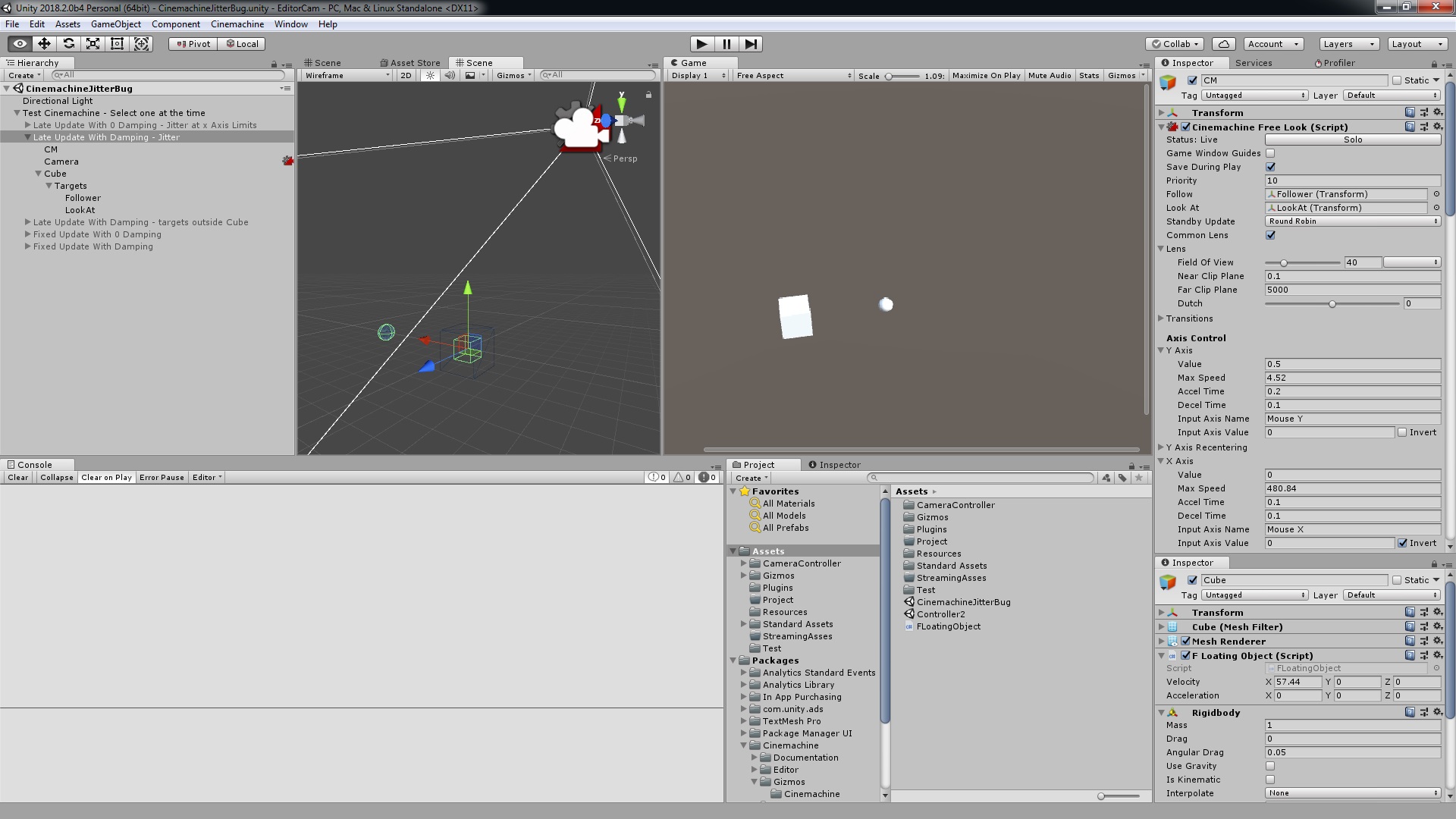
So I’ve ran into some minor issues here which I couldn’t figure a workaround without the use of a script.
Issue: Cinemachine FixedUpdate has some jittery movement when following the player. A custom made script without the use of Cinemachine properly lines up with the player through FixedUpdate.
This video shows the jittery movement between the player and the cinemachine camera through fixedupdate. They aren’t lining up properly. (You might need to watch the video in full screen to see the slight jittery movement)

Smart update is interesting since it gets rid of the jittery movement most of the time, except when the player performs a dodge roll, and moves right after. This is because the smart update switches to late update for a moment then reverts back to fixed update. While the player is moving, there are a few times where the smart update will switch to late update, long enough for it to show jitter before switching back to fixed update. This video shows the smart update jitter after a dodge roll.
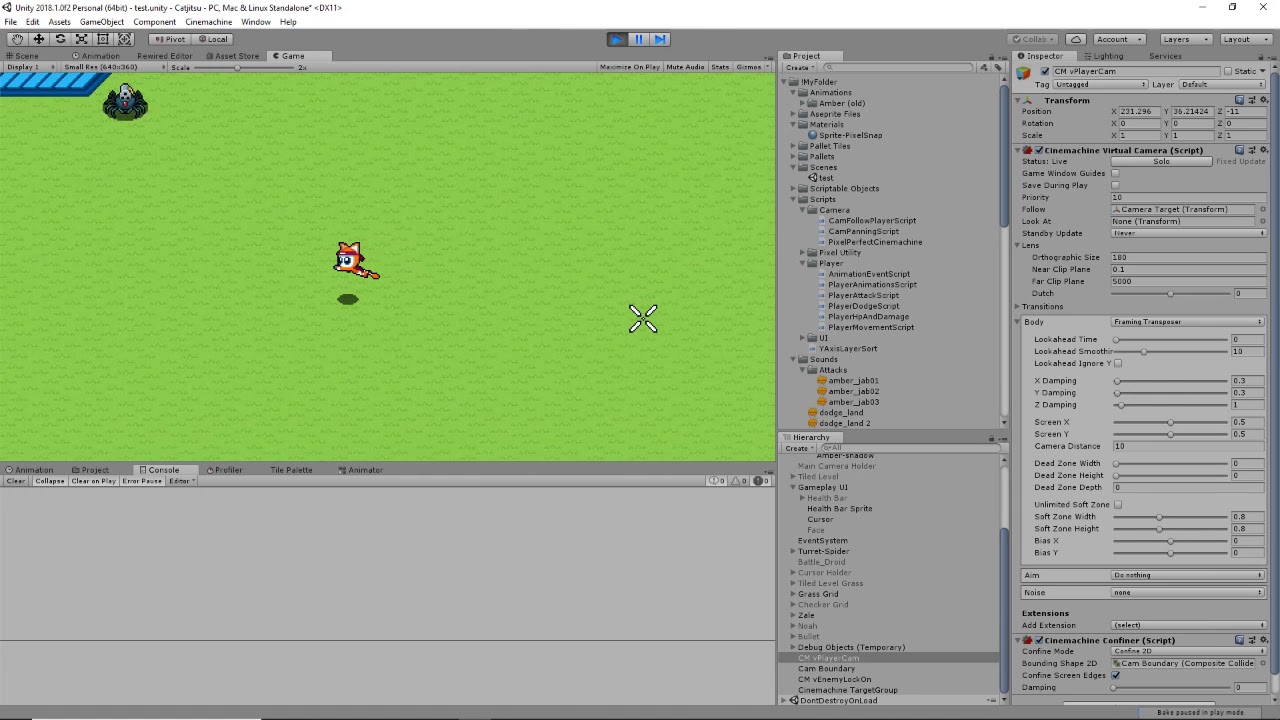
This one shows the custom made script using fixed update. The camera and player are lined up perfectly. The player also doesn’t have jittery movement after a dodge roll.

So you may be asking, “Why not just use your custom script instead?”. While I could do that, I’m missing out on other Cinemachine features. I’d have to recreate similar features Cinemachine has, when Cinemachine already provides them. The reason I’m posting this is because I want to know if there is a way to get Cinemachine’s fixed update to update in sync with the player’s movement. The fact that Cinemachine’s fixed update isn’t working like how my script’s fixed update is syncing up the camera’s movement and the player’s movement, is confusing me.
Other notes:
-The player is a rigidbody2d, with Interpolation disabled. Enabling Interpolation didn’t help with this.
-Fixed timestep is 0.00833333 (I tried other numbers, but didn’t seem to help.)