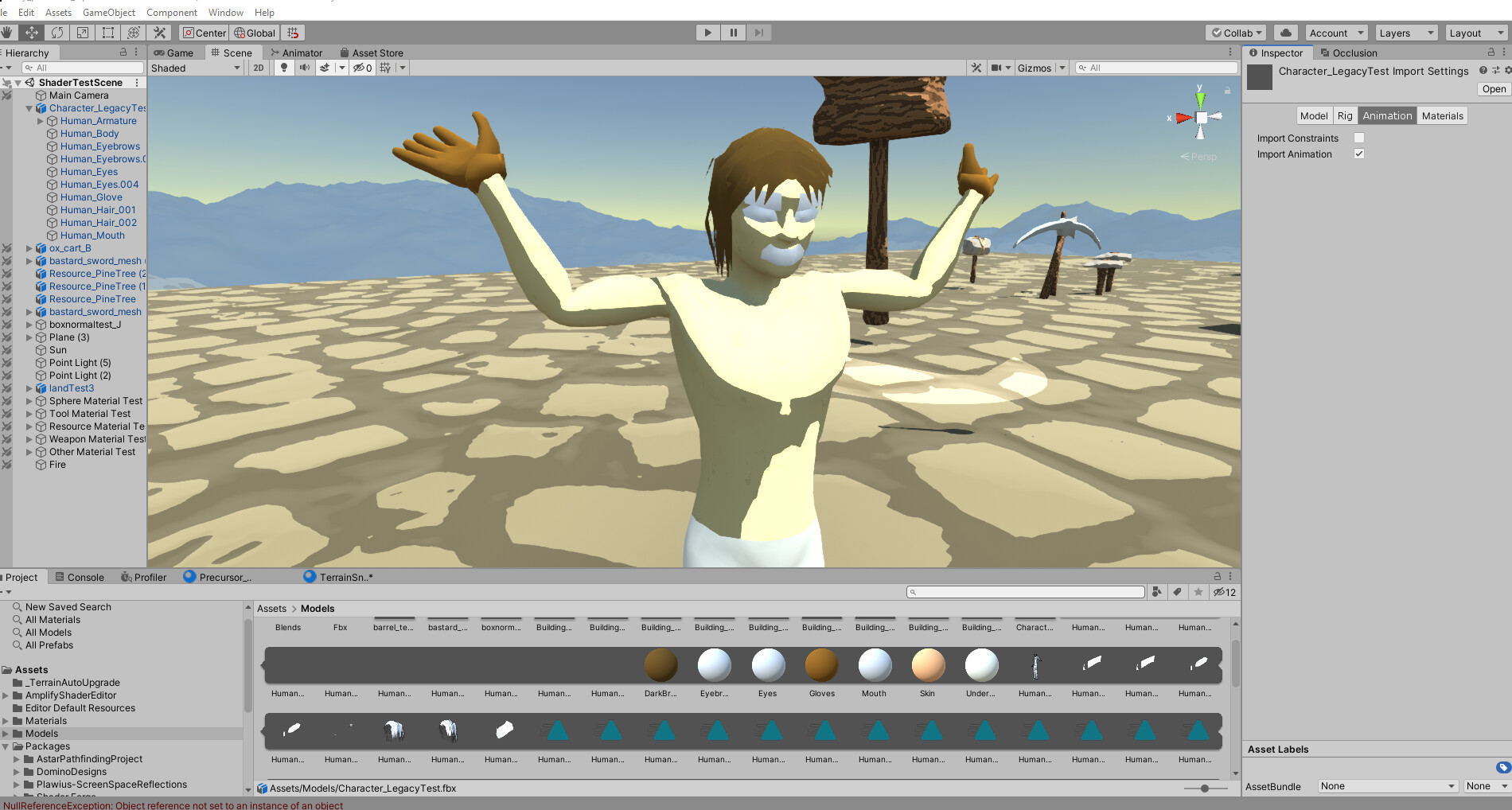
I’m trying to edit the properties from the Inspector on some animation clips, but it can’t be done. It looks like this:

How come I can’t edit them? I want to change the wrap mode of all of them to Loop…
I’m trying to edit the properties from the Inspector on some animation clips, but it can’t be done. It looks like this:
How come I can’t edit them? I want to change the wrap mode of all of them to Loop…
If it grey out like this then you likely did select the clip created by the importer, all imported clip must be modified with the importer. Select the top most node rather than the clip directly and go to the animation tabs in the model importer to change the loop mode.
In this case you need to select the asset cube1ms and not the clip 1ms.
Hi, I’m having the exact same problem. Have you figured it out?
Old thread, but for anyone having this issue, first check you have set the Rig. If Rig is set to anything beyond Humanoid, no animations will show even if you check the Import Animations box.