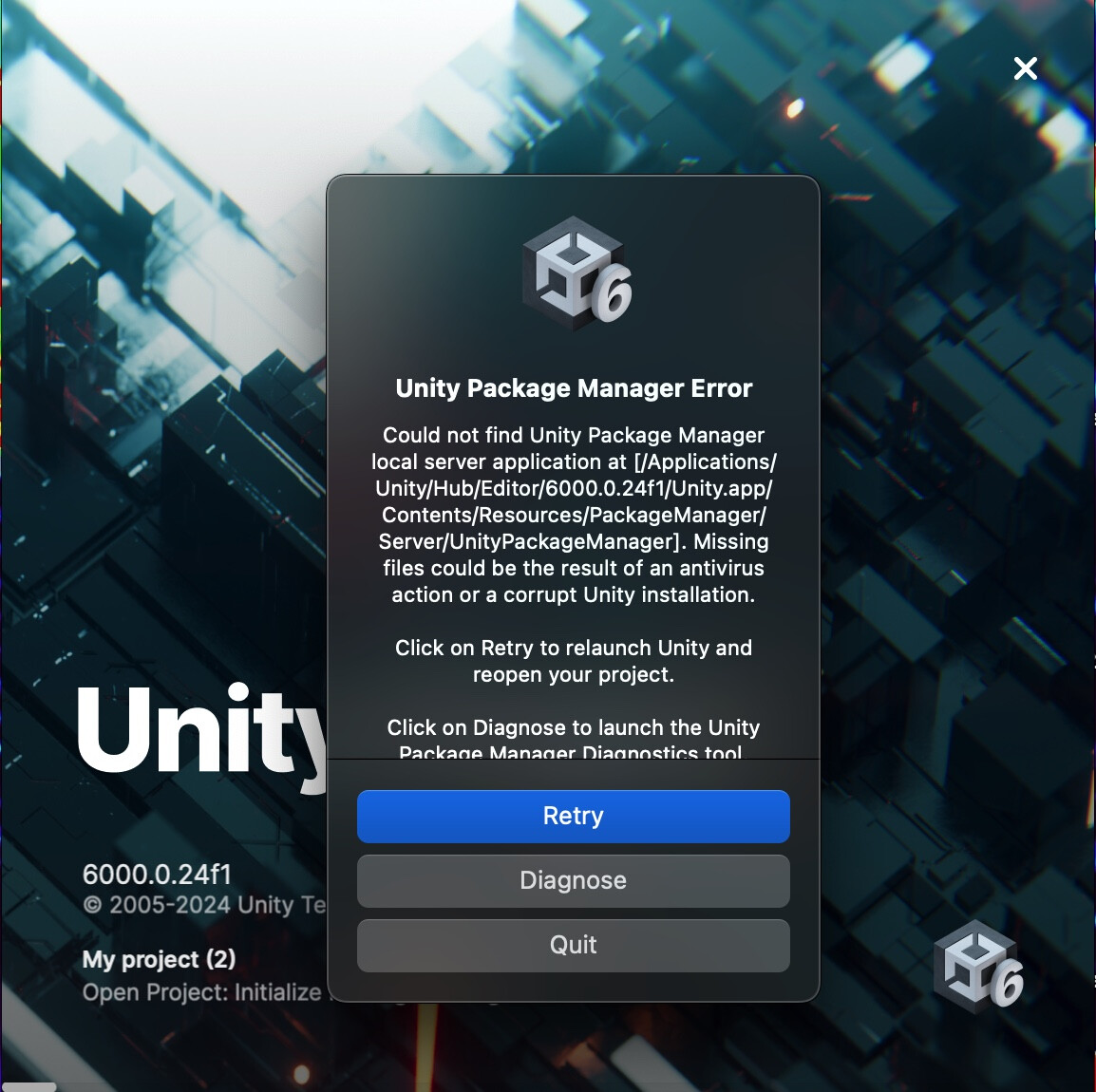
Hey, having this error when trying to open Unity Editor from Unity Hub on Mac for the first time. Not sure if it’s a firewall thing or something else, but it’s been making it impossible for our one colleague to work on our project.
Error in editor welcome screen below, will post Unity Package Manager Diagnostics in reply.
Any help?
Could it be anything to do with opening a project that was started in Unity 2021? It (invariably) needs upgraded to 6000 when someone downloads it for the first time which is weird.
Thanks for your time, anyone who gets a chance to look it over.
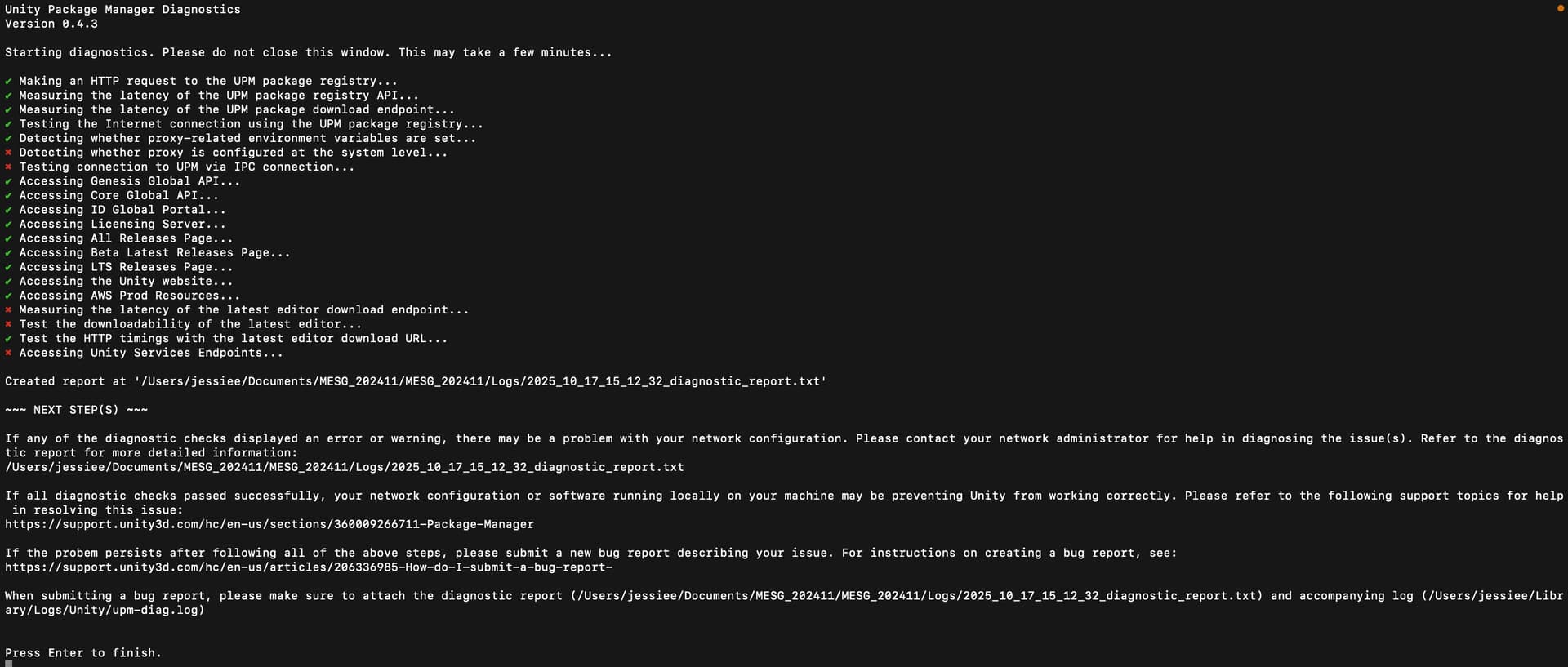
Here’s the Unity Package Manager Diagnostics output:
It can’t access Unity Services, which is a pretty common endpoint possibly even straightforward services.unity.com .. that definitely sounds like a network/router/firewall issue.
Try disabling the firewall temporarily, that might fix it. If not, check other network config (router, proxies, VPN).
Btw 6000.0.24f1 is pretty darn old (second 6.0 LTS release version actually), and you’ll want to publish only builds with the fix for the newly discovered high risk security issues. Therefore => 6000.0.60f1.
Another possibility, especially if this is the first time you’ve run Unity on the machine is that you may need to install Rosetta. You can run this command from a command line to prompt macOS to do the installation.
/usr/sbin/softwareupdate --install-rosetta