I have a problems with the Canvas: When it is in Screen Overlay - UI, if I have an opaque colored text box at the bottom of the Canvas, the text box blocks the top right quarter of my Scene in edit mode, so I can’t see what I’m editing! I suppose I could move my entire game down and to the left to avoid this, but it feels wrong not to have everything centered at 0.
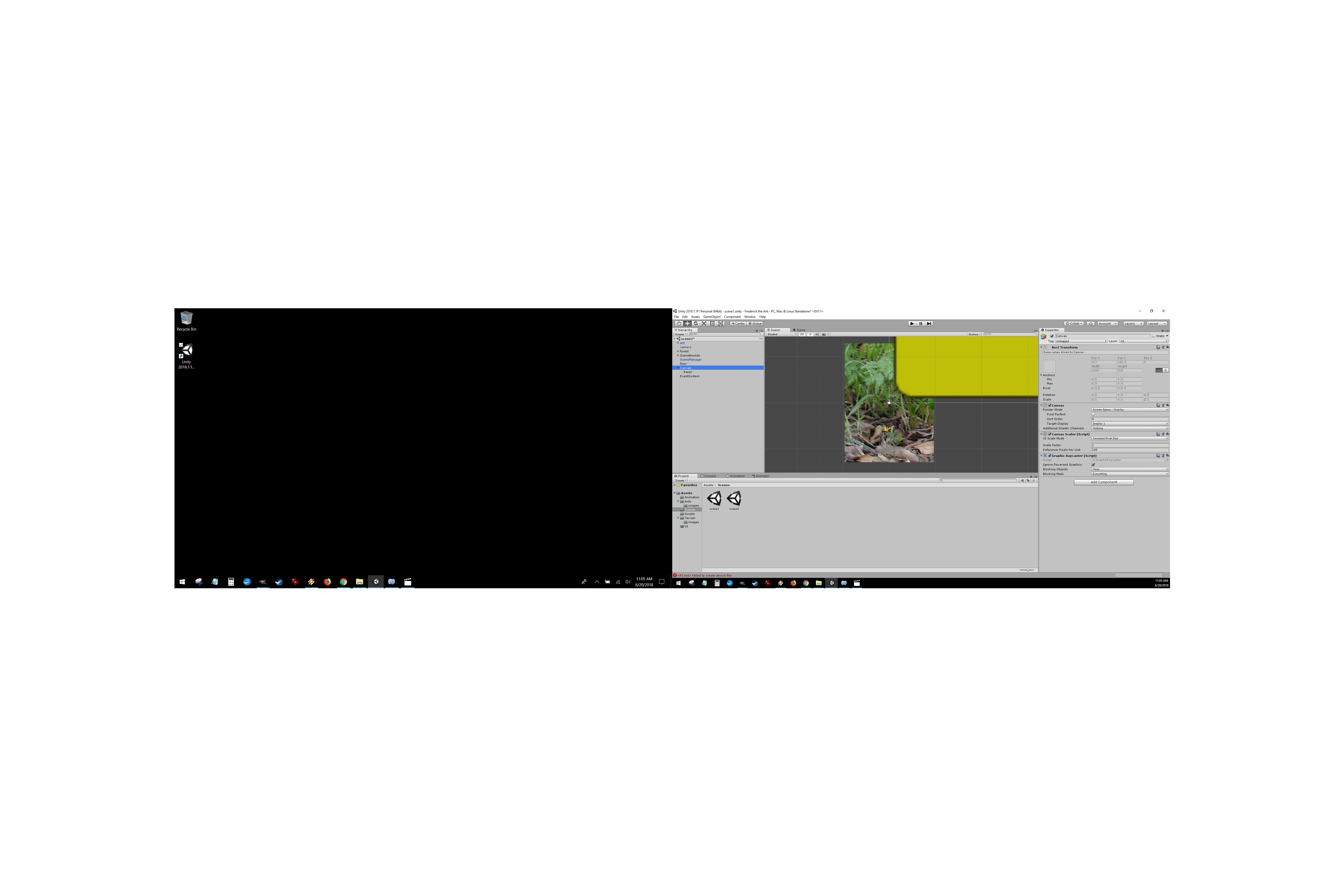
You should be able to use the Layers drop down in the top right of the editor to make your UI layer invisible. Personally, if it is just one UI object in the way, I just manually set it inactive when I start editing the scene and then set it active again before saving.
Okay, this is probably the part where I sound stupid because I am a beginner, but how do you make it invisible? The layers I am seeing are: 0. Default, 1. TransparentFX, 2. Ignore Raycast, 4. Water, 5. UI. Never mind where layer 3 went, and I have no idea what these terms mean, I don’t see an Invisible option. Or, how do you “set it inactive”? Thanks in advance.