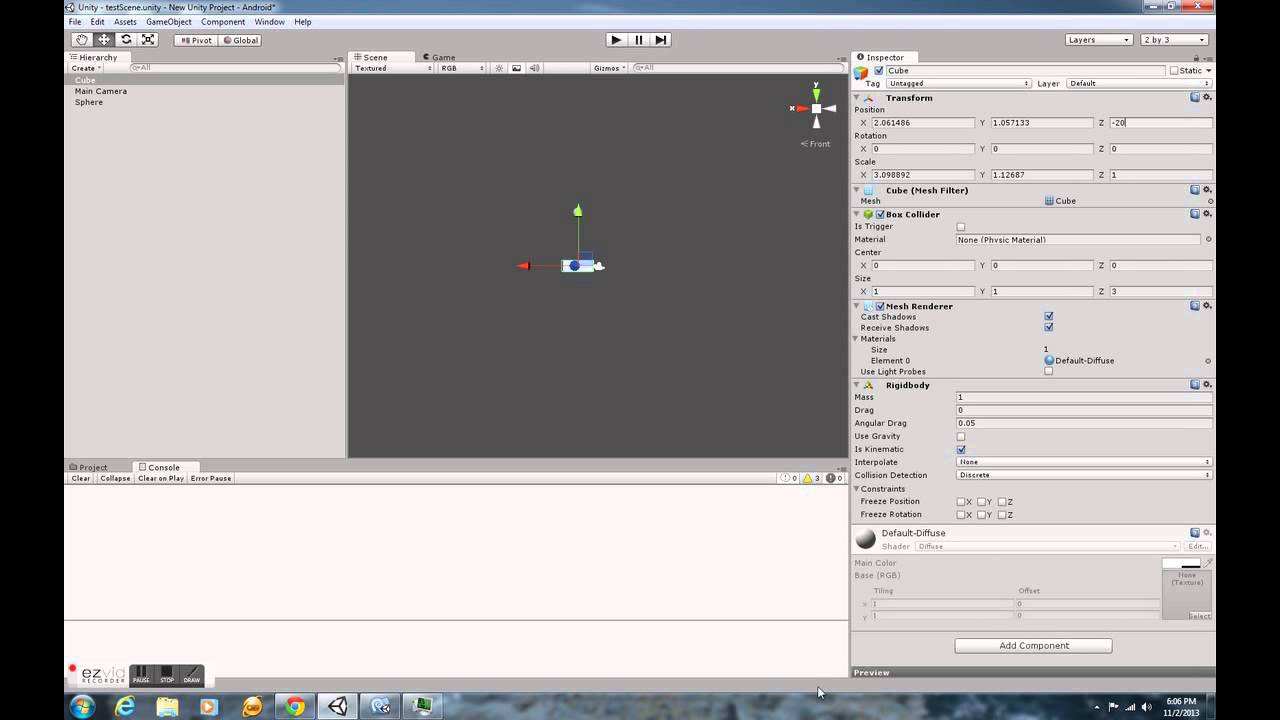
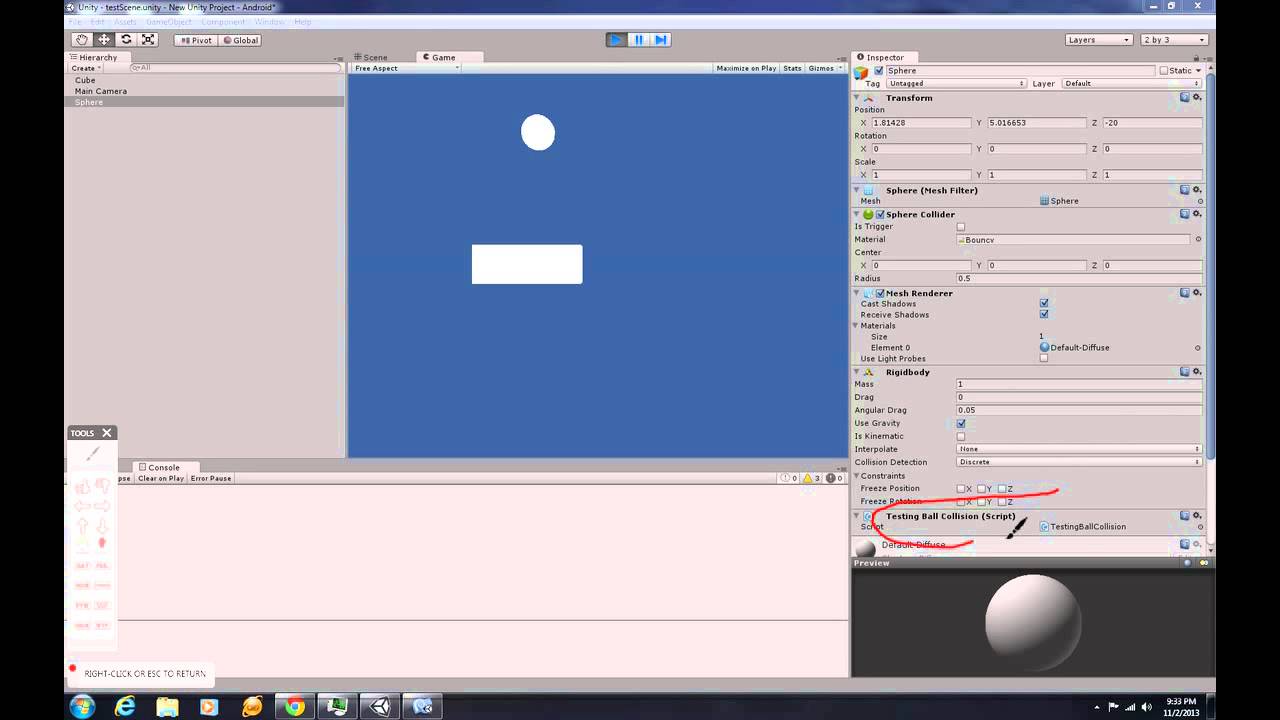
Hello, I have two objects a sphere and a cube. Each object is set to position -20 on the z axis. The sphere object contains a sphere collider and a rigidbody with gravity checked. The cube objects contains a box collider and a rigidbody component, with isKinemactic checked. I place the sphere about 10-15 game units above the cube. When I hit play i see the sphere fall right through the cube. In addition, the sphere has a bouncy physics material and the cube has a metal physics material. Lastly, my testCollision script that calls the onCollisionEnter, onCollisionStay, and onCollisionExit functions are never called. Could some please explain possible causes for this type of behaviour. I am currently using the free verision of Unity.
Here is a youtube link displaying the problem in action.
Watch this new video I made with Ezvid:

Make your own at www.ezvid.com