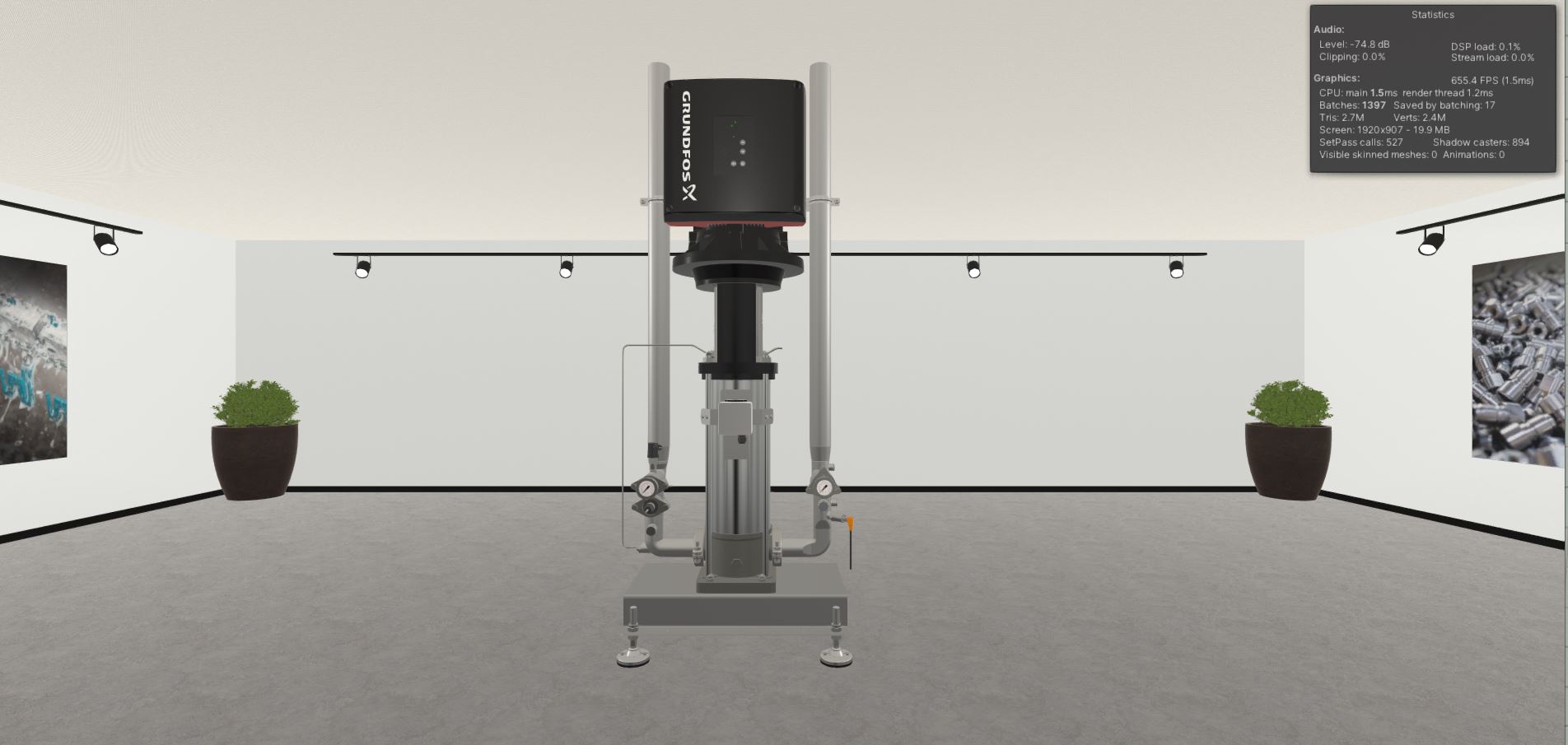
Hello everybody.
I am making a build where I want to show an object and be able to rotate, move and zoom.
The script i use to move the object, uses Left Mouse button to drag, but i would like it to use Right mouse Button.
using System;
using System.Collections;
using System.Collections.Generic;
using UnityEngine;

public class moveObj : MonoBehaviour
{
    private Vector3 mOffset;

    private float mZCoord;


    void OnMouseDown()
    {
        mZCoord = Camera.main.WorldToScreenPoint(gameObject.transform.position).z;

        //idk

        mOffset = gameObject.transform.position - GetMouseWorldPos();
    }

    private Vector3 GetMouseWorldPos()
    {
        //Y X
        Vector3 mousePoint = Input.mousePosition;

        // Z COORD
        mousePoint.z = mZCoord;

        return Camera.main.ScreenToWorldPoint(mousePoint);

    }

    void OnMouseDrag()
    {
        transform.position = GetMouseWorldPos() + mOffset;
    }
}
Your code doesn’t take in any information about what mouse button was pressed so I will assume it is set to Fire1 by default.
void OnMouseDown()
{
    if(Input.GetButton("Fire2"))
    {
        //Your code
    }
}
TheOtherUserName_1:
Your code doesn’t take in any information about what mouse button was pressed so I will assume it is set to Fire1 by default.
void OnMouseDown()
{
    if(Input.GetButton("Fire2"))
    {
        //Your code
    }
}
Thx for your answer.
using System;
using System.Collections;
using System.Collections.Generic;
using UnityEngine;

public class moveObjTwo : MonoBehaviour
{
    private Vector3 mOffset;

    private float mZCoord;


    void OnMouseDown()
    {
        if (Input.GetButton("Fire2"))
        {
            mZCoord = Camera.main.WorldToScreenPoint(gameObject.transform.position).z;

            //idk

            mOffset = gameObject.transform.position - GetMouseWorldPos();
        }

        private Vector3 GetMouseWorldPos()
        {
            //Y X
            Vector3 mousePoint = Input.mousePosition;

            // Z COORD
            mousePoint.z = mZCoord;

            return Camera.main.ScreenToWorldPoint(mousePoint);
        }

        void OnMouseDrag()
        {
            transform.position = GetMouseWorldPos() + mOffset;
        }
    }
}
JesperGreen:
Thx for your answer.
using System;
using System.Collections;
using System.Collections.Generic;
using UnityEngine;

public class moveObjTwo : MonoBehaviour
{
    private Vector3 mOffset;

    private float mZCoord;


    void OnMouseDown()
    {
        if (Input.GetButton("Fire2"))
        {
            mZCoord = Camera.main.WorldToScreenPoint(gameObject.transform.position).z;

            //idk

            mOffset = gameObject.transform.position - GetMouseWorldPos();
        }

        private Vector3 GetMouseWorldPos()
        {
            //Y X
            Vector3 mousePoint = Input.mousePosition;

            // Z COORD
            mousePoint.z = mZCoord;

            return Camera.main.ScreenToWorldPoint(mousePoint);
        }

        void OnMouseDrag()
        {
            transform.position = GetMouseWorldPos() + mOffset;
        }
    }
}
You have your code with all your functions inside the if statement. Just put your code from OnMouseDown in there you should be fine
Thank you for your patience, but i still get compiler error.
Would you mind to try rearranging the script for me?
JesperGreen:
Thank you for your patience, but i still get compiler error.
Would you mind to try rearranging the script for me?
Yes what exactly is the compiler telling you?
Here is an exsample script. I wrote it on mobile so maybe it doesn’t work.
using UnityEngine;

public class Exsample : MonoBehavior
{
    public Transform objToMove;
    public float moveSpeed = 10f;
    Vector3 lastMousePos;

    void Update()
    {

        lastMousePos.z = objToMove.z;
        if(Input.GetButton("Fire2"))
        {
            Vector3 newMousePos = lastMousePos - Input.mousePosition;

            objToMove.position += newMousePos.normalized * moveSpeed * Time.deltaTime;

        }
        lastMousePos = Camera.main.ScreenToWorldPoint(Input.mousePosition);
    }
}
This is a completely other approach but maybe this will work.
Your “GetMouseWorldPos” method and the “OnMouseDrag” are inside of the “OnMouseDown” event, that doesn´t work. There was a mistake with a }.
Try this, it´s the same code, but with the correct order of the }:
using System;
using System.Collections;
using System.Collections.Generic;
using UnityEngine;

public class moveObjTwo : MonoBehaviour
{
    private Vector3 mOffset;

    private float mZCoord;

    void OnMouseDown()
    {
        if (Input.GetButton("Fire2"))
        {
            mZCoord = Camera.main.WorldToScreenPoint(gameObject.transform.position).z;

            //idk

            mOffset = gameObject.transform.position - GetMouseWorldPos();
        }
    }

    private Vector3 GetMouseWorldPos()
    {
        //Y X
        Vector3 mousePoint = Input.mousePosition;

        // Z COORD
        mousePoint.z = mZCoord;

        return Camera.main.ScreenToWorldPoint(mousePoint);
    }

    void OnMouseDrag()
    {
        transform.position = GetMouseWorldPos() + mOffset;
    }
}
Just move the } from line 40 to line 23 in your script