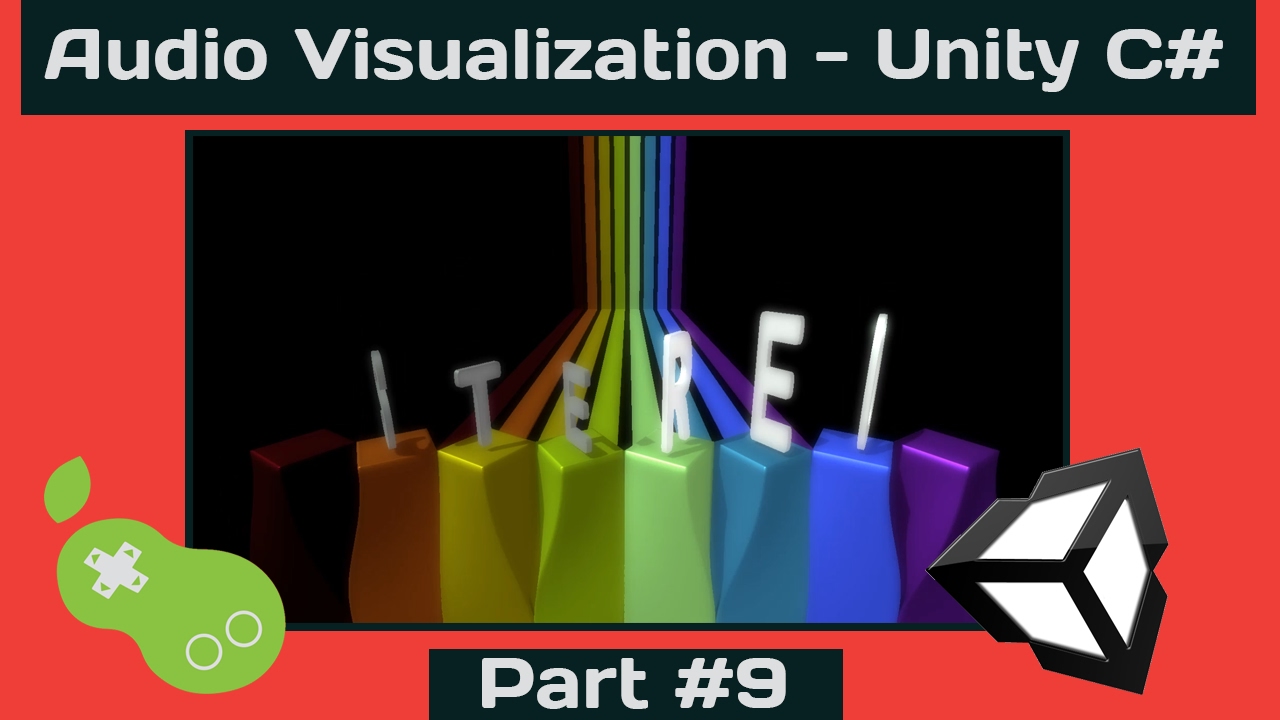
I have been working hard on creating an extensive video tutorial series on how to create your own Audio Visualizer in Unity C#.
Learn how to code your own music visualizer using c#.
In these series you will learn how to:
- Use Fast Fourier Transform (FFT)
- Visualize music into gameobjects
- Scripting buffers for visualisation
- Applying scripts to models, lights, transforms, camera, and shaders.
If you have any questions, or additions to this tutorial, feel free to reply. I’m hoping you will find this tutorial helpful.
I haven’t seen an extensive tutorial on this subject yet, so I decided to share my knowledge for free, so that you all may learn, and create more awesome stuff!
_Source files download: http://www.peerplay.nl/tutorials/peerplay-AudioVisTutPart1-source.zip_
Part 0 - Result
https://www.youtube.com/watch?v=5pmoP1ZOoNs
Part 1 - FFT/Spectrum Theory
https://www.youtube.com/watch?v=4Av788P9stk
Part 2 - GetSpectrumData in Unity
https://www.youtube.com/watch?v=0KqwmcQqg0s
Part 3 - Visualize 512 samples
https://www.youtube.com/watch?v=Ri1uNPNlaVs
Part 4 - Eight Frequency Bands
https://www.youtube.com/watch?v=mHk3ZiKNH48
Part 5 - Adding Buffers
https://www.youtube.com/watch?v=lEUuC3LQnzs (click link for video)
Part 6 - Ranged Usable Values
https://www.youtube.com/watch?v=QJCipD3YEE8 (click link for video)
Part 7 - Get Average Amplitude
https://www.youtube.com/watch?v=EAjNZJ8G0Hs (click link for video)
Part 8 - Audio Profile
https://www.youtube.com/watch?v=7ZpUVBpThBg (click link for video)
Part 9 - Stereo SpectrumData
https://www.youtube.com/watch?v=KqVsu07oAEM (click link for video)
Part 10 - 64 Audio Bands
https://www.youtube.com/watch?v=l77pAKrKe5s (click link for video)