I am having trouble getting the Phong Tessellation Shader example from this Unity Docs article to work:
The tessellation works fine, new vertices and edges are being created (see attached screenshot). However, I would expect surface detail to increase (the cube becoming more round, eventually being shaped more and more like a sphere), like shown in the screenshot of the above mentioned doc article. This is not happening to me, changing the Phong Strength does not seem to have any effect at all.
I used exactly the code of the article without any modifications. Unity versions do also match.
Nothing. What you’re seeing is the expected result of using tessellation on a cube.
Real time tessellation can smooth out low polygon, but still smooth geometry, but won’t, and can’t do anything to already hard edges. Phong tessellation is using the interpolated vertex normals to round the tessellated surface. But the interpolated normals for a cube are flat, there’s nothing to “round”.
Understand that phong tessellation isn’t spherifying anything, it has no effect on the mesh’s original normals. If you want to turn a cube into a sphere, you can, and tessellation can help, but you need to write a shader that manually overrides the vertex normals to do so. For example if you modify the example Phong tessellation shader’s dispNone function to look like this:
But then the phone tessellation isn’t really doing any of the work as the vertex: function gets called after tessellation, and any tessellation method would produce roughly the same result here. And it’s still probably not doing exactly what you’re wanting, as it won’t smooth out the corners until it’s fully a sphere.
You can definitely see rounded edges, so some kind of normal interpolation must have happened, right?
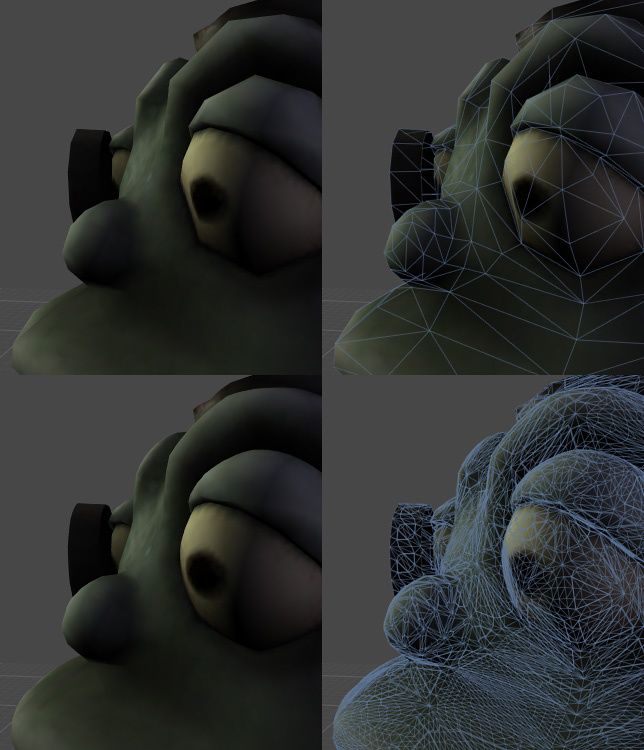
I have tried to apply the same shader to low-poly deer model to smoothen it out, but as with the cube, it does not seem to have any effect on the surface detail whatsoever: