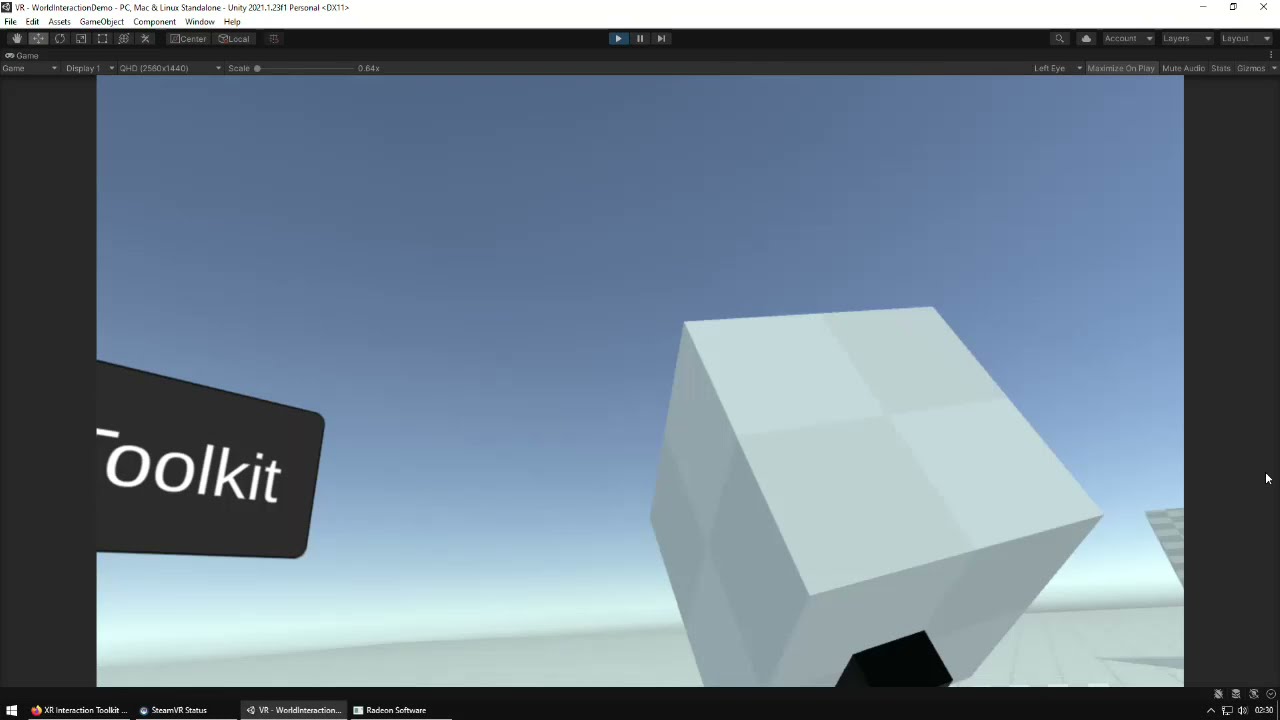
It seems like the grab interactable physics are running at a fraction of the speed of everything else, it’s kind of hard to see in a video but the cube is constantly jittering back and forth on it’s trajectory. It feels horrible and the cubes even clip straight through the ground at moderately fast falling speeds.
I’m using the unmodifed XR showcase project from the official unity github here. Is pre6 completely broken or is this the best you can expect from XRI? I was considering switching from the SteamVR plugin, but this is borderline unusable.
This is probably your physics fixed timestep not being in sync with your headset refresh rate. That project’s timestep is 0.02, but if for example you’re using a Quest 2 it should be 0.0138 (1 / Headset framerate).
I’ve mentioned this before here, but it should be something the toolkit prompts you to adjust when installed, as it’s a common problem and it leaves a bad impression.
Thanks, I didn’t even think of that. There definitely was no prompt of any kind about this, I guess that’s because the package comes pre-installed with the sample project.
Why would you have to set this manually though? Headsets usually have more than one refresh rate they can run at, like anything from 80Hz to 144Hz in case of my Index. Am I supposed to write a script that checks the currrently selected headset refresh rate and then adjust the time step accordingly?
Yeah I meant there is currently is no warning about this at all with the toolkit. I think Unity should add one otherwise you could reasonably assume the physics are just bad or whatever.