hi friend
i m looking for way to assign hdri image as backdrop
just check at the below link. unreal engine already done this.
https://www.youtube.com/watch?v=X8IzbQ_E6BI
i m searching for this option in unity
Regards
hi friend
i m looking for way to assign hdri image as backdrop
just check at the below link. unreal engine already done this.
https://www.youtube.com/watch?v=X8IzbQ_E6BI
i m searching for this option in unity
Regards
thank you for reply. But this is only hdri generation which is already in unity. But i m talking about backdrop so any 3d object feels like any 3d object placed on hdri ground .just check video link how unreal doing this…
You can do this in HDRP, I don’t think this is provided in URP/built-in, only HDRP.
HDRI Sky | High Definition RP | 7.1.8 (unity3d.com)

Thanks a lot buddy for your help.
this option is hided in latest HDRP too
i found it on manual
If you want to toggle additional properties for all components and Volume Overrides, you can do so through the Preference window under Core Render Pipeline. To do this:
and backplate option enable…
HI,
Not sure if I’m on the right track…but is your question mostly about compositing?
By that I mean using Unity to place a 3d object within a premade video so’s the whole scene can be manipulated by the usual Unity tools? Or are you asking about HDRP setup for this?
For example, this simple scene has a video backdrop and shows interaction with the water.
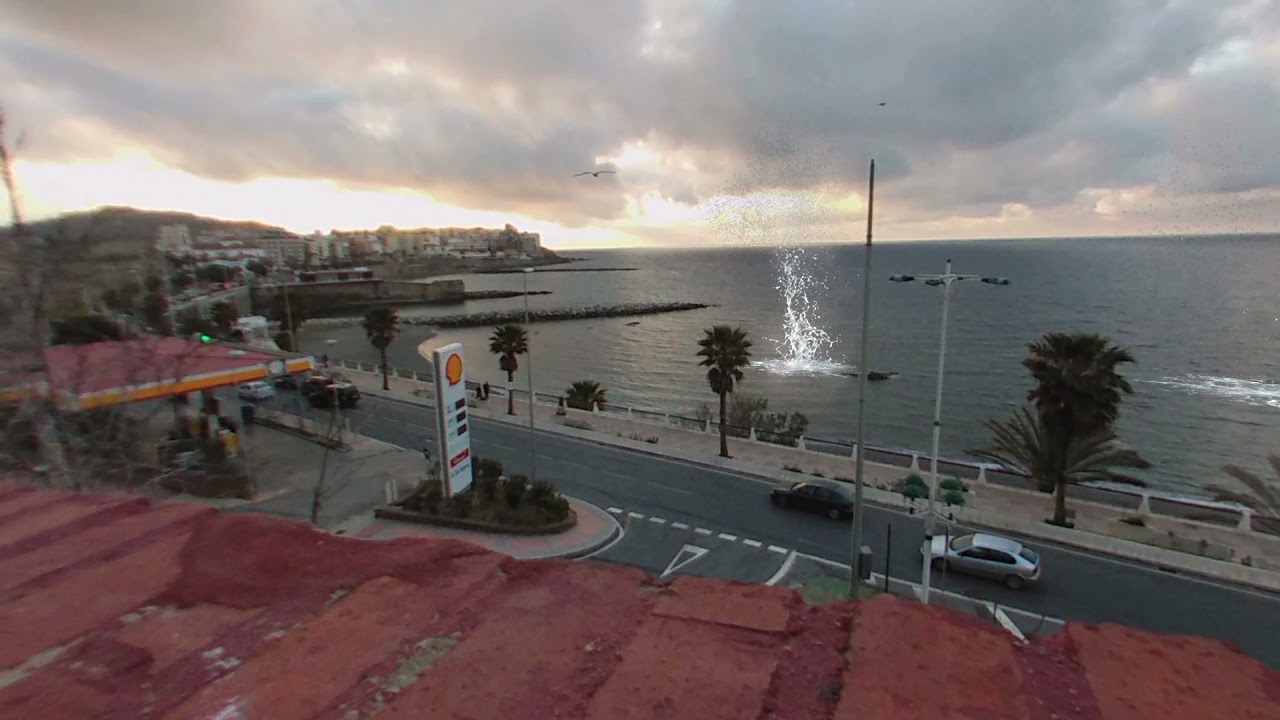
Shadows can be hard to place on the background video but there is a Matte/Shadow shader, similar to 3dsMax that can be used for this to add realism and the sense of belonging to the background.
Any clue on how to have the same result as UE4’s backdrop? I’m currently using URP
What are you asking for…Same result as the the HDRI output backdrop photo?? or as the OP asked…"so any 3d object feels like any 3d object placed on hdri ground "
Hi @vertexx ! I meant how to achieve this result using unity URP.

Can you point me in the right direction? Thx!!
? The 3d skybox backgrounds? or those adjustable climate changes/ variations in the video? or the placing of 3d objects within the scene/skybox to simulate a form of realism?
Or everything mentioned?
Not clear what you are searching for? In my youtube channel, is there anything there that relates to your request? I may be well off the beaten track but I will help if relevant.
Did you find a solution? I am also wanted to implement the HDRI backdrop in Unity, which looks/functions same as the HDRI backdrop in Unreal.
I’m not sure but I believe Unreal uses a droplet shaped sphere (flat bottom) to map the HDRI onto which gives a close and solid ground for the cars to stand on. You could try to recreate this droplet mesh and import it into your scene.
I checked the Unreal Engine HDRI backdrop blueprint. Looks like they have a custom shader applied to the sphere, which actually projects a normal HDRI map to a hemisphere. I am trying to figure out a way to recreate the same in Unity shader graph. Let’s see.
Did you manage to recreate that shader graph? We are looking to implement the same functionality in URP which is not an option unless we use custom shader graph.