However, I couldn’t find the version of the package that is published with which unity version it is compatible with by looking at the What’s new, Upgrade, CHANGELOG, etc. of this package.
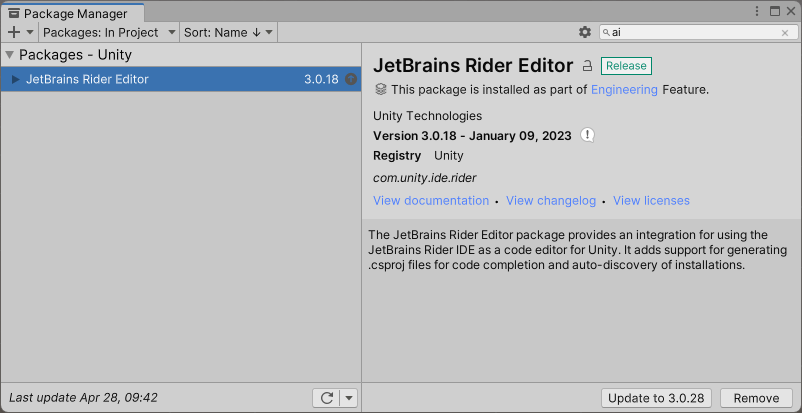
Package manager shows all compatible versions of officially supported packages, for selected Unity version.
If it is no there, it is not officially supported.
I created a new project in unity 2021.3.21f1 and looked for AI Navigation in the package manager, but it does not show up.
Does this mean that there is no AI Navigation supported in 2021.3.21f1?
I tried this method, but
To install the package, follow Adding a registry package by name instructions and add com.unity.ai.navigation.
This does not seem to give me a version for 2021.3.21f1
It’s an unofficial mirror of most packages hosted on the Unity NPM registry. It’s just useful for quickly referencing source code and miscellaneous files in Unity’s NPM packages. In this case, I’m showing that the minimum supported version is defined as 2023.2.0a18. You’re on 2021.3.x, which is not compatible with versions down to 1.0.0-pre.1. The last version that doesn’t exclude 2021.3.x is 1.0.0-exp.4, but that was published around 3 years ago.
Thank you very much.
This explanation of yours is an easy one to understand.
If I want to use NavMesh, the only way may be to use a project with 2023.2.0a18 or higher.