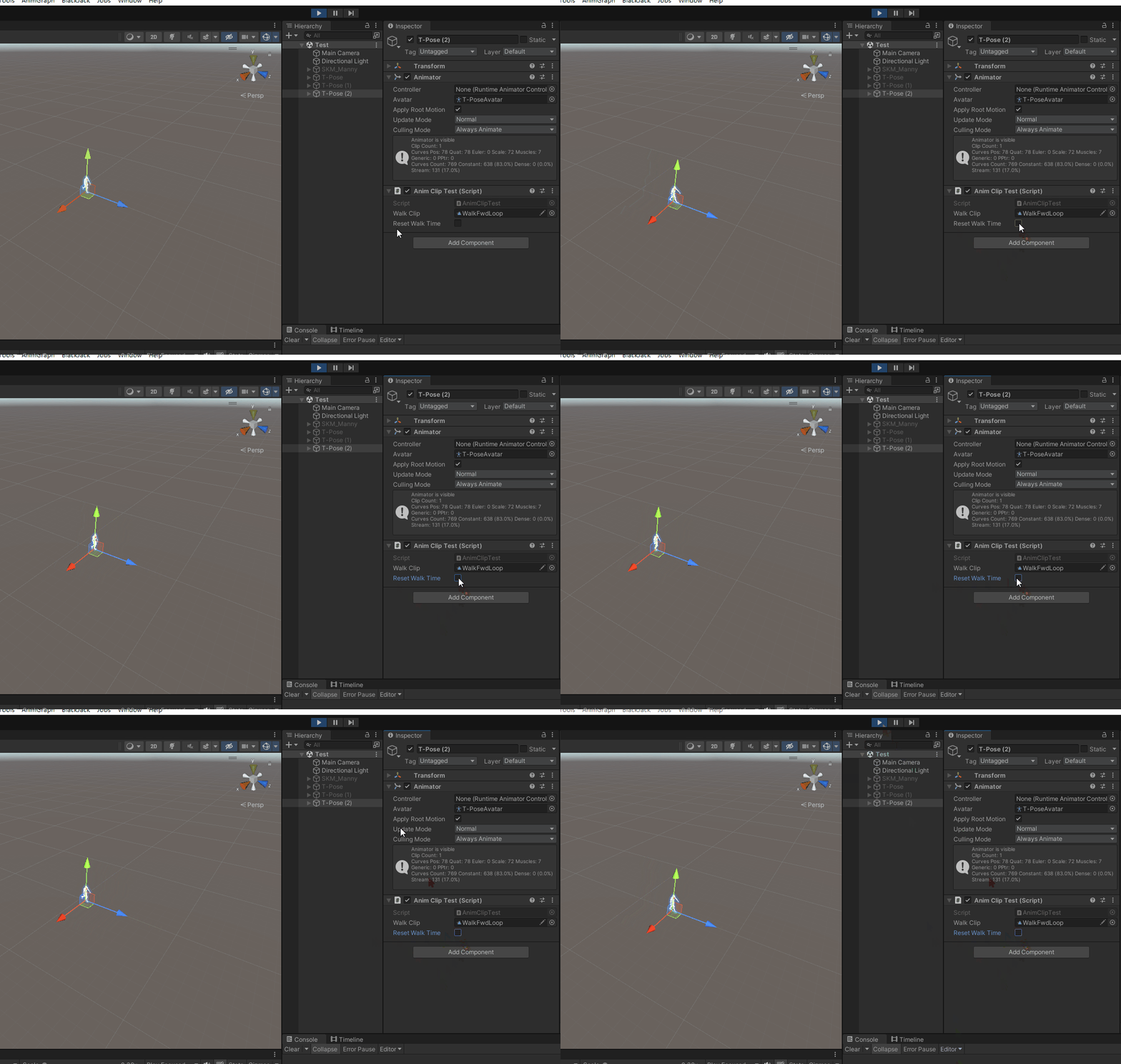
I am trying to make a simple animation player and I need to jump to the specified progress of animation clip. However, when I call clipPlayable.SetTime(myTime) , it not only sets the clip to the specified progress, but also applies the cumulative displacement of the delta time to the character. Is there any way to set the time of the AnimationClipPlayable without affecting the character’s position?
using UnityEngine;
using UnityEngine.Animations;
using UnityEngine.Assertions;
using UnityEngine.Playables;

[RequireComponent(typeof(Animator))]
public class AnimClipTest : MonoBehaviour
{
    public AnimationClip walkClip;
    public bool resetWalkTime;

    private PlayableGraph _graph;
    private AnimationClipPlayable _walkPlayable;

    private void Start()
    {
        Assert.IsTrue(walkClip);
        _graph = PlayableGraph.Create(nameof(AnimClipTest));
        _walkPlayable = AnimationClipPlayable.Create(_graph, walkClip);
        var animOutput = AnimationPlayableOutput.Create(_graph, "AnimOutput", GetComponent<Animator>());
        animOutput.SetSourcePlayable(_walkPlayable);
        _graph.Play();
    }

    private void Update()
    {
        if (resetWalkTime)
        {
            resetWalkTime = false;
            _walkPlayable.SetTime(0);
        }
    }

    private void OnDestroy()
    {
        if (_graph.IsValid())
        {
            _graph.Destroy();
        }
    }
}
In the SimpleAnimation project, Unity provides a simple but imperfect solution which involves calling the SetTime method twice on AnimationClipPlayable.
Using this method, it can be seen that the character still experiences a slight rewind as shown in the attached image:
To achieve a better result, I chose a slightly more complex solution.
I input each AnimationClipPlayable into an AnimationScriptPlayable (referred to as ASP) which selects whether or not to strip the current frame’s animation RootMotion data.
At the end of the PlayableGraph’s animation tree, I also connected an AnimationScriptPlayable (referred to as RootASP) which extracts the RootMotion data from the AnimationStream.
Finally, in the character’s OnAnimatorMove method, I add the RootASP’s RootMotion data to the character’s transform. The rough code is shown below:
// ASP
public struct AnimClipProcessorJob : IAnimationJob
{
    public NativeReference<bool> m_stripRootMotionOnceRef;

    public void ProcessRootMotion(AnimationStream stream)
    {
        if (m_stripRootMotionOnceRef.IsCreated && m_stripRootMotionOnceRef.Value)
        {
            stream.velocity = Vector3.zero;
            stream.angularVelocity = Vector3.zero;
            m_stripRootMotionOnceRef.Value = false;
        }
    }

    public void ProcessAnimation(AnimationStream stream) {}
}

// RootASP
public struct AnimGraphRootJob : IAnimationJob
{
    public NativeReference<Vector3> m_velocityRef;
    public NativeReference<Vector3> m_angularVelocityRef;
    public NativeReference<float> m_deltaTimeRef;

    public void ProcessRootMotion(AnimationStream stream)
    {
        m_velocityRef.Value = stream.velocity;
        m_angularVelocityRef.Value = stream.angularVelocity;
        m_deltaTimeRef.Value = stream.deltaTime;
    }

    public void ProcessAnimation(AnimationStream stream) {}
}

// OnAnimatorMove
private void OnAnimatorMove()
{
    m_animator.ApplyComponentSpaceVelocity(m_velocityRef.Value, m_angularVelocityRef.Value, m_deltaTimeRef.Value);
}

public static void ApplyComponentSpaceVelocity(this Animator target,
    Vector3 compSpaceVelocity, Vector3 compSpaceAngularVelocityInRadian, float deltaTime)
{
    var compSpaceDeltaRotation = Quaternion.Euler(compSpaceAngularVelocityInRadian * Mathf.Rad2Deg * deltaTime);
    var worldSpaceDeltaPosition = target.transform.TransformDirection(compSpaceVelocity) * deltaTime;
    target.transform.rotation *= compSpaceDeltaRotation;
    target.transform.position += worldSpaceDeltaPosition;
}
By the way, I would like to mention that after stripping the RootMotion data in the ASP, the RootMotion data obtained from the Animator in the OnAnimatorMove method is INCONSISTENT with the data extracted from the AnimationStream in the RootASP. Therefore, the OnAnimatorMove method cannot use the data obtained from the Animator.
I mentioned this problem in a previous thread but did not receive a reply. I would be grateful if anyone could provide an explanation for this issue.
There are 2 errors in the AnimGraphRootJob.ProcessRootMotion method and ApplyComponentSpaceVelocity method. They do not handle the scale of the character.