I have been working on a UI menu in Unity for a while now. I have tried writing some scripts but they have not been succesfull. Can anyone help me? I have made the menu look like an Ipad that is supposed to popup when a joystickbutton is pressed. It seems like the scripts doesnt recognice the gameobject?
using System.Collections;
using System.Collections.Generic;
using UnityEngine;
using UnityEngine.UI;
public class MenuAppear : MonoBehaviour
{
public Gameobject Canvas;
private bool isShowing;
// Update is called once per frame
void Update() {
if(Input.GetKeyDown(KeyCode.JoystickButton1))
isShowing = !isShowing;
Canvas.SetActive(isShowing);
}
}
I got the canvas to open and close with buttonpress on X o the keyboard!
Does anybody know how I can make the menu show in front of me (and scale it down when it opens in front of me?)
FrontEnd Fanatics on YouTube has a good video on Debugging for the Oculus Quest. In it, he uses a free asset called Graphy, which he hide/shows to the Oculus Start button (left hand menu button). It’s in the latter part of the video, but he goes over Screen/World space, placing it near but not on top of you…which camera to use, etc.
I found out how to do it now Thanks! Now the menu is a reasonable size in front of the player. I made the buttons interactable, now I just need to figure out how to get the left oculus controller to cast a ray and click on them
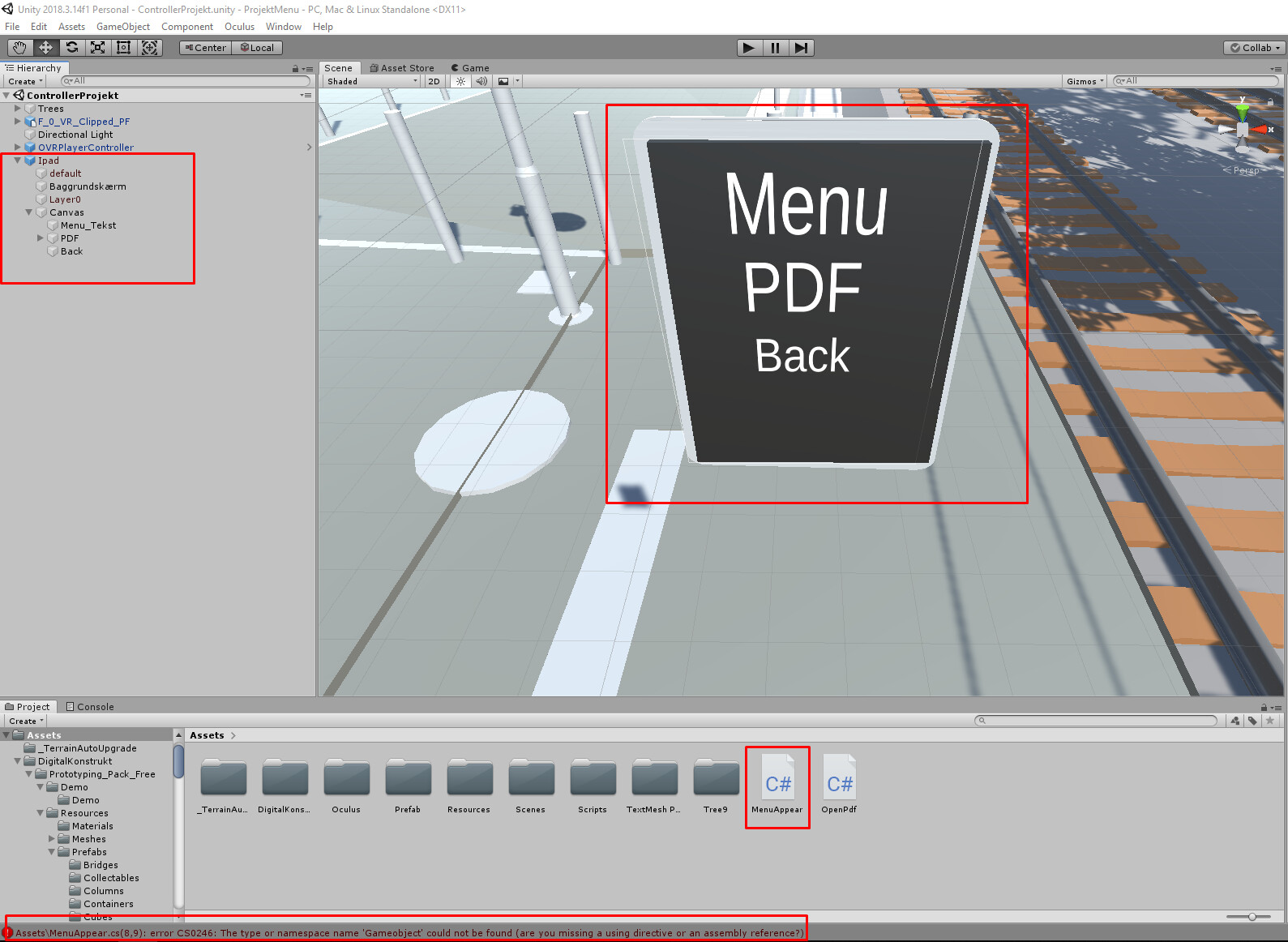
 Thanks! Now the menu is a reasonable size in front of the player. I made the buttons interactable, now I just need to figure out how to get the left oculus controller to cast a ray and click on them