I made some PNG sequences for a game I’m working on in C#, but I don’t know how to accurately set different parameters of its playback.
First, I want to set its playback speed (or at least attempted one) at 60fps. Basically having each frame retained for 1/60th of a second. When I drag the PNG sequence into Unity, it automatically creates an animation sequence out of it, but it chooses some unclear frame rate that’s very stuttery, and the only value I see for it is “speed” (if I recall correctly, I’m away from PC right now) which is at default set to 1 and can be increased, but that doesn’t tell me what is the actual frame rate.
Second, one animation sequence is supposed to be ping-ponged back and forth. The sequence is made of 31 frames, and I want it to play from frame 00 to frame 31 and then from from 30 to frame 01. How can that be done?
Third, I want to have something like a static first frame that only goes to the next frames of the animation when a certain rule is met (such as pressing a button to shoot a gun).
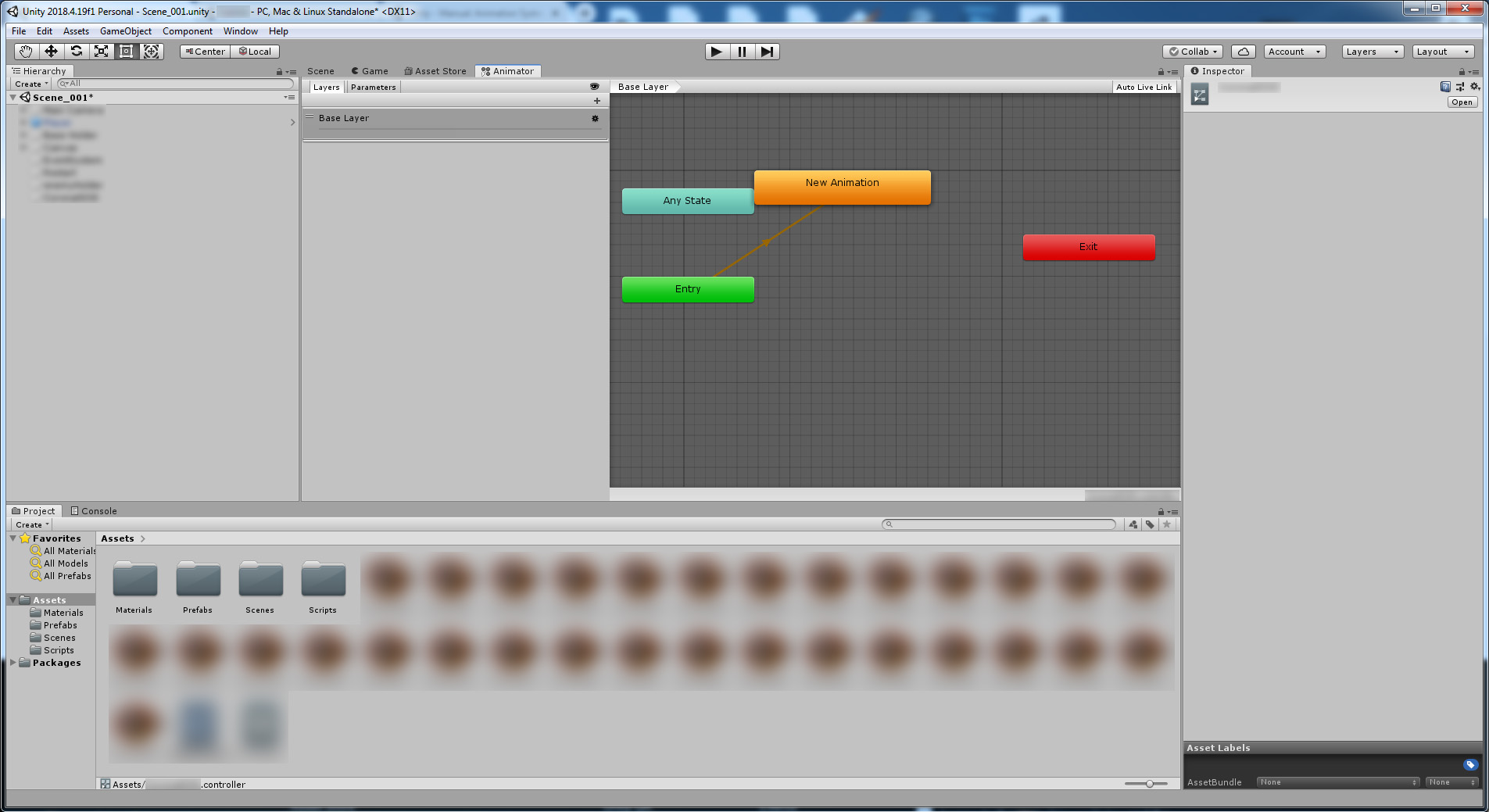
You’ll want to look up some basic tutorials on mecanim animator. Regarding your questions:
If you use the mecanim animator it will try its best to show best FPS. If your computer is lagging it will skip a few frames just to get the timing right. You can change the speed of an animation by changing the ‘Samples’ in the animation tab of your animation, or by changing the ‘Speed’ in the properties of your animation file (click on it to view it)
You will likely need to hand drag the animations back at the correct spots to get the pong effect. There might be a faster way but i’m relatively new to this myself.
You will want two animation states in the animator. The first is idle with either no animation or a one frame animation, and the second is your animation. make a transition between the two and trigger it through animator variables such as myAnimator.SetBool(“myval” true);