For example, knife hit is locked in portrait mode, how can i lock a game in landscape mode?
Hello @Wrenger ,
You can use Screen.orientation in your code: Unity - Scripting API: Screen.orientation
Good luck with it!
1 Like
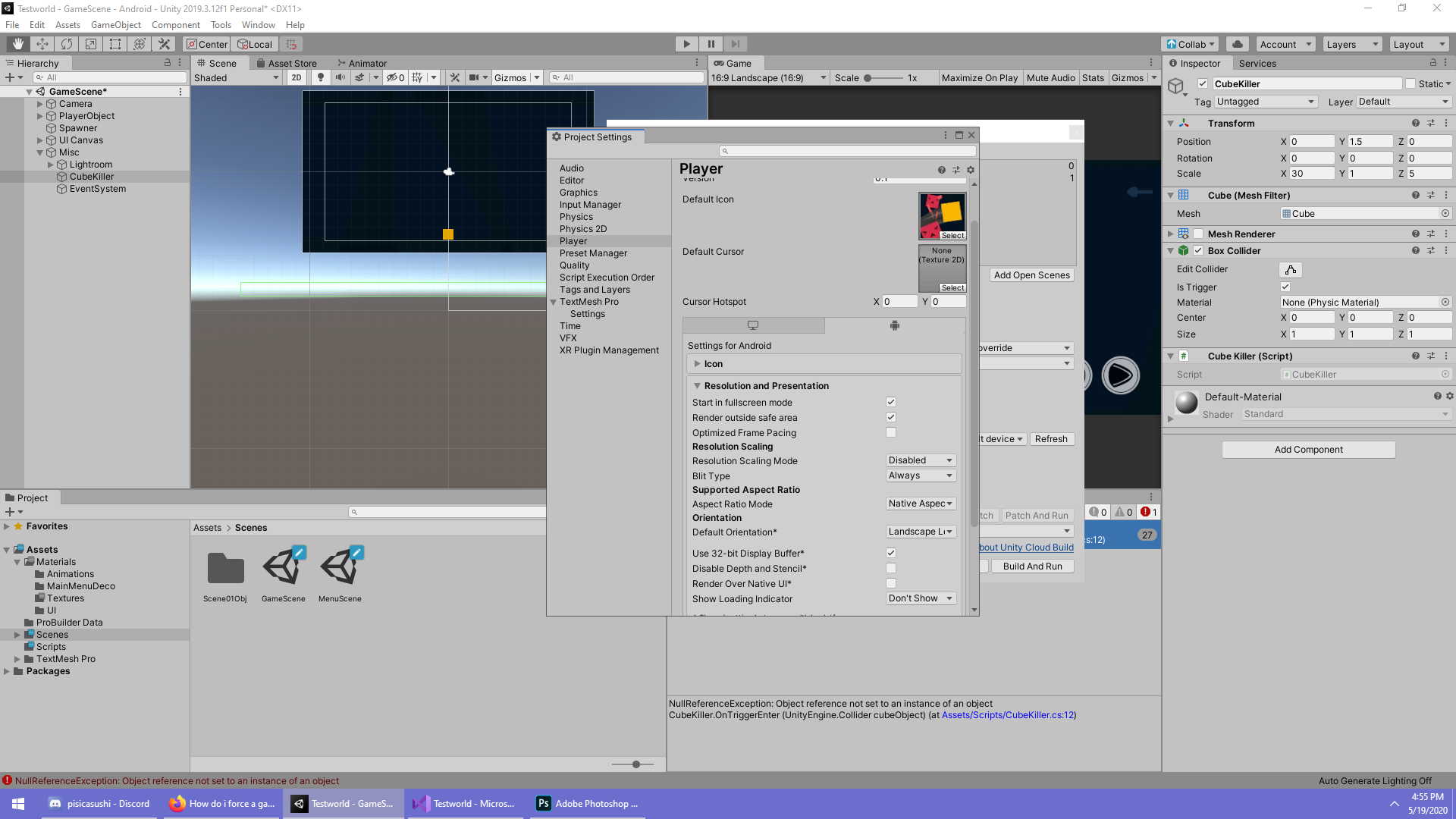
Well, not exactly, what you configure on the Player Settings options that you’re pointing out on your screenshot is for choosing the default orientation and also for locking certain orientations that your game or app doesn’t support.
The link that I sent to you is to change the screen orientation in runtime, depending on the specific needs of your game or app in a certain moment or situation. For example, you maybe want to have some sections to be in portrait mode and some others in landscape.
I hope this helps!
1 Like
Yep it does. Ty
1 Like
where do i put the script
Hi @EYUMIX1 ,
It depends on your project, but ideally, the code should run when the scene that you want to have with certain orientation loads. You can also run the code in the same scene if you need it.
For example, if you have a system in charge of loading and unloading scenes, you can place the code in the related script.
In any case, it’s a good practice to show a loading screen on top if you want to avoid the user to see the hard transition between orientations.
I hope it helps!
1 Like
I have a game with Standalone and Android target platforms.
In my standalone build, the Screen.Orientation is ALWAYS portrait no matter what.
This is a problem because I have different layouts based on screen orientation.
It works fine for Android but not for standalone.
So the standalone version is laying out everything as if it is portrait when it should be landscape.
My monitor is 1920x1080 which sounds like landscape to me
Setting For standalone build:
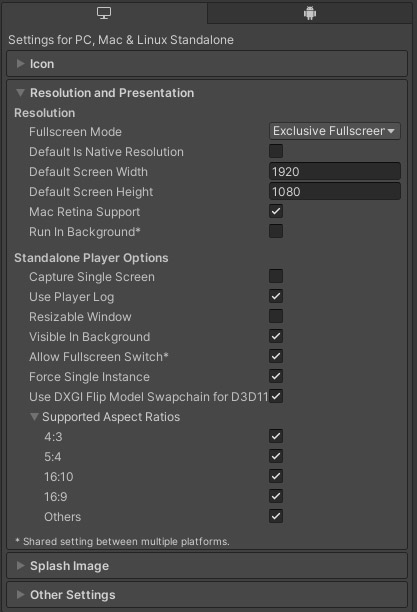
Setting for Android:

I’ve been messing with these settings for hours and nothing works.
I am beyond frustrated on this, can anyone please explain it?
Of course in the editor, it works as expected.
1 Like