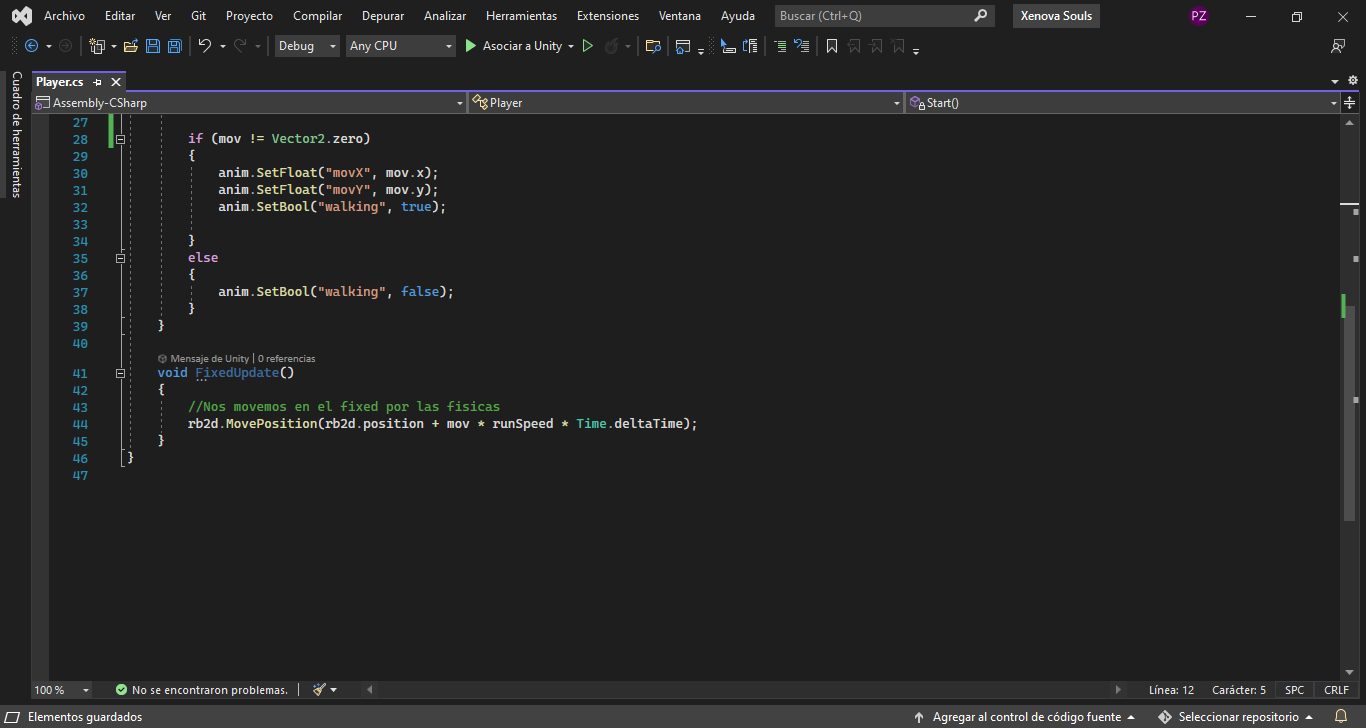
Greetings, I wanted to know if you could give me your help in how to implement a jump system for my game that is a zelda or final fantasy style RPG, I have the basic movement script with a 2d rigidbody, but I have not been able to know how to jump If I use the XY coordinates to make it move and its box collider to avoid the collisions of my Tiled map, and to know if for the jump, would I have to use another 2d box collider?Do I have to use a Z axis? And I also want to give it its respective animation so that it can be seen that the character separates from the ground leaving his shadow on it. I would be very grateful if you could give me a solution to my problem, I will put an image of my script so that you can see how or I have structured myself.
PS: sorry for my English if it’s wrong or I said something wrong.
for jump in top down 2d you cant use unity default rigidbody and colliders, you will have to make your custom collisions code, or otherwise you should use the 3d collisions to simulate a 3d space
If you’re in a 2D RPG game, jumping is usually done as sort of a dimensional trick.
Moving up/down the screen is valid north/south movement.
Jumping also goes up/down on the screen… BUT!
Jumping does not change your position on the map, but rather offsets your visual presentation (the sprite for instance) in the Y direction temporarily, but you need to handle NOT colliding with things that are truly north of you, not really above you.
Basically you are introducing a third dimension that is very limited and has constrained rules about it, such as allowing you to get to parts of the map (the next ledge up) when you otherwise can’t, or allowing you to leap over an enemy etc.
All in all it’s pretty tricky stuff. I recommend you diagram out ALL the interactions you want to support in advance.
jumping in 2d topdown is an advanced mechanic, which is why so few games allow it, if you want a true free jump you will have to build every aspect of your game around it, its not solved just with 1 or 2 tutorials
if you want a “soft jump” that doesnt matter much like minish cap you just need to change the position of your sprites and create an illusion. ( for example in minish cap you cant jump over npcs even though links jump is much higher than their height, his collider stays on the ground and is blocked by the npc )
If you want the jump to be “true” like in 3d games you need to simulate your terrain in a 3d space and then convert the positions to 2d. Unity doesnt provide this for you out of the box, you’ll have to do a lot of custom code