Hi (:
I’m new to Unity and so far have added 2 scenes and a button on both to move between them with LoadLevel. I managed to add a text GO and have it updating from a script and now I wish to draw sprites on the screen.
I created a simple 256x256 png in photoshop (http://i.imgur.com/MzSusez.png) for the sake of testing and added it to the scene here: http://i.imgur.com/tBXl1GF.png
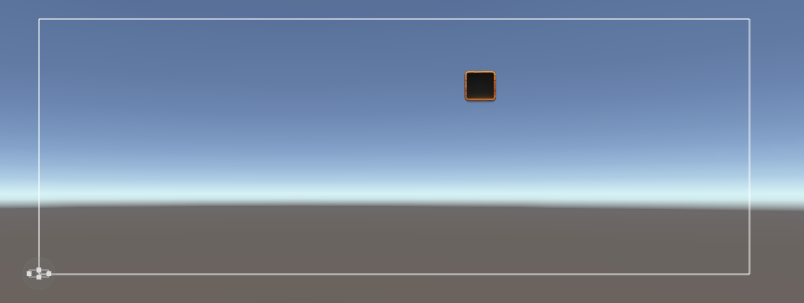
However, when I start the game I cannot get it to show up at all, and when I add it to the playfield it’s absolutely tiny (the scale of it in that image is x30.4 and y34.67) and when I actually try to start the game I simply cannot get it to show up at all: http://i.imgur.com/ezJ3S7q.png
I have tried:
- Moving it closer to the camera on the z-axis by moving to 3d view
- Moving it to various places on the hierarchy (on the left)
- Re-adding it
- Changing the layer the sprite is on
So far I’ve been really enjoying Unity however I simply cannot get this to work and every tutorial I watch seems to gloss over it as though the Sprite should just appear in the playfield and be usable automatically 
Any help would be appreciated, thank you!