Hello
How do I set a distance for audioSource ???
thx >>>
Hello
How do I set a distance for audioSource ???
thx >>>
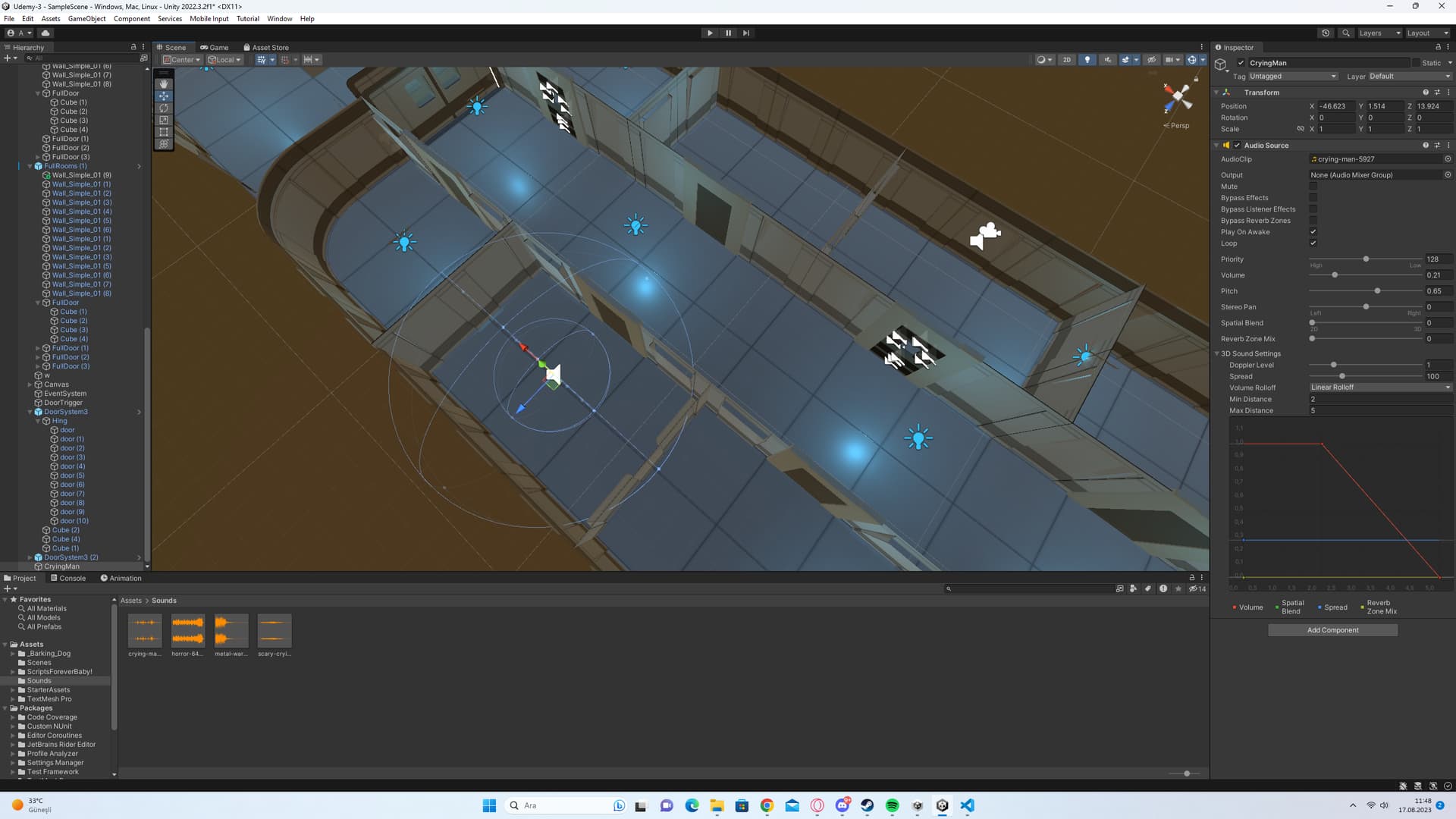
You don’t need any script to do that: in the AudioSource, select Rolloff Mode = Linear Rolloff, Max Distance = 5, Min Distance = 4.5 (or other value a little lower than the Max Distance) - this will make the sound disappear when the distance to the audio source is 5 or greater.
For thoose who can’t get a clue why distance to listener looks calculated so strange in 2D - check you Z for camera and for AudioSource!
Please do not revive or hijack old questions with your own question. What you posted is not an answer. Create you own separate question. You may want to look into the spatial blend setting. Currently your audio source is a fully 2d source so no 3d calculations will be applied. https://docs.unity3d.com/ScriptReference/AudioSource-spatialBlend.html
– Bunny83If you are using Unity 5, find 3D Sound Settings at the bottom of the Audio Source component, expand it, and then find Max Distance and set it to whatever value you want.

by set a distance do you mean that the sound should play only when sound source is within some distance?
– adrenak