Hi.
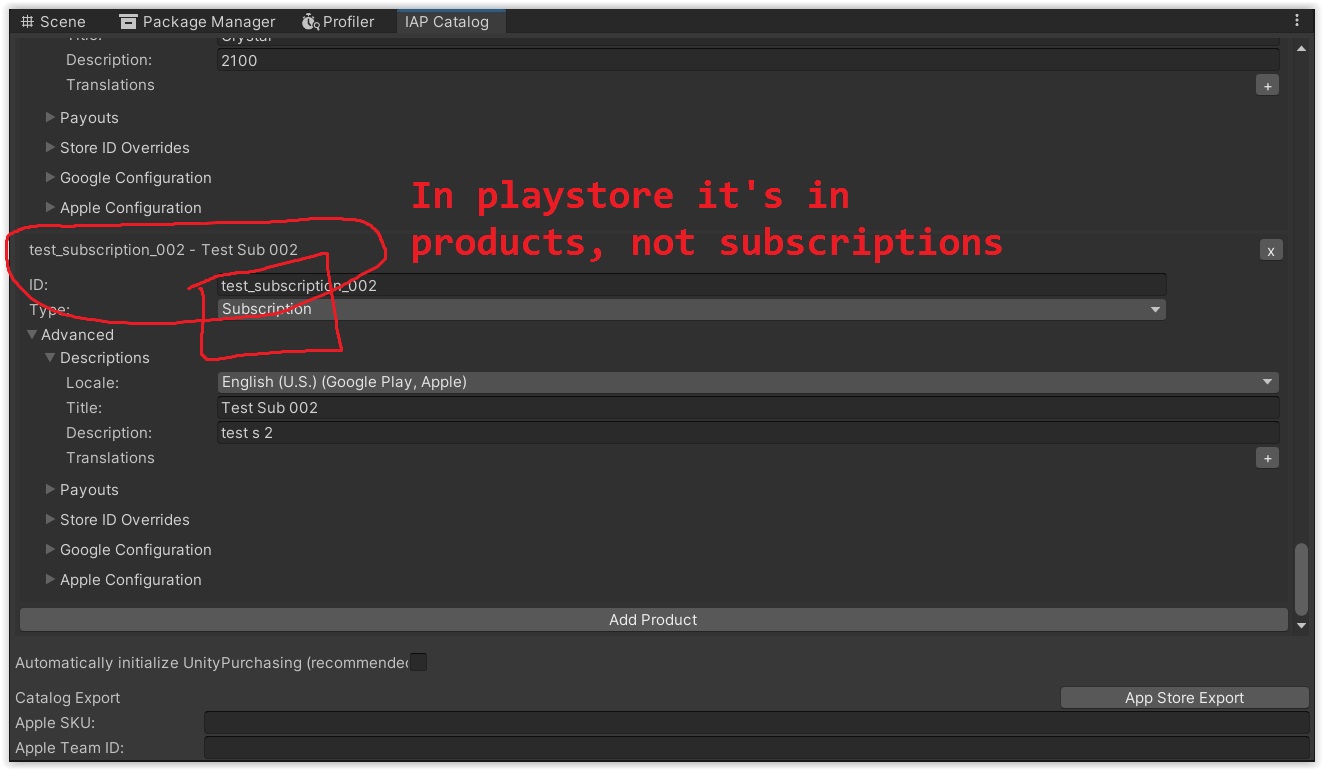
I’m trying to make subscriptions. I follow an tutorial and everything is working with consuable products. I can create them using IAP Catalog. I can create there even subscriptions products and connect them inside my game with IAP Button.
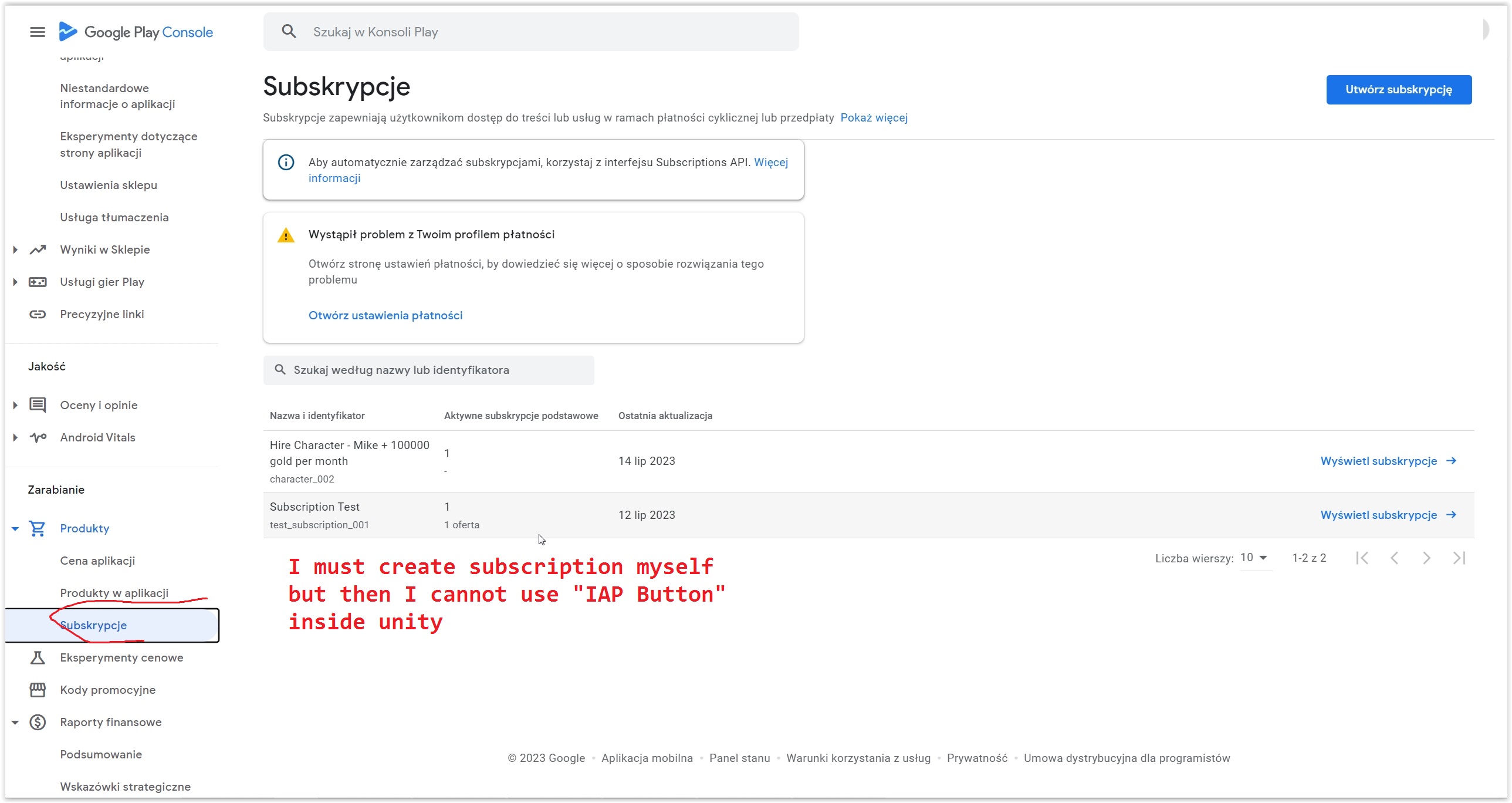
The problem is when I export that catalog to google play store. Those subscriptions made inside unity are all going to product section in google play console and even when I’m trying to use them, nothing happens.
But how to manage subscriptions with IAP Button so when player click “Subscribe button (IAP Button)” They will be able to buy subscription from the play store?
// Example method called when the user presses a 'buy' button
// to start the purchase process.
public void OnPurchaseClicked(string productId) {
    controller.InitiatePurchase(productId);
}
Please tell me what prevented you from adding the subscription manually. How do you test subscriptions inside of Unity. Also, when uploaded, how do the subcriptions work?
I have uploaded an application to the Google Play Store, however, when I download it, the ‘Remove Ads’ button seems to not be working. How did you make your subscriptions work?
I am using Codeless IAP for subscriptions as well.