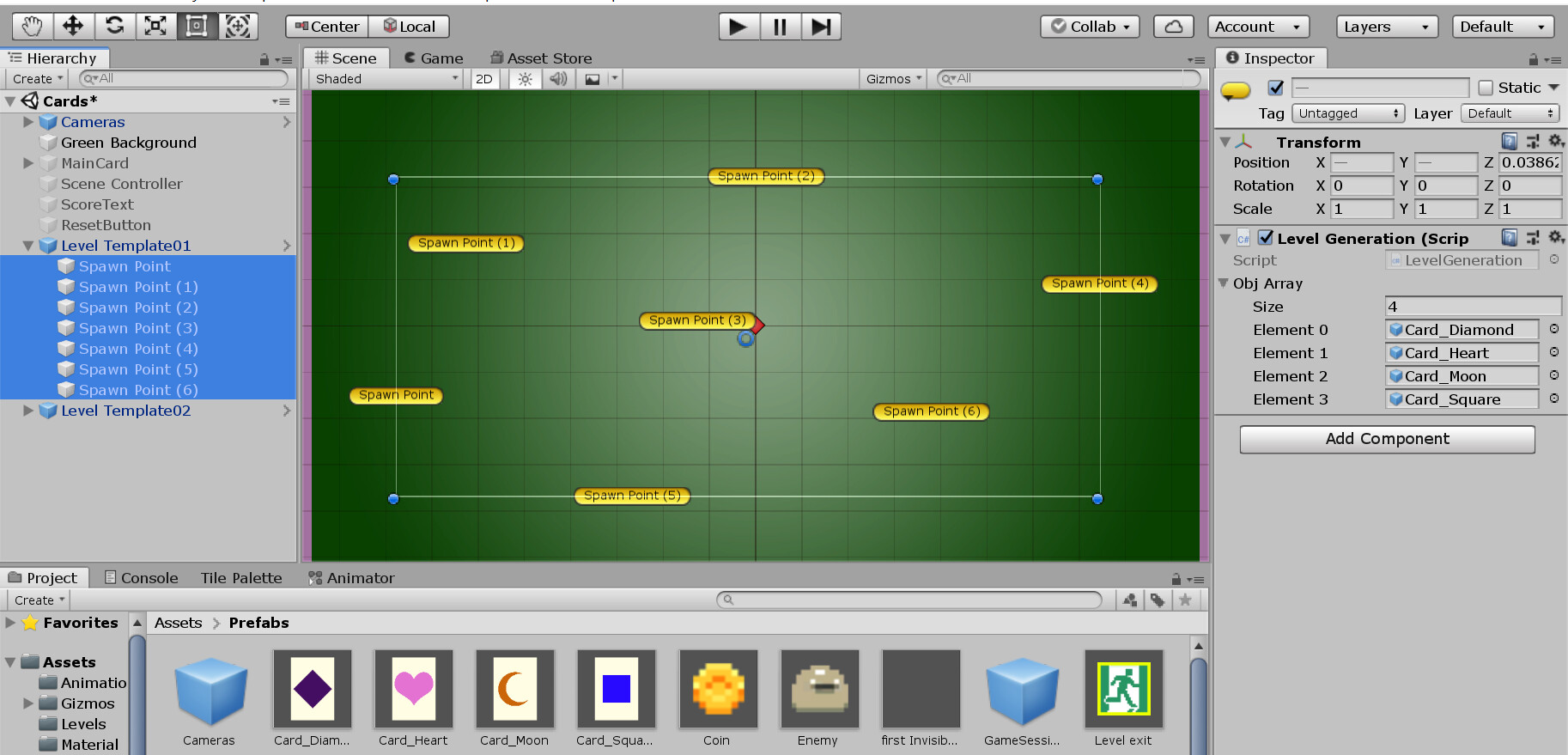
Apologies in advance if the question seems silly as I am a very new Unity user.
This is the code for the random generation of the map i am working with
public class LevelGeneration : MonoBehaviour
    {
        public GameObject[] objArray;
        void Start()
        {
            //generate a random object from our array (of prefabs of sprites) using this variable
            int ranNumBwZeroAndArrayLen = Random.Range(0, objArray.Length);
            //Instantiate gets the object that has the index equal to the random variable
            //the second parameter is the location of the new object
            //the third means the object wil be generated with no rotation
            Instantiate(objArray[ranNumBwZeroAndArrayLen], transform.position, Quaternion.identity);

        }
    }
Just as the pictures above, different combinations will be produced.
My question is: how can I modify the code/project to make sure that this random sequence is displayed one by one?
Any suggestion will be much appreciated!
is actually looping the objArray that has the prefabs.
How do I manually do this loop with each element of the array showing one by one so that I can insert the coroutine method in it?
Or, how do I loop the Instantiate() inside the coroutine method?
I couldn’t find anything to learn the connection between Instantate() and coroutines used together yet
IEnumerator Example() {
   WaitForSeconds wait = new WaitForSeconds(1f);

   for(int i = 0; i < yourArray.Length; i++) {
      Instantate(yourArray[i]);
      yield return wait;
   }
}
The above example will instantiate every object in an array on a 1-second delay between each loop.
You can change the parameter in the WaitForSeconds constructor to increase/decrease the delay.