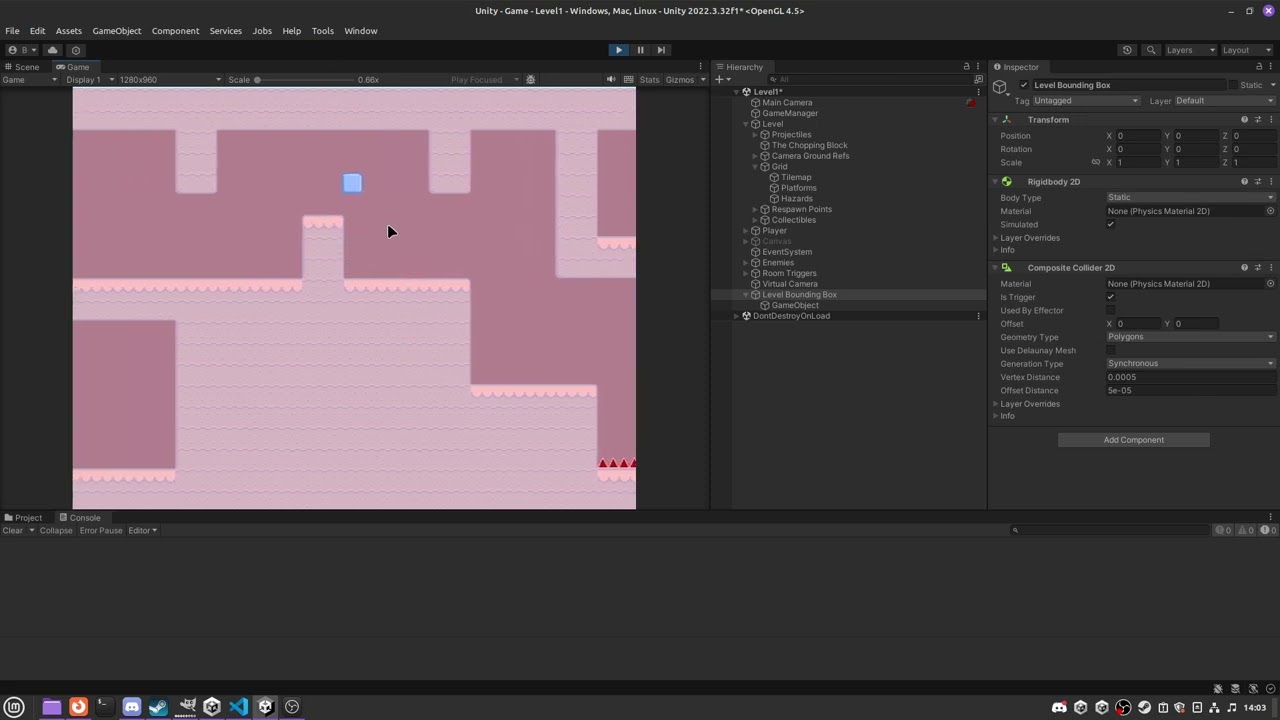
Hi! I’m making a 2D platformer game in Unity and I’m trying to work with a camera. I had a custom camera script but it was kind of janky so I figured I’d try Cinemachine, but I’ve been having loads of problems. I’m wanting to do some kind of track to keep the camera nice and consistent. I want to have something that’s not just point A to point B, so the player can go off into different areas etc. However, since the distance on the track is one-dimensional you can’t really do that to my knowledge, so I tried to accomplish this by having the track go up and come back down on itself to try to make different “paths”, although this obviously isn’t a great solution and it jerks the camera around whenever I try to go over the “layered” part of my track.
Does anyone know how I could go about doing something like this? If my explanation in text wasn’t great, I’m simply looking to achieve the behaviour in the linked video, except without the weird jerking around.
Don’t use a track. Create a bounding shape for your playing area and use a CinemachineConfiner2D on the camera.
Thanks for the project; I can repro the issue with it. It might be a CM bug. Looking into it, I’ll get back to you when I have something.
Thanks! I think this is what I’m looking to achieve.
I’m having one small issue though, my camera is going about a pixel outside of the bounds I set even with oversize window. If I increase the “max window size” to slightly bigger than my camera, it sort of goes away but I still have this strange effect where my camera visibly moves up a pixel or so when I go towards the ceiling. Do you know what the problem could be?
I appreciate the help!
Edit: I should mention that the bounds I set should be the exact same height as the camera anyway, so I’m not sure why the camera was sticking out the side a little at all
It’s not obvious to me why it’s doing that. Would you be willing to send me a test scene that reproduces this behaviour?
Sure!
The project is at GitHub - EpicOweo/Game under the “Game” folder, and the scene is Camera Issue Test in the scenes folder. Feel free to ignore GameManager, it shouldn’t have any effect on the scene, I just forgot to delete it before making the git commit.
Thanks!
bumping, haven’t found anything on my end yet. Wondering maybe if I somehow missed something simple
We have a fix for this issue. It will be available in the next CM release (2.10.2 and 3.1.2). In the meantime, you can pretend that the issue isn’t there, and it will fix itself when you upgrade CM. Thanks for reporting this.